About the examples: Examples and screenshots in this guide use BEAT, a demo company in a Dynamics 365 test environment. Use your own company's codes and values instead of copying them.
Steps from Microsoft
Make sure the P distribution schedule jobs have uploaded the store transactions.
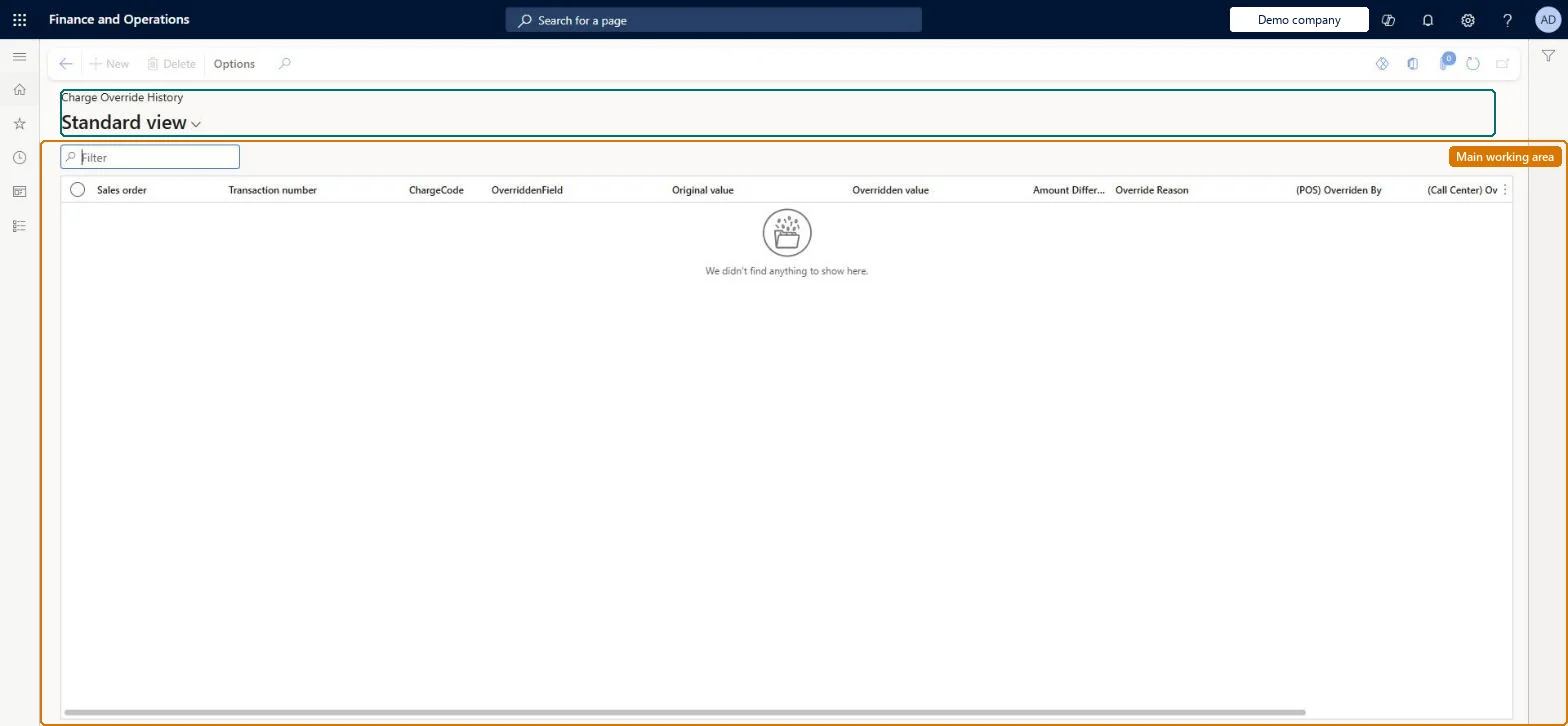
Go to Retail and Commerce > Inquiries and reports > Charge Override History.
Review the overridden or manually added charges and their reason codes.
PrivilegesPermission to view ChargeOverrideHistory ChargeOverrideHistoryViewDutiesPermission to view ChargeOverrideHistory ChargeOverrideHistoryView1 security roleRetail operations manager RetailOperationsManagerChecked in Dynamics 365
Roles to set it up and use it
To use itRetail operations manager RetailOperationsManagerGive people one of these roles. On this system, 1 role can open this page.Checked in Dynamics 365