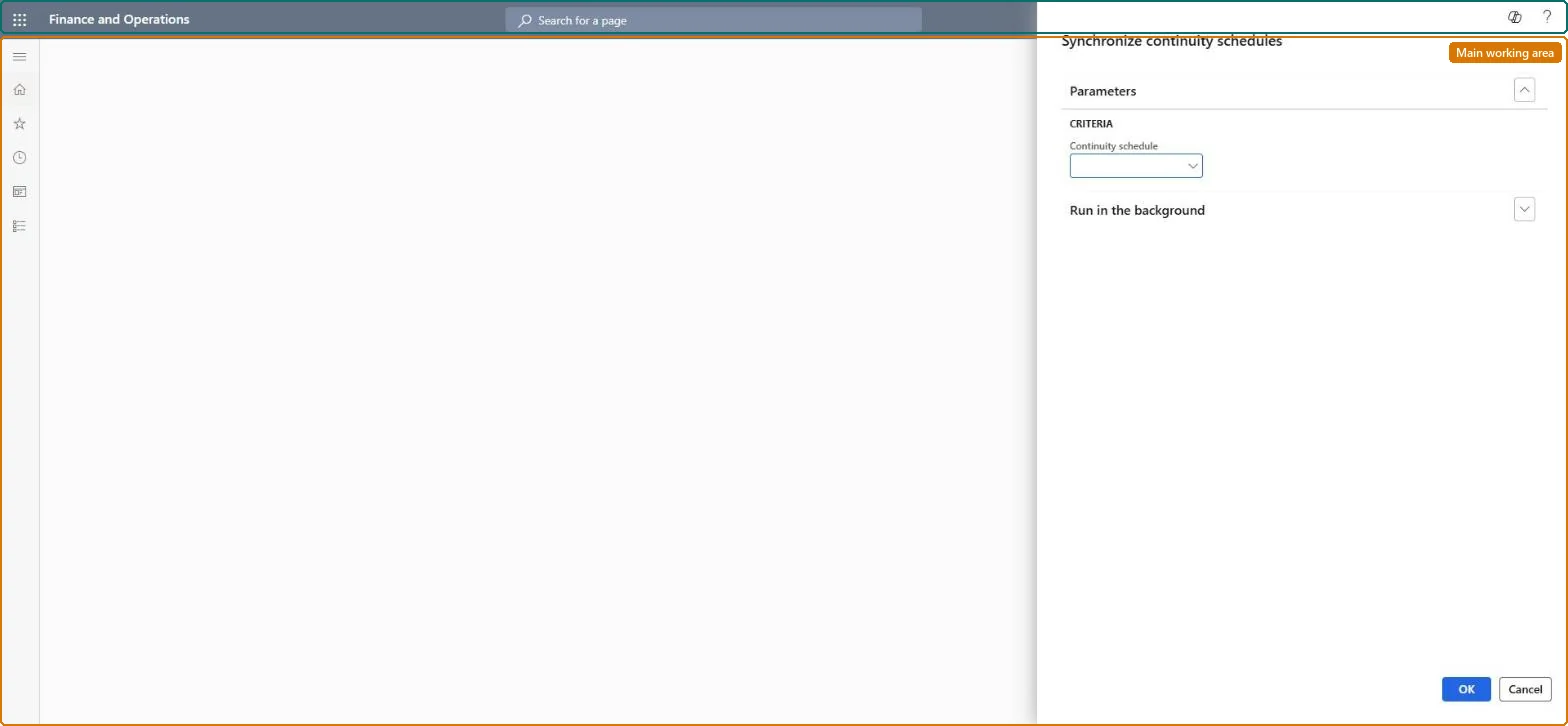
A periodic job page that synchronizes changes made to a continuity program, or made in the Continuity updates journal, to the continuity parent sales orders for a selected schedule.
Add continuity subscription to a call center order with Dynamics 365 Commerce
Menu item
MCRContinuitySynchronizationBatch
Show what matters for
PAGE GUIDEWhat the page does and how to use it7 sections. Choose a role to highlight what matters to you.
Everyone
1What it is and why
What it is
A periodic job page that synchronizes changes made to a continuity program, or made in the Continuity updates journal, to the continuity parent sales orders for a selected schedule.
What you do here
Use this page after editing a continuity program (billing options, start date, products) or after using Continuity updates, to push those changes to the affected parent sales orders; it can run on demand or as a batch job.
Example
For example, after replacing the event 4 product in a program, run the update for that schedule so every open parent order carries the new product.
The page in Dynamics 365. page title tab to open what to set or check
About the examples: Examples and screenshots in this guide use BEAT, a demo company in a Dynamics 365 test environment. Use your own company's codes and values instead of copying them.
When to run it
When to run it
After you change a continuity program (billing options, start date, products) or use Continuity updates.
How often
On demand, after each change to a continuity program.
What the output shows
Parent continuity sales orders of the selected schedule rewritten or created to match the program. Orders that still show the old setup belong to another schedule.
Yes, by changing the program again: Change the program back and run the update again. Microsoft Learn
If you change it later
Running the update rewrites or creates parent sales orders to match the changed program, and the job reports which parent orders were affected. Microsoft Learn
Technical architect
5Technical
Menu item
MCRContinuitySynchronizationBatchChecked in Dynamics 365
Form
DialogChecked in Dynamics 365
Roles to set it up and use it
To use itSales manager TradeSalesManagerGive people one of these roles. On this system, 1 role can run this page.Checked in Dynamics 365