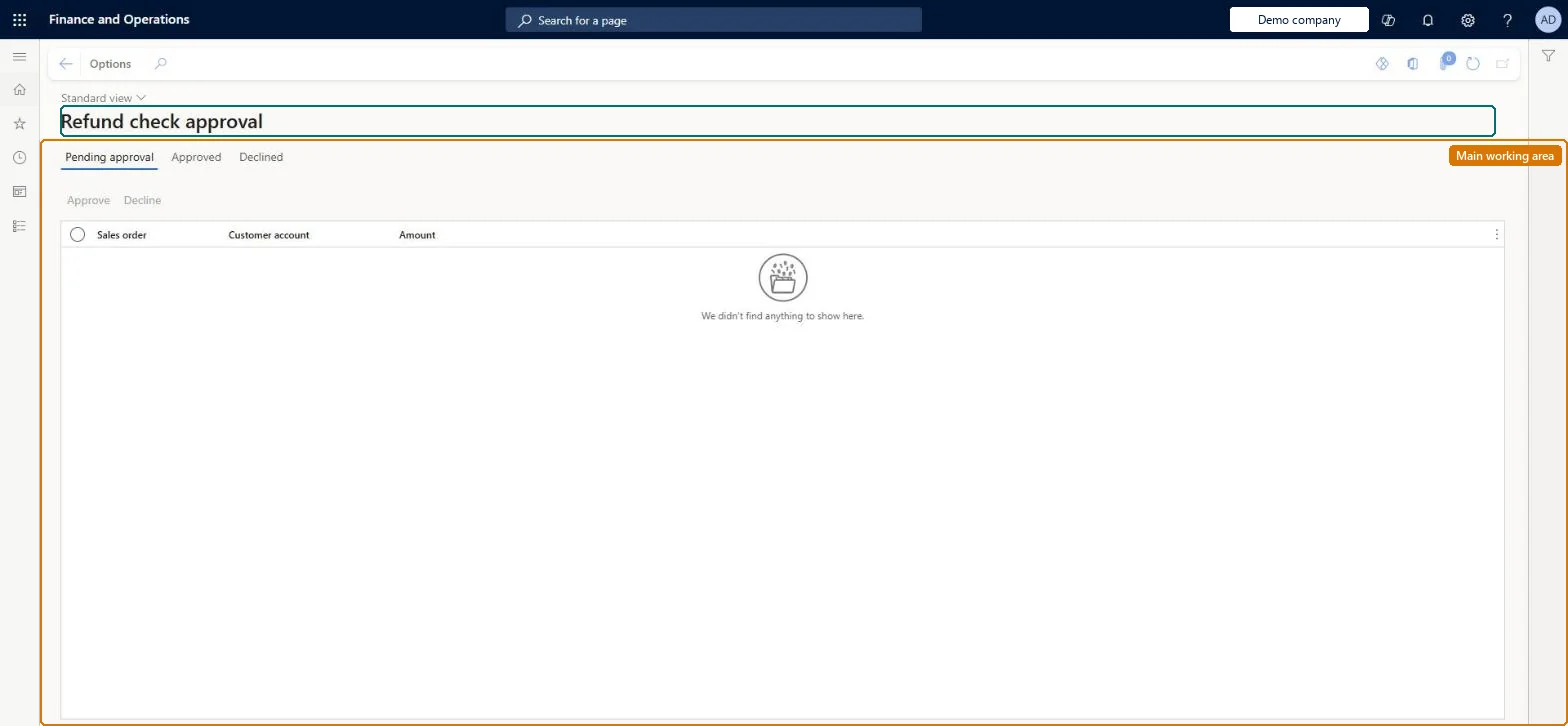
An approval-queue page listing check refunds on call center return orders that exceed the approval threshold in Call center parameters, so that an authorized user can approve them before refund checks are printed.
Retail and CommerceChannelsCall centersRefund check
MCRRefundCheckApproval
Used by
Sales manager
Business process
Use refund checks to refund call center orders in Dynamics 365 Commerce
Menu item
MCRRefundCheckApproval
Main table
MCRRCSettlementTable
Data entity
MCRRefundCheckSettlementEntity
Show what matters for
PAGE GUIDEWhat the page does and how to use it7 sections. Choose a role to highlight what matters to you.
Everyone
1What it is and why
What it is
An approval-queue page listing check refunds on call center return orders that exceed the approval threshold in Call center parameters, so that an authorized user can approve them before refund checks are printed.
What you do here
Use this page to review each pending check refund against its return sales order and approve it; approved refunds then go to Refund check processing to be posted and printed.
Example
For example, a customer who paid by check returns goods worth 600; because that is above the threshold, the refund waits on the Pending approval tab until a supervisor approves it.
The page in Dynamics 365. page title tab to open what to set or check
About the examples: Examples and screenshots in this guide use BEAT, a demo company in a Dynamics 365 test environment. Use your own company's codes and values instead of copying them.
Steps from Microsoft
Go to Retail and Commerce > Channels > Call centers > Refund check > Refund approval.
On the Pending approval tab, review the refund details for the return sales order.
Select the refund.
Select Approve.
Continue in Refund check processing to post and print the checks.
Approval is required before the return can be invoiced and the refund check produced; a refund left unapproved stays in the queue and no check is issued. Microsoft Learn
Technical architect
5Technical
Menu item
MCRRefundCheckApprovalChecked in Dynamics 365
Form
MCRRefundCheckApprovalChecked in Dynamics 365
Table
MCRRCSettlementTableShown as “REFUND CHECK SETTLEMENT TRANSACTION” in Record infoChecked in Dynamics 365
Data entities
MCRRefundCheckSettlementEntityRefund check settlement transaction Checked in Dynamics 365
To set it up or change itSales manager TradeSalesManagerGive people one of these roles. On this system, 1 role can open this page.Checked in Dynamics 365