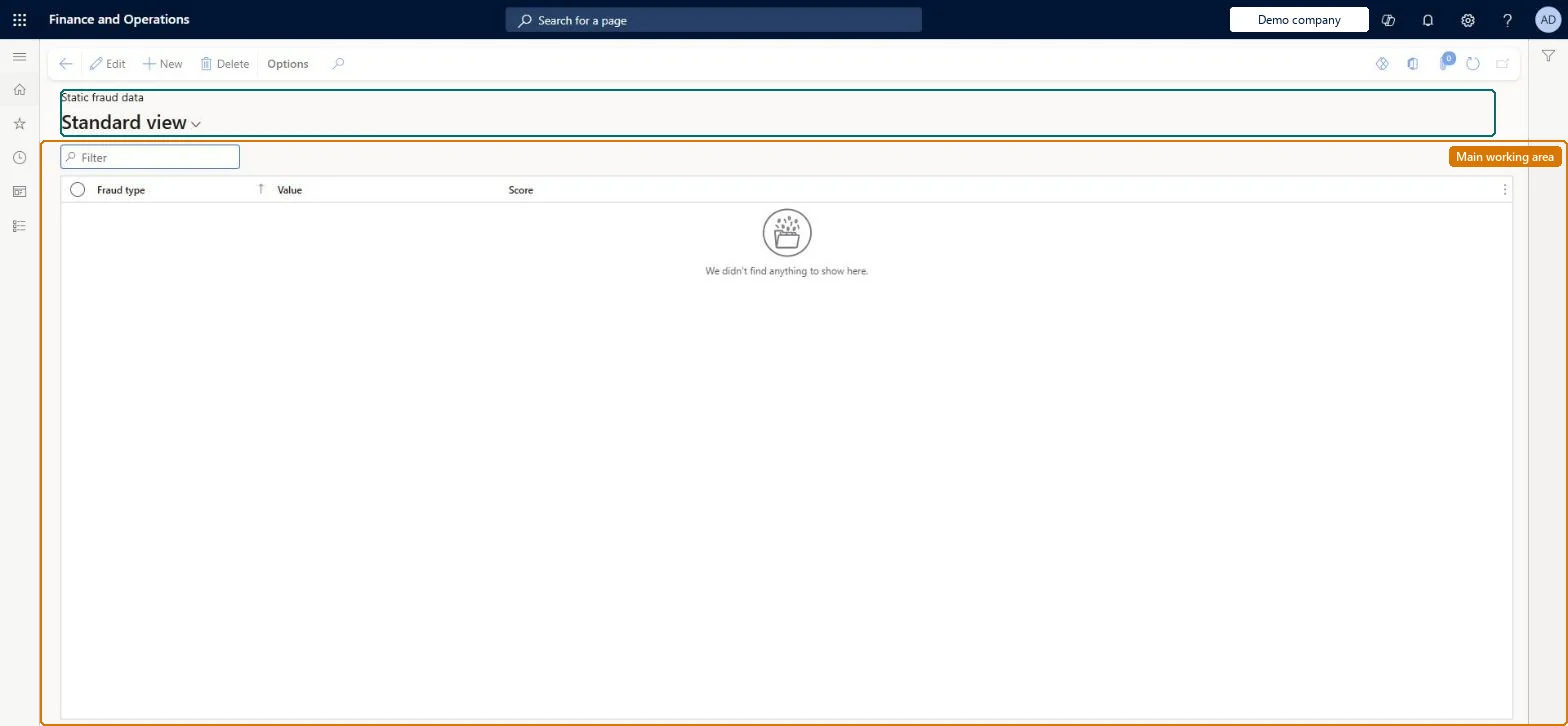
A setup page where you list specific values, such as blocked phone numbers or email addresses known from earlier fraudulent transactions, each with a fraud score, so that matching call center orders can be put on hold.
Retail and CommerceChannel setupCall center setupFraud
MCRFraudStaticData
Used by
Sales manager
Business process
Manage sales channels
Menu item
MCRFraudStaticData
Main table
MCRFraudData
Setup steps
1 on this page
Show what matters for
PAGE GUIDEWhat the page does and how to use it8 sections. Choose a role to highlight what matters to you.
Everyone
1What it is and why
What it is
A setup page where you list specific values, such as blocked phone numbers or email addresses known from earlier fraudulent transactions, each with a fraud score, so that matching call center orders can be put on hold.
What you do here
Use this page to add fraud criteria manually or through data import. When the fraud check is on, every submitted call center order's billing and delivery addresses are compared with these values and the scores of unique matches are added to the order's total fraud score.
Example
For example, if you select Email as the fraud type, you enter a known fraudulent email address as the value.
The page in Dynamics 365. page title tab to open what to set or check
About the examples: Examples and screenshots in this guide use BEAT, a demo company in a Dynamics 365 test environment. Use your own company's codes and values instead of copying them.
Setup steps on this page
Set up Static fraud data
Use this page to add fraud criteria manually or through data import. When the fraud check is on, every submitted call center order's billing and delivery addresses are compared with these values and the scores of unique matches are added to the order's total fraud score.
Steps from Microsoft
Go to Retail and Commerce > Channel setup > Call center setup > Fraud > Static fraud data.
Select New.
In the Fraud type field, select the type of data (for example Email, Phone or ZIP/postal code).
In the Value field, enter the exact text to match.
Optionally enter a score; otherwise the default score from the Holds tab of Call center parameters is used.
The kind of data the entry matches, such as phone number, email address or ZIP/postal code.Microsoft Learn
MCRType
Value
The exact text that is compared with the order's billing and delivery addresses.Microsoft Learn
MCRValue
Score
The fraud score added when the value matches; if blank, the default score for that type from Call center parameters is used.Microsoft Learn
MCRScore
Test checklist
In Call center parameters, on the Holds tab, set Fraud check to Yes and set Minimum score, Fraud hold code and Manual fraud hold code.
Add a test phone number on Static fraud data with a score above the Minimum score.
In a call center with Enable order completion on, create an order whose delivery address uses that phone number, select Complete, add payment and select Submit.
Check the warning that the order is on hold, and that Detailed status shows Fraud hold with Do not process set.
Open Retail and Commerce > Customers > Order holds and check the Fraud details FastTab lists the matched value and score.
A short list of known bad values (phone numbers, email addresses, ZIP/postal codes), each with its own scoreEvery entry is compared with the billing and delivery addresses of each submitted order, and the scores of unique matches are added up against Minimum score. Microsoft says the fraud check isn't optimized for large volumes of static data. Entries without a score use the default scores on the Holds tab of Call center parameters.
Bulk-loading large lists of static fraud data. Each entry is checked when the user selects Submit, against the header and every line, and on large orders this can severely slow order submission.Test: Static fraud match puts call center order on hold
Solution architect
5Design impact
Can it be undone
Reversible: Static fraud data is evaluated at order submission only. Changes apply to orders submitted afterwards. Orders already held keep the Fraud hold status until someone releases them on the Order holds page. Microsoft Learn
If you change it later
Large volumes of static fraud data slow down order submission, because every entry is checked against the order header and all lines when the user selects Submit; test processing time before applying changes in production. Microsoft Learn
Technical architect
6Technical
Menu item
MCRFraudStaticDataChecked in Dynamics 365
Form
MCRFraudStaticDataChecked in Dynamics 365
Table
MCRFraudDataShown as “FRAUD DATA” in Record infoChecked in Dynamics 365
Who can open it
PrivilegesMaintain static fraud data MCRFraudStaticDataMaintainDutiesMaintain fraud setup MCRFraudMaintain1 security roleSales manager TradeSalesManagerChecked in Dynamics 365
Roles to set it up and use it
To set it up or change itSales manager TradeSalesManagerGive people one of these roles. On this system, 1 role can open this page.Checked in Dynamics 365