Purchasing agent, Purchasing Agent - Public Sector, Vendor account manager and 14 more roles
Business process
Configure and manage surveys
Menu item
KMConnectionTypeQuestionnaire
Main table
KMConnectionType
Setup steps
1 on this page
Show what matters for
PAGE GUIDEWhat the page does and how to use it8 sections. Choose a role to highlight what matters to you.
Everyone
1What it is and why
What it is
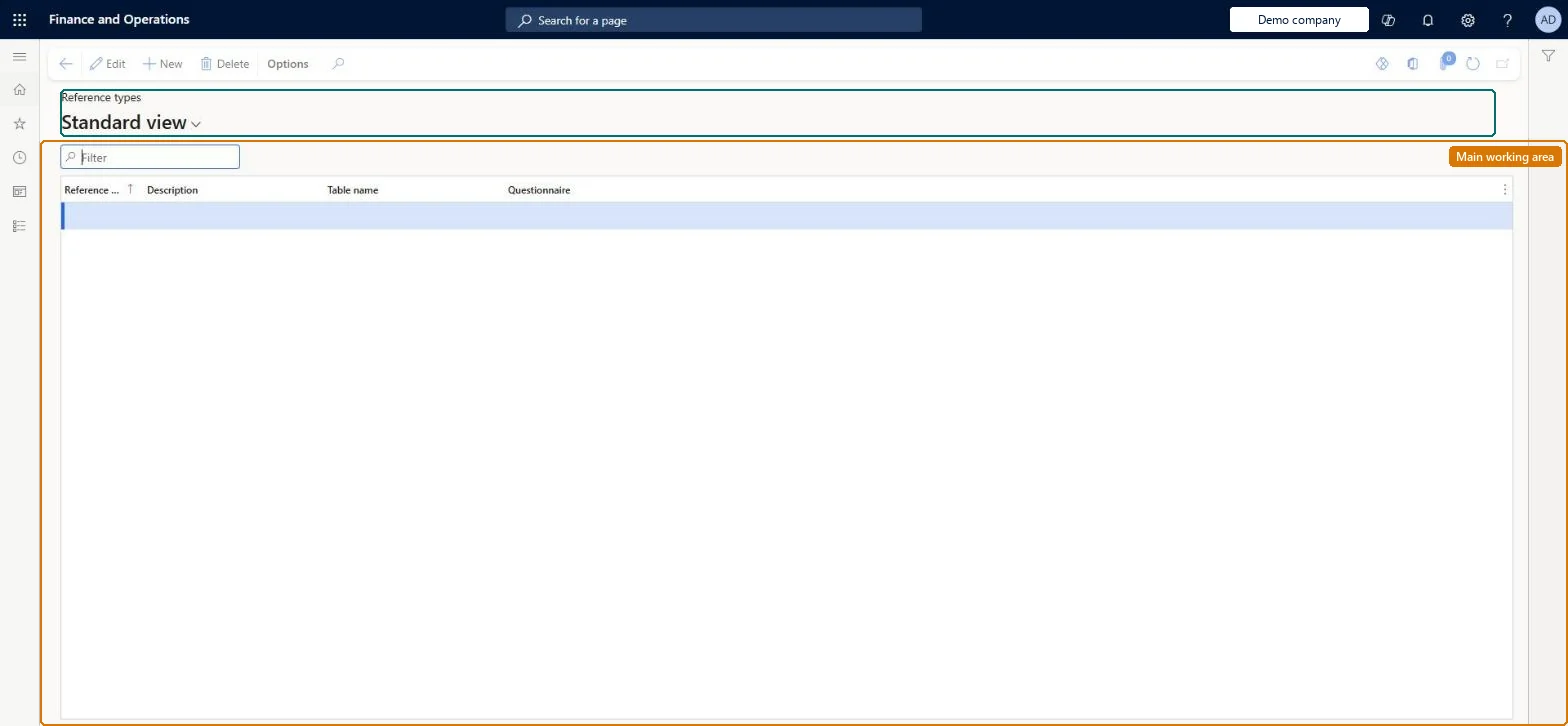
A setup page where you define reference types, each of which corresponds to a table that a questionnaire schedule can be linked to.
What you do here
Use this page to set up the criteria for selecting respondents when you schedule a questionnaire, so that a schedule can be tied to specific records such as a course.
Example
For example, BEAT sets up a reference type for the Courses table so that its course evaluation schedule can point at course HR-101 and reach the 25 participants of that course.
The page in Dynamics 365. page title tab to open what to set or check
About the examples: Examples and screenshots in this guide use BEAT, a demo company in a Dynamics 365 test environment. Use your own company's codes and values instead of copying them.
Setup steps on this page
Set up Reference types
Use this page to set up the criteria for selecting respondents when you schedule a questionnaire, so that a schedule can be tied to specific records such as a course.
Steps from Microsoft
Go to Questionnaire > Distribute > Reference types.
Select New and enter a Reference type and Description.
In Table name, select the table that schedules will point to, for example Courses.
Turn on Questionnaire so the reference type can be used on questionnaire schedules, then select it in the Reference field of a schedule.
Only the reference types you will schedule against, for example the Courses table for course evaluationsEach reference type corresponds to a table, and a schedule uses it to select specific records and the respondents linked to them.
No Feature management feature is needed for questionnaires; Microsoft Learn describes them without one. Questionnaires belong to the Human resources area, and in this system the same pages are also granted through procurement (vendor and RFQ questionnaires), sales and marketing (campaigns, telemarketing) and case management duties, as the Security section shows. The HR administrator, usually with the training manager for course evaluations.
Links questionnaire schedules to records of one table; for the Courses table it also makes extra questionnaire fields and buttons available on the Courses page. Microsoft Learn
Can it be undone
Reversible: Reference types only define which table a schedule can be tied to. Removing one hides the related fields and buttons again, for example on the Courses page. Microsoft Learn
If you change it later
Setting up a reference for a table can make extra fields and buttons available on the related page, such as the Courses page. Microsoft Learn
Technical architect
6Technical
Menu item
KMConnectionTypeQuestionnaireChecked in Dynamics 365
Form
KMConnectionTypeChecked in Dynamics 365
Table
KMConnectionTypeShown as “REFERENCE TYPES” in Record infoChecked in Dynamics 365
Who can open it
PrivilegesMaintain reference types for questionnaire KMConnectionTypeQuestionnaireMaintainView reference types for questionnaire KMConnectionTypeQuestionnaireViewDutiesEnable case management CaseCaseManagementEnableEnable questionnaire process HcmQuestionnaireProcessEnableInquire into questionnaire process HcmQuestionnaireProcessInquireMaintain campaigns smmCampaignsMaintainMaintain telemarketing smmTelemarketingMaintainInquire into vendor questionnaire progress VendVendorQuestionnaireInquireMaintain vendor questionnaires VendVendorQuestionnaireMaintain17 security rolesProduct design manager BOMProductDesignManagerCollections manager CollectionLetterCollectionsManagerMarketing coordinator CRMMarketingCoordinatorMarketing manager CRMMarketingManagerHuman resource assistant HcmHumanResourceAssistantHuman resource manager HcmHumanResourceManagerTraining manager HcmTrainingManagerProject manager ProjProjectManagerProcess engineering manager RouteProcessEngineeringManagerService delivery manager SMAServiceDeliveryManagerCustomer service manager TradeCustomerServiceManagerPurchasing manager TradePurchasingManagerSales manager TradeSalesManagerPurchasing agent VendPurchasingAgentPurchasing Agent - Public Sector VendPurchasingAgent_PSNVendor account manager VendVendorAccountManagerand 1 moreChecked in Dynamics 365
Roles to set it up and use it
To set it up or change itHuman resource assistant HcmHumanResourceAssistantPurchasing manager TradePurchasingManagerMarketing coordinator CRMMarketingCoordinatorMarketing manager CRMMarketingManagerCustomer service manager TradeCustomerServiceManagerTo use itHuman resource manager HcmHumanResourceManagerVendor account manager VendVendorAccountManagerGive people one of these roles. On this system, 16 roles can open this page.Checked in Dynamics 365
Load order: Reference types has no data entity in Data management, so it can't be loaded from a file or a configuration template. Create them by hand in each environment; the records they point to, such as courses, are migrated with their own module.Checked in Dynamics 365