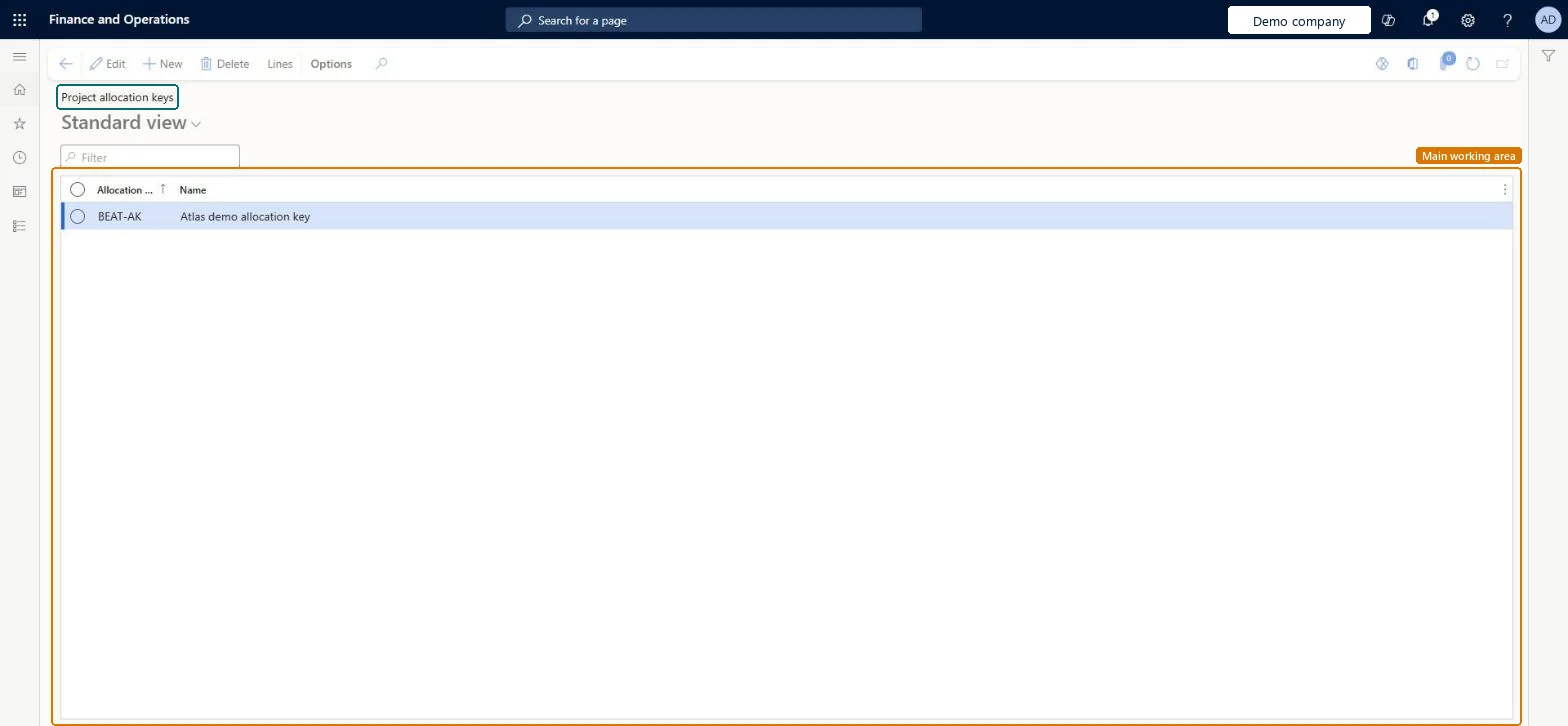
A setup page where you create allocation keys: named splits whose lines each give a share, as a percentage, to a project, resource or line property. Forecast lines can refer to an allocation key.
PAGE GUIDEWhat the page does and how to use it8 sections. Choose a role to highlight what matters to you.
Everyone
1What it is and why
What it is
A setup page where you create allocation keys: named splits whose lines each give a share, as a percentage, to a project, resource or line property. Forecast lines can refer to an allocation key.
What you do here
Use this page to keep standard splits, such as how a lump-sum forecast is shared between projects, and to open the Lines of a key to set its percentages.
Example
For example, BEAT creates the key SPLIT-6040 with two lines, 60.00 percent to PRJ-0042 and 40.00 percent to PRJ-0057, and uses it on a 10,000.00 item forecast so that 6,000.00 and 4,000.00 are forecast on the two projects.
The page in Dynamics 365. page title tab to open what to set or check
About the examples: Examples and screenshots in this guide use BEAT, a demo company in a Dynamics 365 test environment. Use your own company's codes and values instead of copying them.
Step by step, with screenshots
Set up Project allocation keys1 screen
Screen 1
Create a project allocation key
Go to Project management and accounting > Setup > Forecasts > Project allocation keys
Select New
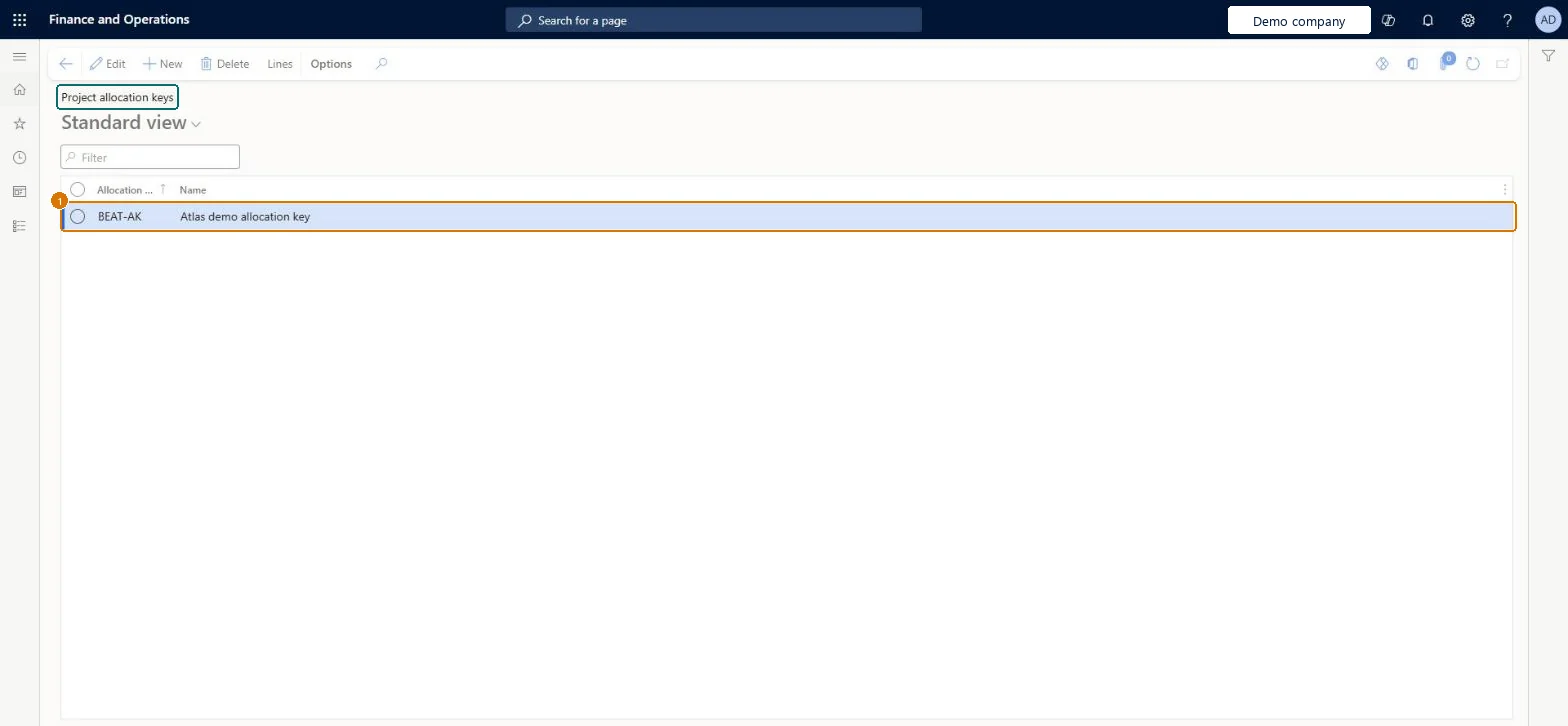
Enter the allocation key code and name
Select Save
Select Lines to set how the amount is spread over periods
1Allocation key
BEAT-AK
Name
Allocation key
Show the full screen page title tab to open what to set or check
Steps from Microsoft
Go to Project management and accounting > Setup > Forecasts > Project allocation keys.
Select New and enter the Allocation key and its Name.
Select Lines and add one line per share, with the project, resource or line property and its Allocation percentage.
Check that the percentages add up to 100.00, then select the key on a forecast line.
A few named keys for the splits that recur in forecasting, each with lines that total 100.00 percentA forecast line that refers to a key is split by its percentages, so a correct key saves entering the same forecast several times.
Reversible: Keys and their lines can be changed at any time; forecasts already split keep their amounts. Microsoft data model
If you change it later
Forecast lines that refer to the key are split by its percentages. Changing the percentages affects forecasts split afterwards, not forecasts already created. Microsoft data model
Technical architect
6Technical
Menu item
ProjAllocateKeyChecked in Dynamics 365
Form
ProjAllocateKeyChecked in Dynamics 365
Table
ProjAllocateKeyShown as “Project allocation keys” in Record infoKey field: AllocateIdChecked in Dynamics 365
PrivilegesMaintain project allocation keys ProjAllocateKeyMaintainView project allocation keys ProjAllocateKeyViewDutiesInquire into project accounting policies ProjProjectAccountingPolicyInquireEnable project accounting process ProjProjectAccountingProcessEnable2 security rolesProject accountant ProjProjectAccountantProject supervisor ProjProjectSupervisorChecked in Dynamics 365
Roles to set it up and use it
To set it up or change itProject supervisor ProjProjectSupervisorTo use itProject accountant ProjProjectAccountantGive people one of these roles. On this system, 2 roles can open this page.Checked in Dynamics 365
Actions on the page
Options: Personalize, Page options, ShareChecked in Dynamics 365
ProjProjectAllocationKeyEntity Key headers, loaded for each company.ProjProjectAllocationKeyDetailsEntity Key lines, loaded after the headers.Load order: Load the key headers first, then the key lines after the projects, resources and line properties that the lines refer to.Load first: Projects, Line propertiesMicrosoft Learn
Checked in a working Dynamics 365 system, version 10.0.49: the menu item, form, table and security, the page, the demo records and the values in the screenshots.