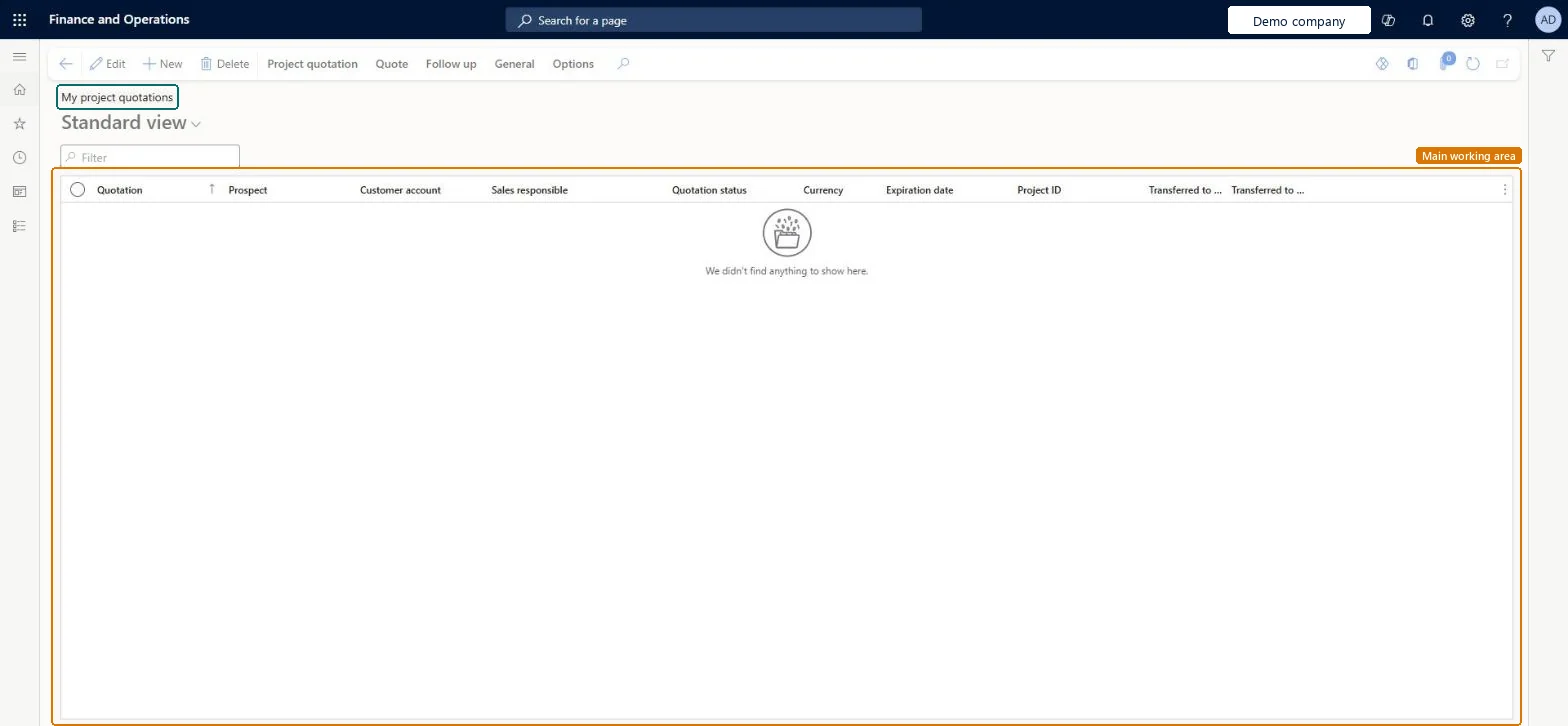
Your own project quotations: the project quotation list opened through its own menu item for the sales responsible, showing each quotation's prospect, customer, status and expiration date.
PAGE GUIDEWhat the page does and how to use it8 sections. Choose a role to highlight what matters to you.
Everyone
1What it is and why
What it is
Your own project quotations: the project quotation list opened through its own menu item for the sales responsible, showing each quotation's prospect, customer, status and expiration date.
What you do here
Use it to keep your quotations moving: update the ones still Created, send them and follow up the ones the customer has received.
Example
For example, a BEAT account manager opens My project quotations on Tuesday, updates the hour rate on Created quotation Q-000233 from 105.00 to 110.00 at the customer's request, and sends it.
The page in Dynamics 365. page title tab to open what to set or check
About the examples: Examples and screenshots in this guide use BEAT, a demo company in a Dynamics 365 test environment. Use your own company's codes and values instead of copying them.
Setup steps on this page
Work your quotation list by status
Keep your own quotations moving.
Steps from Microsoft
Go to Project management and accounting > Quotations > My project quotations.
Filter Quotation status on Created to see the quotations you can still change.
Select the quotation, select Edit, update the fields and select Save.
On the Quote tab, select Send quotation when the offer is final.
For sent quotations, on the Follow up tab select Confirm when the customer accepts.
Filter on Quotation status: Created to finish and send, Sent to follow up and confirm.Each status allows different actions; Created is the only one you can still edit.
To set it up or change itProject manager ProjProjectManagerSales clerk TradeSalesClerkSales representative TradeSalesRepresentativeGive people one of these roles. On this system, 3 roles can open this page.Checked in Dynamics 365
Actions on the page
Project quotation: Maintain, Copy, ViewQuote: Tax, Process, Accounts, Sales prices, Journals, Bank documentFollow up: Generate, ModifyGeneral: Set up, Customer, Activities, Manage, Related informationOptions: Personalize, Page options, ShareChecked in Dynamics 365
ProjQuotationHeaderEntity (Project quotation headers): loaded for each company.Load order: Load customers or prospects, quotation types and project categories first, then the open project quotation headers and their lines.Load first: Customers, Quotation template groups, Project categoriesMicrosoft Learn