PAGE GUIDEWhat the page does and how to use it8 sections. Choose a role to highlight what matters to you.
Everyone
1What it is and why
What it is
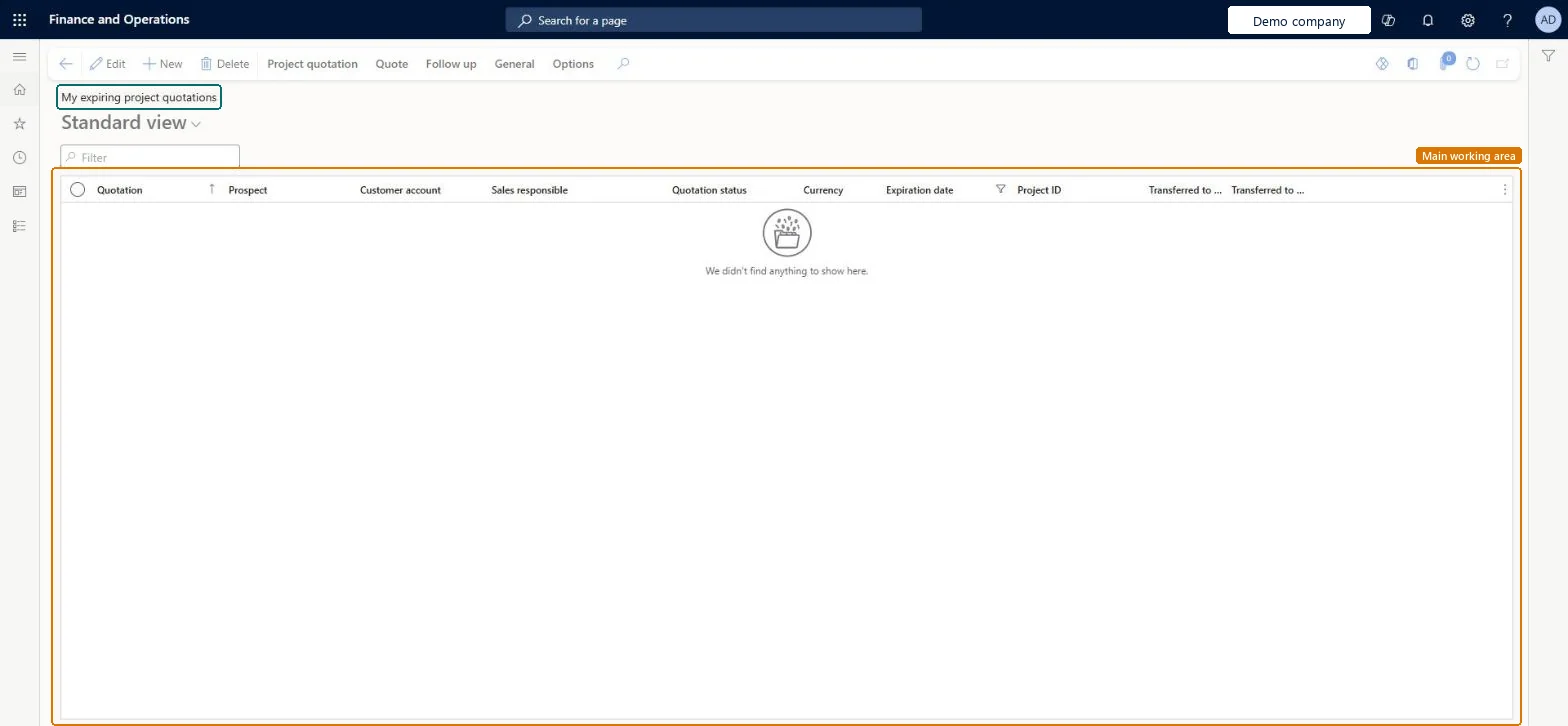
Your own project quotations close to their expiration date: the expiring quotations list limited to the quotations you are responsible for.
What you do here
Use it as the sales responsible to call your customers before your offers lapse and record their decision.
Example
For example, a BEAT account manager sees that Q-000233 for 15,700.00 expires on 31/01/2027; the customer accepts on the phone and she confirms it the same day.
The page in Dynamics 365. page title tab to open what to set or check
About the examples: Examples and screenshots in this guide use BEAT, a demo company in a Dynamics 365 test environment. Use your own company's codes and values instead of copying them.
Setup steps on this page
Call customers before your quotations expire
Get a decision on every offer.
Steps from Microsoft
Go to Project management and accounting > Quotations > My expiring project quotations.
Sort on Expiration date and call the customer of the first quotation.
If the customer accepts, on the Follow up tab select Confirm.
If the customer wants a longer validity or other prices on a Sent quotation, create a new quotation, because a sent one can't be modified.
If the customer refuses, run Lose quotation with the reason.
Sort on Expiration date and act on the quotations expiring first.A Sent quotation can't be modified, so extending an offer means a new quotation before the old one lapses.
To set it up or change itProject manager ProjProjectManagerSales clerk TradeSalesClerkSales representative TradeSalesRepresentativeGive people one of these roles. On this system, 3 roles can open this page.Checked in Dynamics 365
Actions on the page
Project quotation: Maintain, Copy, ViewQuote: Tax, Process, Accounts, Sales prices, Journals, Bank documentFollow up: Generate, ModifyGeneral: Set up, Customer, Activities, Manage, Related informationOptions: Personalize, Page options, ShareChecked in Dynamics 365
ProjQuotationHeaderEntity (Project quotation headers): loaded for each company.Load order: Load customers or prospects, quotation types and project categories first, then the open project quotation headers and their lines.Load first: Customers, Quotation template groups, Project categoriesMicrosoft Learn