Project management and accountingPeriodicProject management
action:ProjSortHierarchySubprojectByProjId
Business process
Plan projects
Menu item
action:ProjSortHierarchySubprojectByProjId
Setup steps
1 on this page
Show what matters for
PAGE GUIDEWhat the page does and how to use it8 sections. Choose a role to highlight what matters to you.
Everyone
1What it is and why
What it is
A periodic job that sorts the subprojects in the project hierarchy grid by Project ID, for all companies at once.
What you do here
Use it after many subprojects are created or renumbered, so parent projects list their subprojects in Project ID order.
Example
BEAT's program PRJ-0100 gets 24 new subprojects (PRJ-0100.01 to PRJ-0100.24) from an import in November 2026, and they appear in import order. The project manager runs the job once, and the hierarchy then lists PRJ-0100.01 to .24 in order.
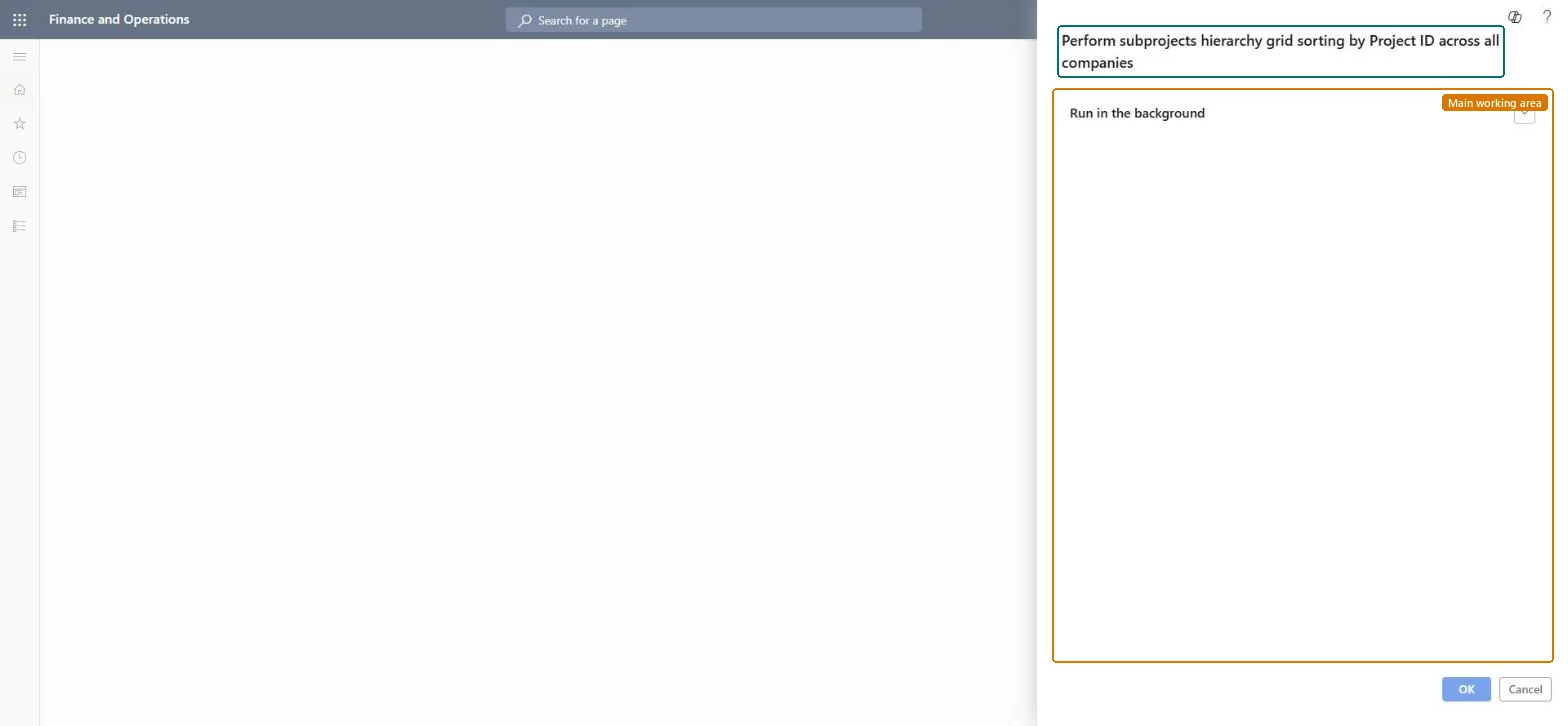
The page in Dynamics 365. page title tab to open what to set or check
About the examples: Examples and screenshots in this guide use BEAT, a demo company in a Dynamics 365 test environment. Use your own company's codes and values instead of copying them.
When to run it
When to run it
After many subprojects are created, imported or renumbered.
How often
On demand.
Batch settings
Run in the background.
What the output shows
Subprojects listed in Project ID order in the hierarchy grid for every company.
On the live system, Project manager, Project accountant, Field Service Integration User and Sales manager use this page.
Checked in Dynamics 365
Solution architect
5Design impact
Shared or per company
Cross-company: the menu label says it sorts the hierarchy across all companies. Checked in Dynamics 365
Can it be undone
Nothing to undo: Only the display order changes. Microsoft Learn
If you change it later
Changes only the display order of subprojects in the hierarchy grid; project data doesn't change. Microsoft Learn
Technical architect
6Technical
Menu item
action:ProjSortHierarchySubprojectByProjIdChecked in Dynamics 365
Form
SysOperationTemplateFormChecked in Dynamics 365
Roles to set it up and use it
To use itProject manager ProjProjectManagerProject accountant ProjProjectAccountantField Service Integration User FieldServiceIntegrationUserSales manager TradeSalesManagerGive people one of these roles. On this system, 4 roles can run this page.Checked in Dynamics 365
Load order: Sort subprojects hierarchy by Project ID has no data entity in Data management: it is a periodic job and keeps no records of its own. Load projects with ProjProjectV2Entity and run the sort once in the target system.Load first: ProjProjectV2EntityMicrosoft Learn