Purchasing agent, Purchasing Agent - Public Sector, Vendor account manager and 2 more roles
Business process
Manage project delivery
Menu item
PurchRFQCaseTableListPage_Proj
Main table
PurchRFQCaseTable
Setup steps
1 on this page
Show what matters for
PAGE GUIDEWhat the page does and how to use it8 sections. Choose a role to highlight what matters to you.
Everyone
1What it is and why
What it is
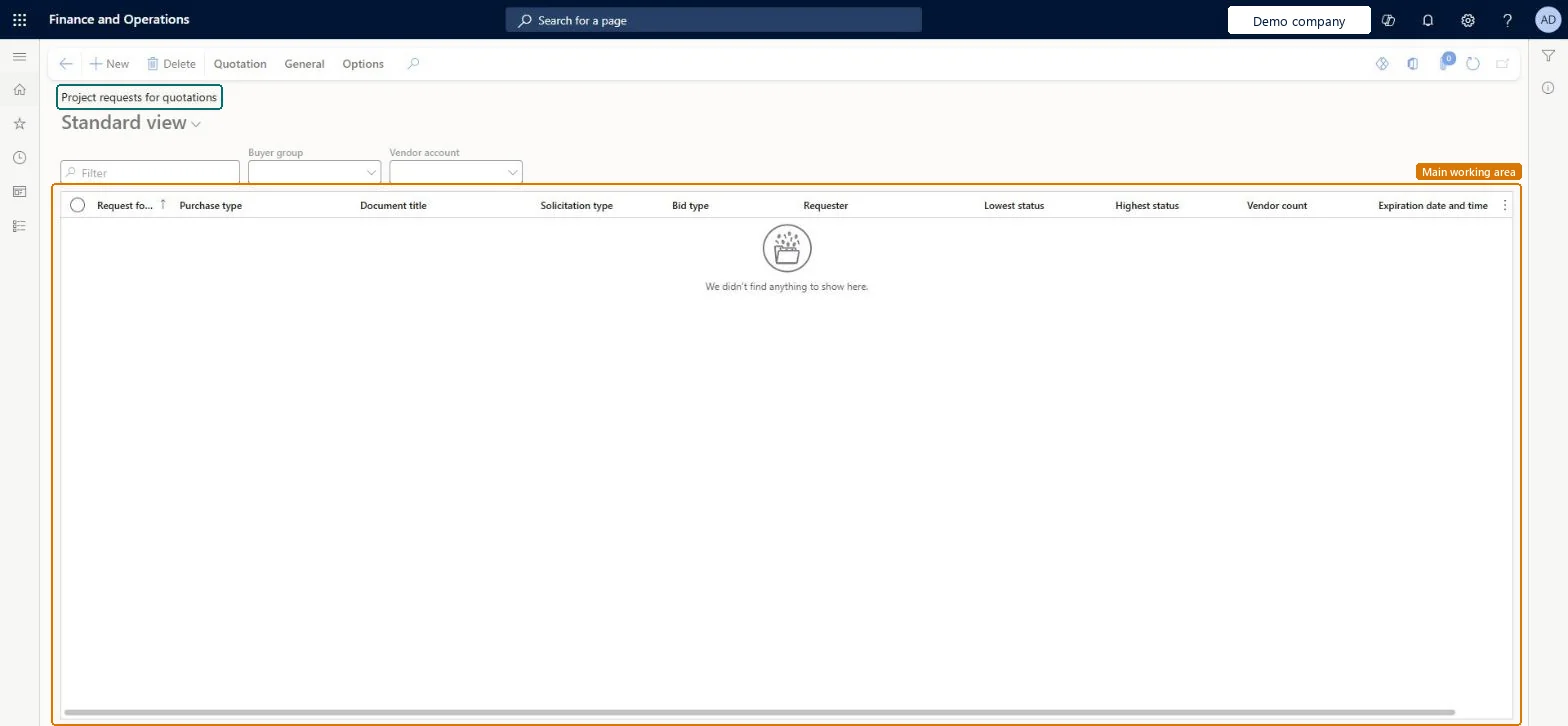
The list of request for quotation cases that carry a project: requests sent to several vendors to get prices for items or services a project needs.
What you do here
Use it to ask vendors for quotes on project purchases, compare the replies and accept one, which creates the purchase order for the project.
Example
For example, BEAT sends RFQ case RFQ-00057 for PRJ-0042 to three vendors for 200.00 m of cable; vendor V-3002 replies with 6.40 per metre and BEAT accepts it, which creates a purchase order of 1,280.00.
The page in Dynamics 365. page title tab to open what to set or check
About the examples: Examples and screenshots in this guide use BEAT, a demo company in a Dynamics 365 test environment. Use your own company's codes and values instead of copying them.
Setup steps on this page
Request quotes with the project on the case
Carry the project from the RFQ to the purchase order.
Steps from Microsoft
Go to Project management and accounting > Item tasks > Project requests for quotations.
Select New, select the project and add the lines with item or procurement category and quantity.
Add the vendors to ask and send the request for quotation.
Enter the vendor replies when they come back and compare them.
Accept the best reply, then open Project purchase orders and check the order it created for the project.
Select the project on the RFQ case before you send it to vendors.The project on the case is carried to the purchase order that the accepted reply creates.
Reversible: An RFQ changes no ledger data; once a reply is accepted, changes are made on the purchase order. Microsoft Learn
If you change it later
Accepting a reply creates the purchase order; from there the project cost follows the project purchase order rules. Microsoft Learn
Technical architect
6Technical
Menu item
PurchRFQCaseTableListPage_ProjChecked in Dynamics 365
Form
PurchRFQCaseTableListPageChecked in Dynamics 365
Table
PurchRFQCaseTableShown as “Request for quotation cases” in Record infoChecked in Dynamics 365
Who can open it
PrivilegesMaintain request for quotations PurchRFQCaseTableMaintainView request for quotation PurchRFQCaseTableViewDutiesThis duty only include privileges that are accessible by the project manager and it does not contain the privileges related to sales order and purchase order ProjProjectItemTasksMaintainApprove request for quotations PurchRFQRequestForQuoteApproveInquire into request for quotation status PurchRFQRequestForQuoteInquireMaintain request for quotations PurchRFQRequestForQuoteMaintainInquire into request for quotation reply status PurchRFQRequestForQuoteReplyInquireMaintain request for quotation replies PurchRFQRequestForQuoteReplyMaintain5 security rolesProject manager ProjProjectManagerPurchasing manager TradePurchasingManagerPurchasing agent VendPurchasingAgentPurchasing Agent - Public Sector VendPurchasingAgent_PSNVendor account manager VendVendorAccountManagerChecked in Dynamics 365
Roles to set it up and use it
To set it up or change itProject manager ProjProjectManagerPurchasing Agent - Public Sector VendPurchasingAgent_PSNPurchasing agent VendPurchasingAgentTo use itPurchasing manager TradePurchasingManagerVendor account manager VendVendorAccountManagerGive people one of these roles. On this system, 5 roles can open this page.Checked in Dynamics 365
Actions on the page
Quotation: Maintain, Copy, Process, Replies, View, Charges, Score, JournalsGeneral: Related informationOptions: Personalize, Page options, ShareChecked in Dynamics 365
Load order: Project requests for quotations has no data entity in Data management. The only data-model entity on the RFQ case table holds delivery and payment details and is not enabled. Recreate open RFQs by hand or finish them in the old system.Checked in Dynamics 365