PAGE GUIDEWhat the page does and how to use it8 sections. Choose a role to highlight what matters to you.
Everyone
1What it is and why
What it is
The list of production orders linked to projects: manufacturing work for a specific project whose costs are recorded against the project.
What you do here
Use it to make items for a project and follow the production costs that reach the project.
Example
For example, BEAT produces 2 custom switchboards for PRJ-0042 on production order P-000812; with the Finished item posting method and no linked item requirement, the cost of 9,600.00 posts to the project only when the order is ended.
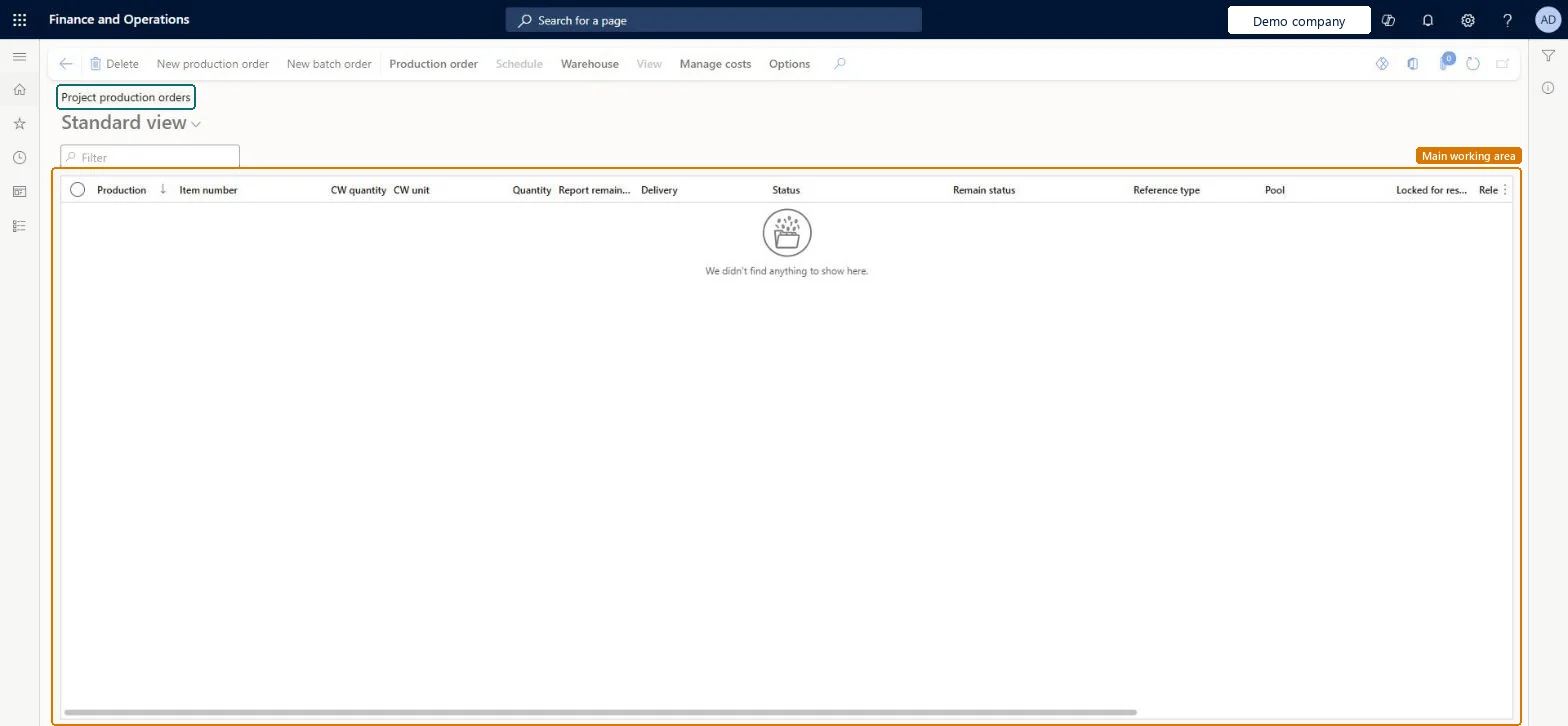
The page in Dynamics 365. page title tab to open what to set or check
About the examples: Examples and screenshots in this guide use BEAT, a demo company in a Dynamics 365 test environment. Use your own company's codes and values instead of copying them.
Setup steps on this page
Decide when production cost reaches the project
Choose the posting method for project production.
Steps from Microsoft
Go to Project management and accounting > Item tasks > Project production orders.
Select New production order, select the item, quantity and the project, and select Create.
Estimate, schedule and release the order, then start it.
Report it as finished and end the order.
Open Posted project transactions and check the production cost on the project.
No project cost appears although the production order is reported as finished.
With the Finished item posting method and no linked sales order or item requirement, project costs post only when the production order is ended. Microsoft Learn
Test checklist
Create a production order for PRJ-0042 with no linked sales order or item requirement.
Start it and report it as finished.
Check no project cost shows before the order is ended.
End the order and check Posted project transactions lists the production cost.
Link the production order to the item requirement or sales order of the project when the cost must reach the project as the order progresses.With the Finished item posting method and no linked sales order or item requirement, project costs can't be posted until the order has ended.
Hard to reverse: Ending a production order posts its cost; correct the project cost afterwards with a project adjustment. Microsoft Learn
If you change it later
With the Finished item posting method and no linked sales order or item requirement, project costs can't be posted until the production order has ended. Microsoft Learn
Technical architect
6Technical
Menu item
ProdTableListPage_ProjChecked in Dynamics 365
Form
ProdTableListPageChecked in Dynamics 365
Table
ProdTableShown as “Production orders” in Record infoKey field: ProdId, ItemId, NameChecked in Dynamics 365
To set it up or change itProject manager ProjProjectManagerProject assistant ProjProjectClerkSales clerk TradeSalesClerkProduction supervisor ProdProductionSupervisorTo use itProject supervisor ProjProjectSupervisorProject accountant ProjProjectAccountantChief executive officer CompanyChiefExecutiveOfficerField Service Integration User FieldServiceIntegrationUserService delivery manager SMAServiceDeliveryManagerGive people one of these roles. On this system, 22 roles can open this page.Checked in Dynamics 365
Actions on the page
Production order: Maintain, Selection list, Process, Inventory, Production details, Consolidated batch order, Print, Cases, Change, Engineering change management, CAPAScheduleWarehouse: General, ActionsViewManage costs: Order details, Calculations, Production accounting, Cost transactions, Standard cost transactionsOptions: Personalize, Page options, ShareChecked in Dynamics 365
ProdProductionOrderHeaderEntity (Production orders): loaded for each company.Load order: Open production orders are usually finished in the old system. If loaded, load released products, BOMs, routes and projects first.Load first: Released products, Bills of materials and routes, ProjectsMicrosoft Learn