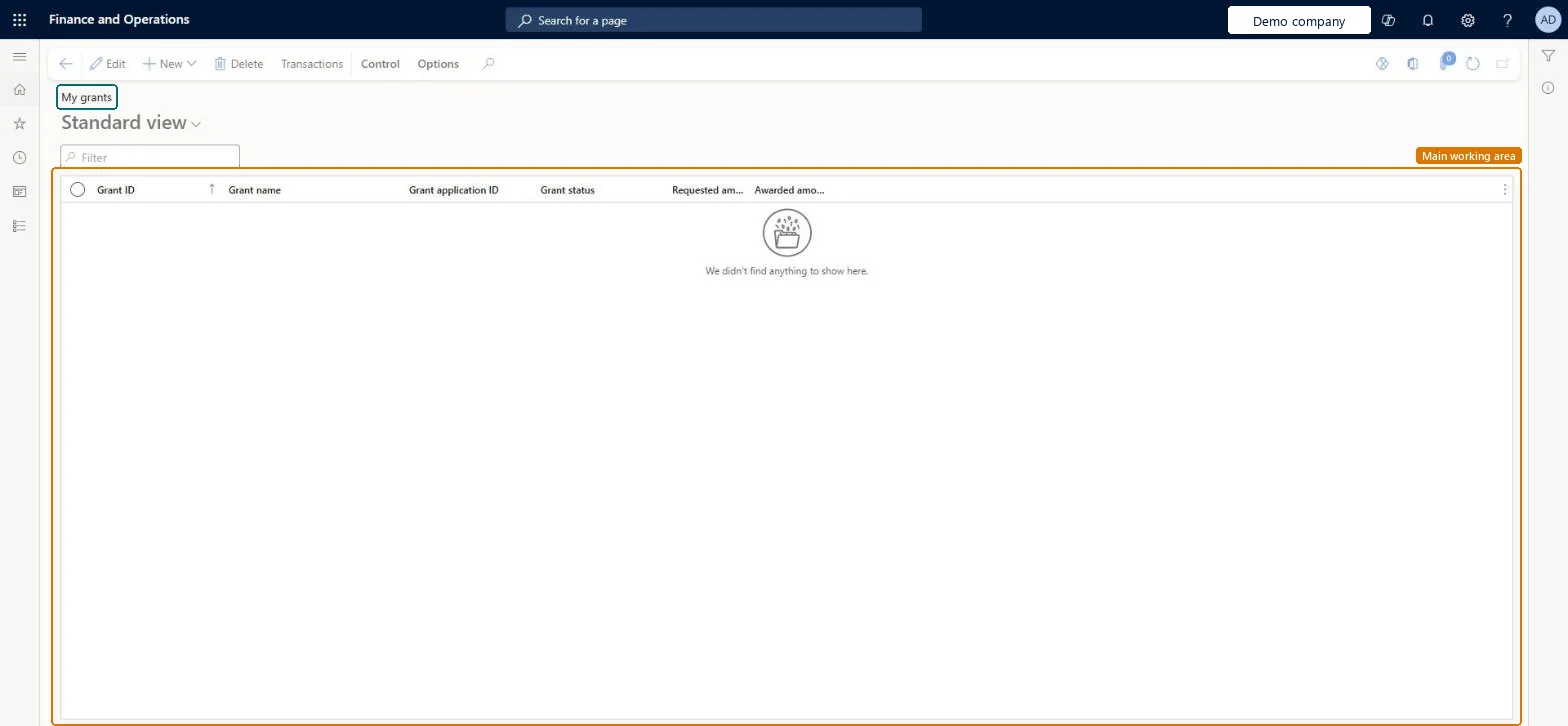
Your own grants: the grant list opened through its own menu item for the grant manager, with each grant's application ID, status, requested amount and awarded amount.
PAGE GUIDEWhat the page does and how to use it8 sections. Choose a role to highlight what matters to you.
Everyone
1What it is and why
What it is
Your own grants: the grant list opened through its own menu item for the grant manager, with each grant's application ID, status, requested amount and awarded amount.
What you do here
Use it to follow the grants you manage, compare requested with awarded amounts and open each grant's transactions.
Example
For example, BEAT's grant manager sees that GR-2026-03 was awarded 230,000.00 against 250,000.00 requested, and opens its transactions to check spending of 41,300.00 so far.
The page in Dynamics 365. page title tab to open what to set or check
About the examples: Examples and screenshots in this guide use BEAT, a demo company in a Dynamics 365 test environment. Use your own company's codes and values instead of copying them.
Setup steps on this page
Follow your grants by status and amount
See awarded money and spending.
Steps from Microsoft
Go to Project management and accounting > Grants > My grants.
Filter Grant status on Awarded to see the grants that fund work.
Compare the Requested amount and Awarded amount columns.
Select Edit to update a grant's dates and deadlines after the funder's decision.
Select Transactions to open the grant's transactions and check the spending.
Reversible: Same grant records as the Grants page; details stay editable, and links to projects and contracts need the status Active or Awarded. Microsoft Learn
If you change it later
These are the same grant records as on Grants; a status change here controls whether projects and contracts can be linked. Microsoft Learn
Technical architect
6Technical
Menu item
ProjGrantListPage_MyGrantChecked in Dynamics 365
Form
ProjGrantChecked in Dynamics 365
Table
ProjGrantShown as “Grant” in Record infoChecked in Dynamics 365
PrivilegesMaintain grants ProjGrantMaintainView grants ProjGrantViewDutiesInquire into grant master ProjGrantMasterInquireInquireMaintain grant master ProjGrantMasterMaintain3 security rolesAccountant LedgerAccountantProject manager ProjProjectManagerProject supervisor ProjProjectSupervisorChecked in Dynamics 365
Roles to set it up and use it
To set it up or change itProject manager ProjProjectManagerTo use itProject supervisor ProjProjectSupervisorAccountant LedgerAccountantGive people one of these roles. On this system, 3 roles can open this page.Checked in Dynamics 365
ProjGrantV2Entity (Project grants V2): loaded for each company.Load order: Same records as Grants: load grant types and matching types first, then grants.Load first: Grant types, Matching typesMicrosoft Learn