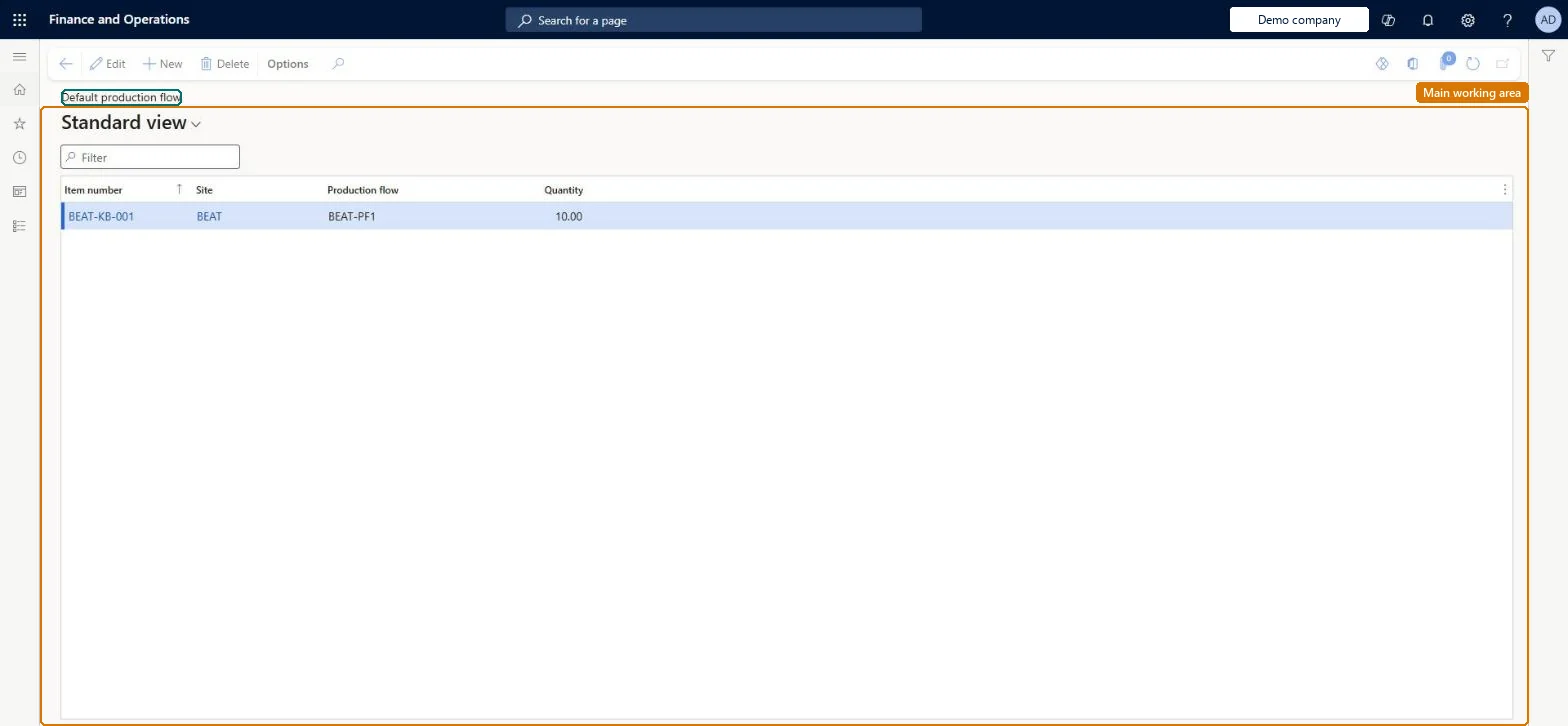
A setup page where you choose, per item, which production flow the BOM calculation should use when the item can be supplied from more than one production flow at a site.
PAGE GUIDEWhat the page does and how to use it8 sections. Choose a role to highlight what matters to you.
Everyone
1What it is and why
What it is
A setup page where you choose, per item, which production flow the BOM calculation should use when the item can be supplied from more than one production flow at a site.
What you do here
Use this page to set the default production flow for an item so that its standard cost calculation is based on the activities and resources of that flow.
Example
For example, an item made in two production flows at the same site gets its cost calculated from the flow you set here as the default.
The page in Dynamics 365. page title tab to open what to set or check
About the examples: Examples and screenshots in this guide use BEAT, a demo company in a Dynamics 365 test environment. Use your own company's codes and values instead of copying them.
Setup steps on this page
Set up Default production flow
Use this page to set the default production flow for an item so that its standard cost calculation is based on the activities and resources of that flow.
Test checklist
Make sure kanban rules supply the item from two production flows at the same site.
Set one of them as the item's default production flow.
Run the BOM calculation for the item based on the production flow.
Check the cost breakdown uses the activities and resources of the default flow.
Set a default production flow for every item that can be supplied from more than one production flow at the same siteLearn says that when a product can be supplied from several flows at a site on the calculation date, the BOM calculation needs to know which flow to use, and this page sets that default per item.
Leaving several active kanban rules for the same product in the same flow. The calculation then takes the first active kanban rule, which may not be the one that reflects real costs.
Hard to reverse: The default flow feeds the BOM calculation of standard cost, and WIP is deducted using the product's breakdown by item and cost group. Changing it means recalculating and activating standard costs. Microsoft Learn
If you change it later
Changing an item's default flow changes which flow's activities, resources and kanban rule feed its calculated standard cost, and so the cost breakdown used to deduct WIP. Microsoft Learn
Technical architect
6Technical
Menu item
BOMDefaultProductionFlowChecked in Dynamics 365
Form
BOMDefaultProductionFlowChecked in Dynamics 365
Table
BOMDefaultProductionFlowShown as “DEFAULT PRODUCTION FLOW” in Record infoKey field: ItemId, InventSiteIdChecked in Dynamics 365
Data entities
LeanDefaultLeanProductionFlowEntityDefault lean production flows Microsoft data model
Who can open it
PrivilegesMaintain default production flow to use in BOM calculation BOMDefaultProductionFlowMaintainView default production flow BOMDefaultProductionFlowViewDutiesEnable the lean costing process LeanCostingProcessEnableInquire into lean costing reference data LeanCostingReferenceDataInquire3 security rolesInventory accountant InventCostAccountantInventory accountant clerk InventCostCostClerkAccounting manager LedgerAccountingManagerChecked in Dynamics 365
Roles to set it up and use it
To set it up or change itInventory accountant InventCostAccountantTo use itInventory accountant clerk InventCostCostClerkAccounting manager LedgerAccountingManagerGive people one of these roles. On this system, 3 roles can open this page.Checked in Dynamics 365