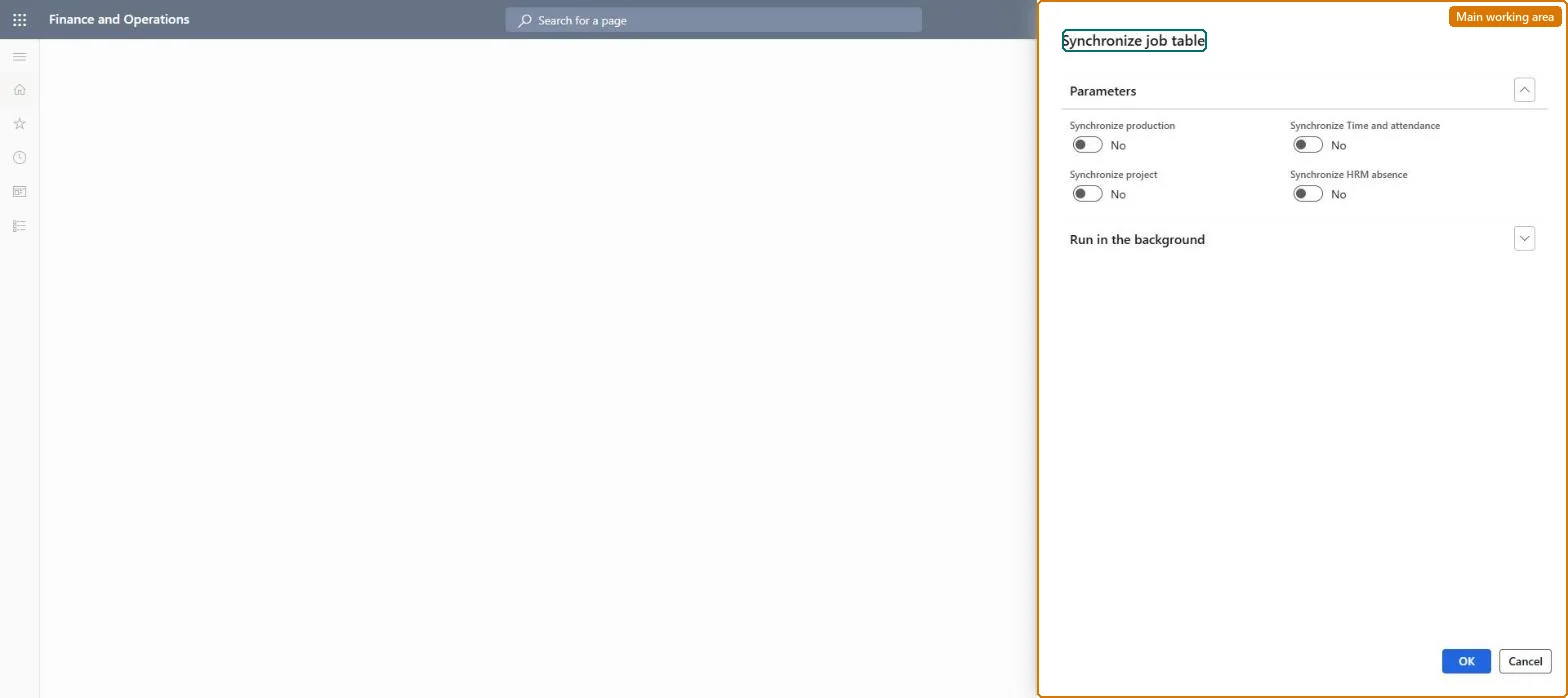
A periodic job that refreshes the time and attendance job table with the production jobs, projects, indirect activities and absence codes that workers can register time against.
PAGE GUIDEWhat the page does and how to use it7 sections. Choose a role to highlight what matters to you.
Everyone
1What it is and why
What it is
A periodic job that refreshes the time and attendance job table with the production jobs, projects, indirect activities and absence codes that workers can register time against.
What you do here
Use this page to keep the job table in step with the source tables, either as a one-off initial synchronization or as a recurring batch job when synchronization mode is Offline.
Example
For example, with offline synchronization you schedule this job as a batch to decide how often new production jobs become available for registration.
The page in Dynamics 365. page title tab to open what to set or check
About the examples: Examples and screenshots in this guide use BEAT, a demo company in a Dynamics 365 test environment. Use your own company's codes and values instead of copying them.
When to run it
When to run it
When time and attendance is set up for the first time, and regularly when the synchronization mode is Offline.
How often
Once for the initial synchronization; in offline mode as a recurring batch job.
Batch settings
In offline mode, run it as a recurring batch job so new jobs reach workers' job lists.
What the output shows
The time and attendance job table filled with the production jobs, projects, indirect activities and absence codes workers can register on. A missing job usually means its type was not selected or the offline batch has not run since it was created.
Go to Production control > Periodic tasks > Update entities > Synchronize job table.
Select the job types to synchronize: Synchronize production, Synchronize project, Synchronize Time and attendance for indirect activities, and Synchronize HRM absence for absence codes.
Run it once as the initial synchronization; in online mode the job table is then kept current automatically.
If synchronization mode is Offline, schedule it as a recurring batch job so workers see new jobs after each run, then open a worker's job list to confirm the new jobs.
Include absence groups and absence codes from Human resources.Microsoft Learn
Solution architect
4Design impact
Can it be undone
Yes, by running it again: The job table is rebuilt from the source tables on the next run. Microsoft Learn
If you change it later
In online mode the job table is kept current automatically after the first run; in offline mode workers only see new jobs after the next scheduled synchronization. Microsoft Learn
Technical architect
5Technical
Menu item
action:JmgSynchronizeJobTablePCChecked in Dynamics 365
Form
DialogChecked in Dynamics 365
Roles to set it up and use it
To use itProduction supervisor ProdProductionSupervisorManufacturing execution workload shop supervisor JmgManufacturingExecutionWorkloadSupervisorGive people one of these roles. On this system, 2 roles can run this page.Checked in Dynamics 365