Production controlPeriodic tasksProduction order status update
action:ProdRouteChangeAction
Business process
Update the production operations to meet production requirements in Dynamics 365 Supply Chain Management
Menu item
action:ProdRouteChangeAction
Show what matters for
PAGE GUIDEWhat the page does and how to use it7 sections. Choose a role to highlight what matters to you.
Everyone
1What it is and why
What it is
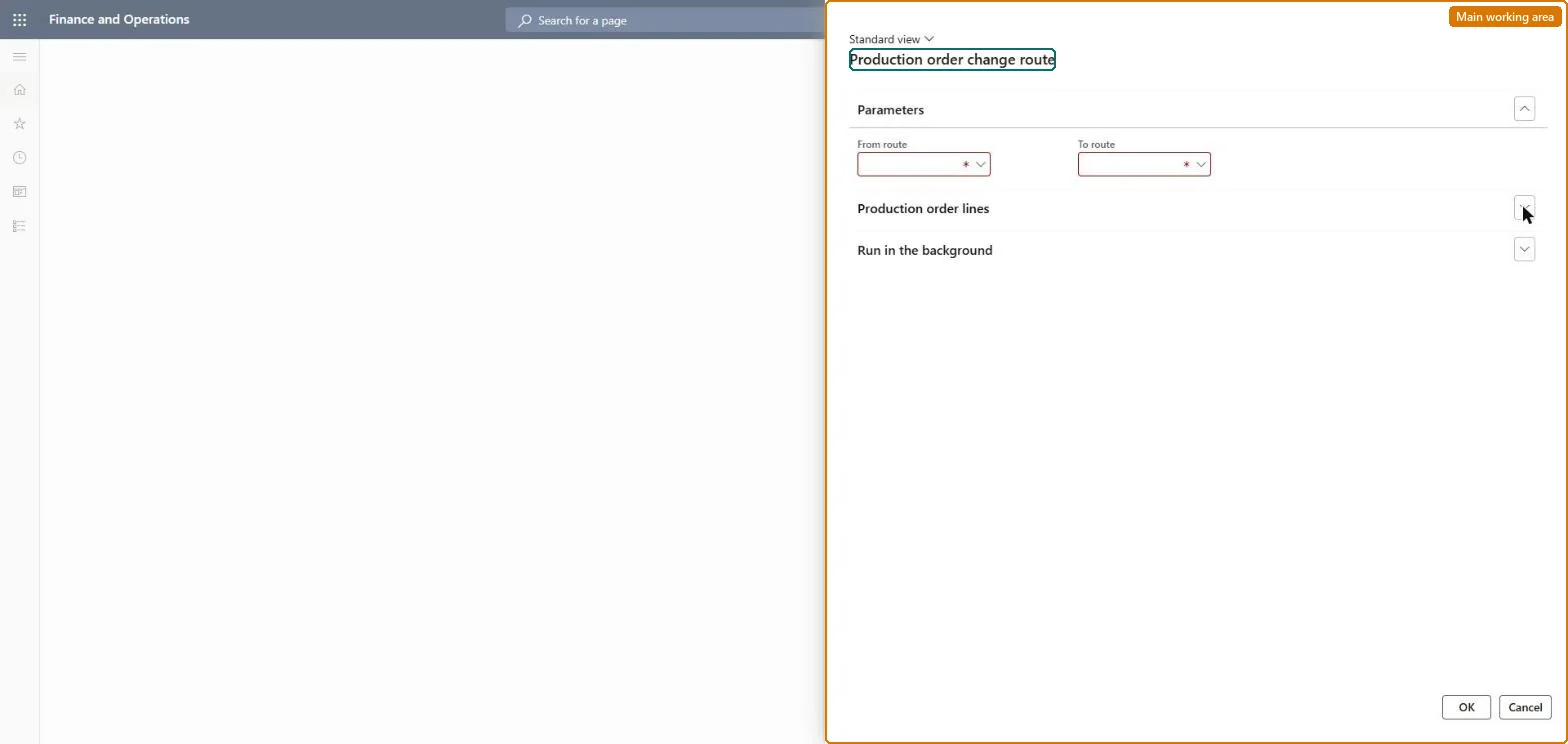
A periodic dialog that replaces one route with another on selected production orders.
What you do here
Use this page when a process improvement or a machine change means that open production orders should follow a different route, for example one with new setup times.
Example
For example, after a machine is replaced, mark all open orders that use the old route and switch them to the new route in one run.
The page in Dynamics 365. page title tab to open what to set or check
About the examples: Examples and screenshots in this guide use BEAT, a demo company in a Dynamics 365 test environment. Use your own company's codes and values instead of copying them.
When to run it
When to run it
When a process improvement or machine change means open production orders must follow a different route, for example with new setup times.
How often
On demand, whenever a route change must be applied to orders that already exist.
Batch settings
Run it in the background when many orders are marked.
What the output shows
The marked production orders with operations from the new route. Costs and dates still reflecting the old route mean estimation and scheduling haven't been rerun.
Yes, by running it again: Run the change again with the routes swapped to move the orders back. Microsoft Learn
If you change it later
Changing the route changes the operations and times behind the order's cost estimate and schedule, so estimation and scheduling may need to be run again. Microsoft Learn
Technical architect
5Technical
Menu item
action:ProdRouteChangeActionChecked in Dynamics 365
Form
ProdRouteChangeDialogChecked in Dynamics 365
Roles to set it up and use it
To use itProduction supervisor ProdProductionSupervisorGive people one of these roles. On this system, 1 role can run this page.Checked in Dynamics 365