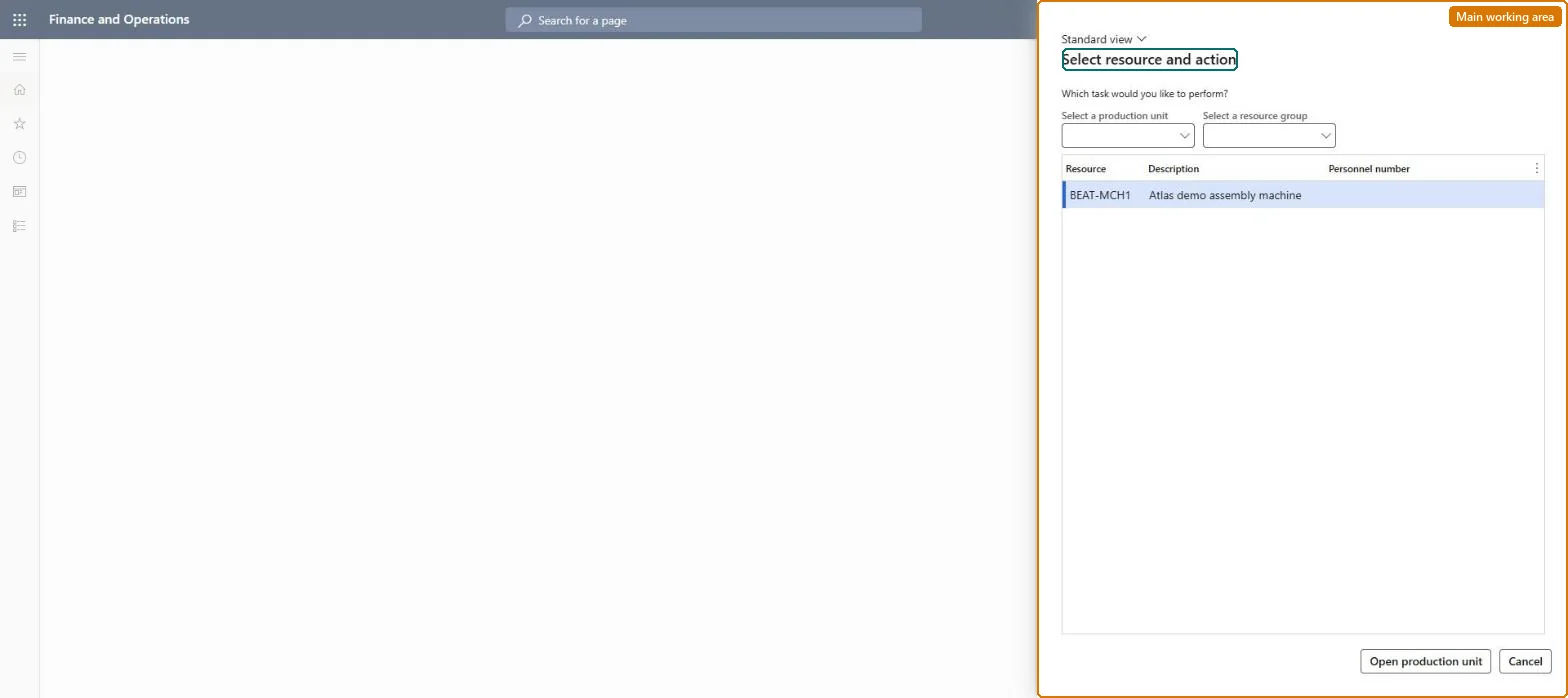
A page where a supervisor opens the job list of a production unit or resource group and changes the order, priority or assigned resource of the production jobs in it.
Production controlPeriodic tasksManufacturing execution
JmgResourceJobs
Business process
Sequence production orders in Dynamics 365 Supply Chain Management
Menu item
JmgResourceJobs
Show what matters for
PAGE GUIDEWhat the page does and how to use it7 sections. Choose a role to highlight what matters to you.
Everyone
1What it is and why
What it is
A page where a supervisor opens the job list of a production unit or resource group and changes the order, priority or assigned resource of the production jobs in it.
What you do here
Use this page to move jobs up or down the list, mark them as high priority, or assign them to a different resource.
Example
For example, a supervisor can move an urgent job to the top of the list that workers see for a machine on the production floor execution interface.
The page in Dynamics 365. page title tab to open what to set or check
About the examples: Examples and screenshots in this guide use BEAT, a demo company in a Dynamics 365 test environment. Use your own company's codes and values instead of copying them.
When to run it
When to run it
When a supervisor must reprioritize production jobs or move them to another resource, for example after a machine breakdown.
How often
On demand, during the shift whenever the job sequence must change.
What the output shows
The job list in the new sequence, with high-priority jobs flagged and moved jobs on their new resource. Jobs that keep their old position were not submitted with Submit sequence.
Yes, by editing again: Move the jobs back or change the resource again, then submit the sequence. Microsoft Learn
If you change it later
Changes the sequence, priority and assigned resource of production jobs on the job list that workers see. Microsoft Learn
Technical architect
5Technical
Menu item
JmgResourceJobsChecked in Dynamics 365
Form
JmgMESRequestActionDialogChecked in Dynamics 365
Roles to set it up and use it
To set it up or change itProduction supervisor ProdProductionSupervisorShop supervisor JmgShopSupervisorManufacturing execution workload shop supervisor JmgManufacturingExecutionWorkloadSupervisorTo use itManager HcmManagerGive people one of these roles. On this system, 4 roles can open this page.Checked in Dynamics 365