PAGE GUIDEWhat the page does and how to use it7 sections. Choose a role to highlight what matters to you.
Everyone
1What it is and why
What it is
A periodic cleanup routine that deletes production journals that are no longer needed.
What you do here
Use this page to remove posted production journals, such as picking lists, route cards, job cards and report-as-finished journals, once the business has confirmed the data is no longer required. It can run as a batch job.
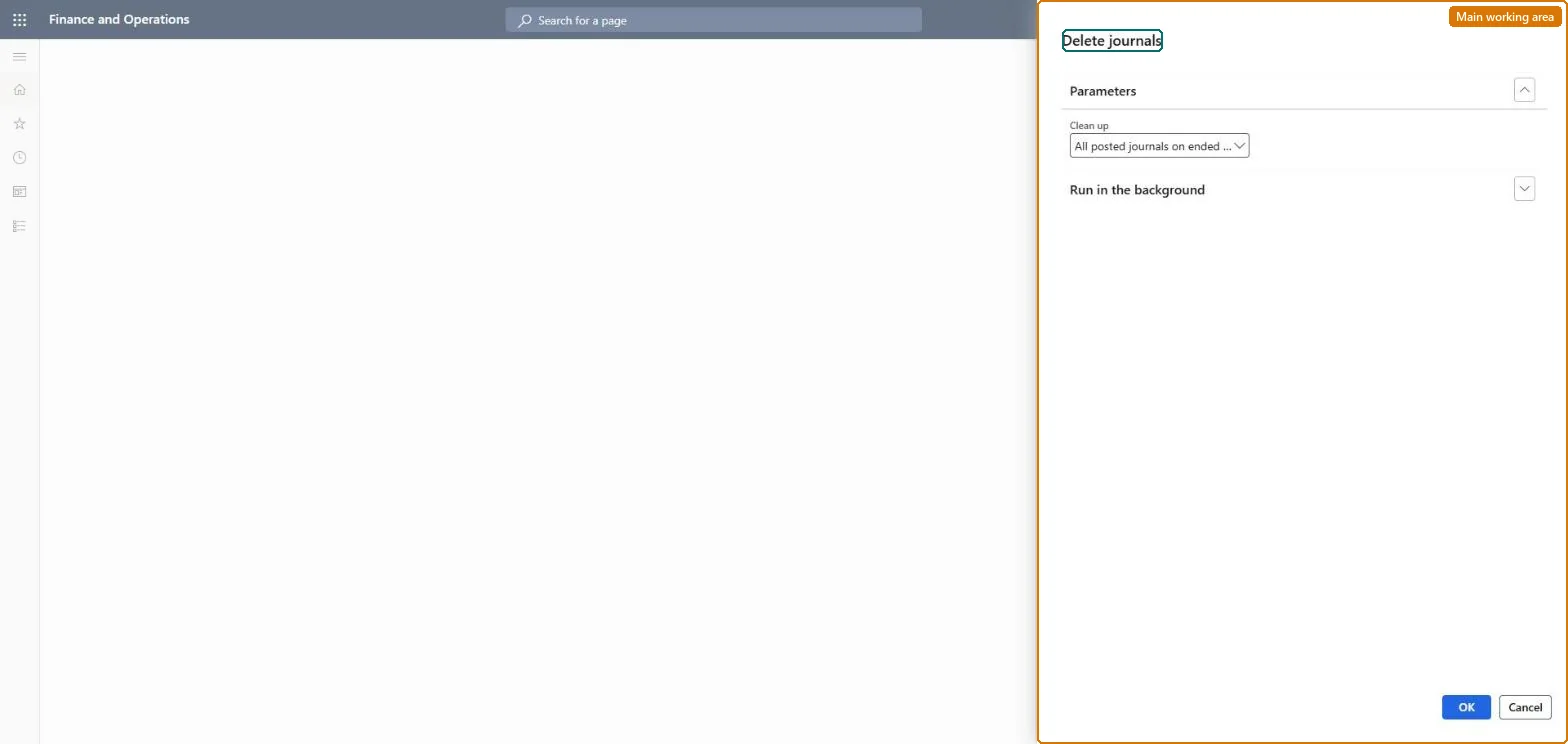
The page in Dynamics 365. page title tab to open what to set or check
About the examples: Examples and screenshots in this guide use BEAT, a demo company in a Dynamics 365 test environment. Use your own company's codes and values instead of copying them.
When to run it
When to run it
After a detailed analysis has confirmed that the posted production journals are no longer required.
How often
Periodically, as agreed with the business for data retention.
Batch settings
Run it as a batch job outside business hours when many journals are deleted.
What the output shows
The posted production journals of the selected type are deleted. Unposted journals stay, so journals still in the list are usually not posted.
Go to Production control > Periodic tasks > Clean up > Production journals cleanup.
Confirm with the business that the posted production journals are no longer needed, and test the cleanup in a test environment first.
In the Clean up field, select which posted production journals to delete, such as picking lists, route cards, job cards or report-as-finished journals.
Open the production journals afterwards and confirm that only the selected posted journals are gone.
No: Deleted journals can't be restored. Run it only after the business confirms the data is no longer needed, and test it first. Microsoft Learn
If you change it later
Deleted journals cannot be recovered, so run the routine only after confirming the journals are no longer needed and test it in a non-production environment first. Microsoft Learn
Technical architect
5Technical
Menu item
action:ProdJournalCleanUpChecked in Dynamics 365
Form
DialogChecked in Dynamics 365
Roles to set it up and use it
To use itInformation technology manager SysServerITManagerGive people one of these roles. On this system, 1 role can run this page.Checked in Dynamics 365