BeyondERP.Newsletter
Menu

Job page · Production control

Production orders cleanup

A periodic task that deletes production orders that have ended.

Business process
Manage data
Menu item
action:ProdTableCleanUp
Show what matters for
PAGE GUIDEWhat the page does and how to use it7 sections. Choose a role to highlight what matters to you.
Everyone

1What it is and why

What it isA periodic task that deletes production orders that have ended.
What you do hereUse this task to remove ended production orders from the system once the business has confirmed that the data is no longer required.
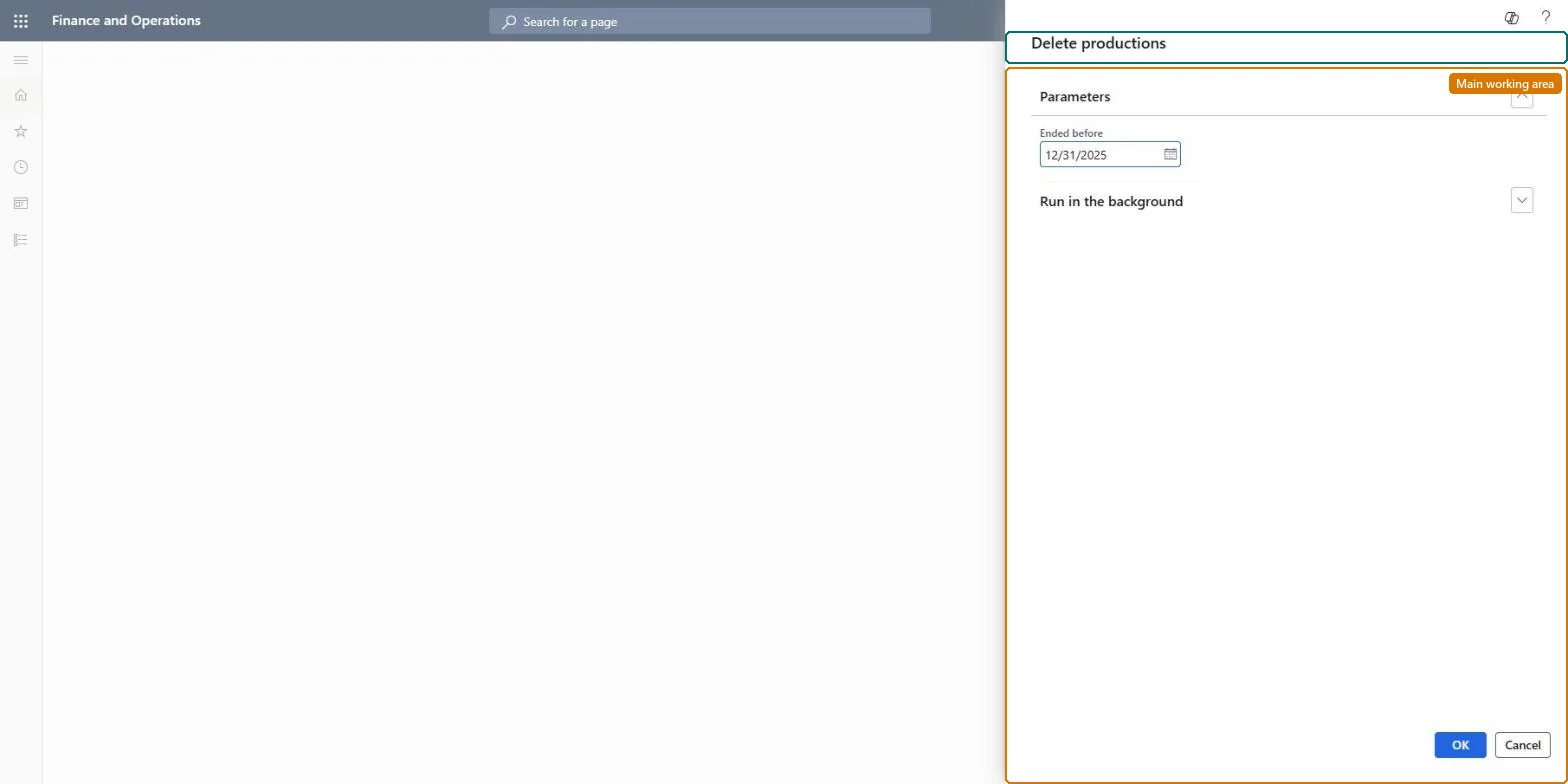
Production orders cleanup page in Dynamics 365
The page in Dynamics 365. page title tab to open what to set or check
Functional consultant · Solution architect

2Where it fits

Business processManage data
Menu pathProduction control › Periodic tasks › Clean up › Production orders cleanup
End user · Functional consultant

3How to do it

About the examples: Examples and screenshots in this guide use BEAT, a demo company in a Dynamics 365 test environment. Use your own company's codes and values instead of copying them.

When to run it

When to run itAfter production orders have ended and the business has confirmed their data is no longer required.
How oftenPeriodically, in line with your retention policy for ended orders.
Batch settingsRun it as a batch job outside business hours when many ended orders are deleted.
What the output showsEnded production orders are removed. Orders that remain are usually not Ended yet.

Source: Microsoft Learn

Steps from Microsoft

  1. Go to Production control > Periodic tasks > Clean up > Production orders cleanup.
  2. Confirm with the business that the ended production orders are no longer needed, and run the cleanup in a test environment first.
  3. Limit the run to the ended production orders you want to delete; orders in any other status are not deleted.
  4. Search for a few of the deleted order numbers afterwards to confirm they are gone and that open orders are untouched.

Source: Microsoft Learn

Test checklist

  1. Selected ended orders are gone.
  2. Orders in other statuses are unchanged.

Source: Microsoft Learn

Solution architect

4Design impact

Can it be undoneNo: Deleted production orders can't be restored. Run it only after the business confirms the data is no longer needed. Microsoft Learn
If you change it laterDeletes ended production orders, so their details are no longer available for inquiries on those orders. Microsoft Learn
Technical architect

5Technical

Menu itemaction:ProdTableCleanUp
Roles to set it up and use itTo use itInformation technology manager SysServerITManagerGive people one of these roles. On this system, 1 role can run this page.Checked in Dynamics 365
Developer

6Developer

Open it by URLhttps://<your-environment>/?mi=action:ProdTableCleanUp
Everyone

7Sources