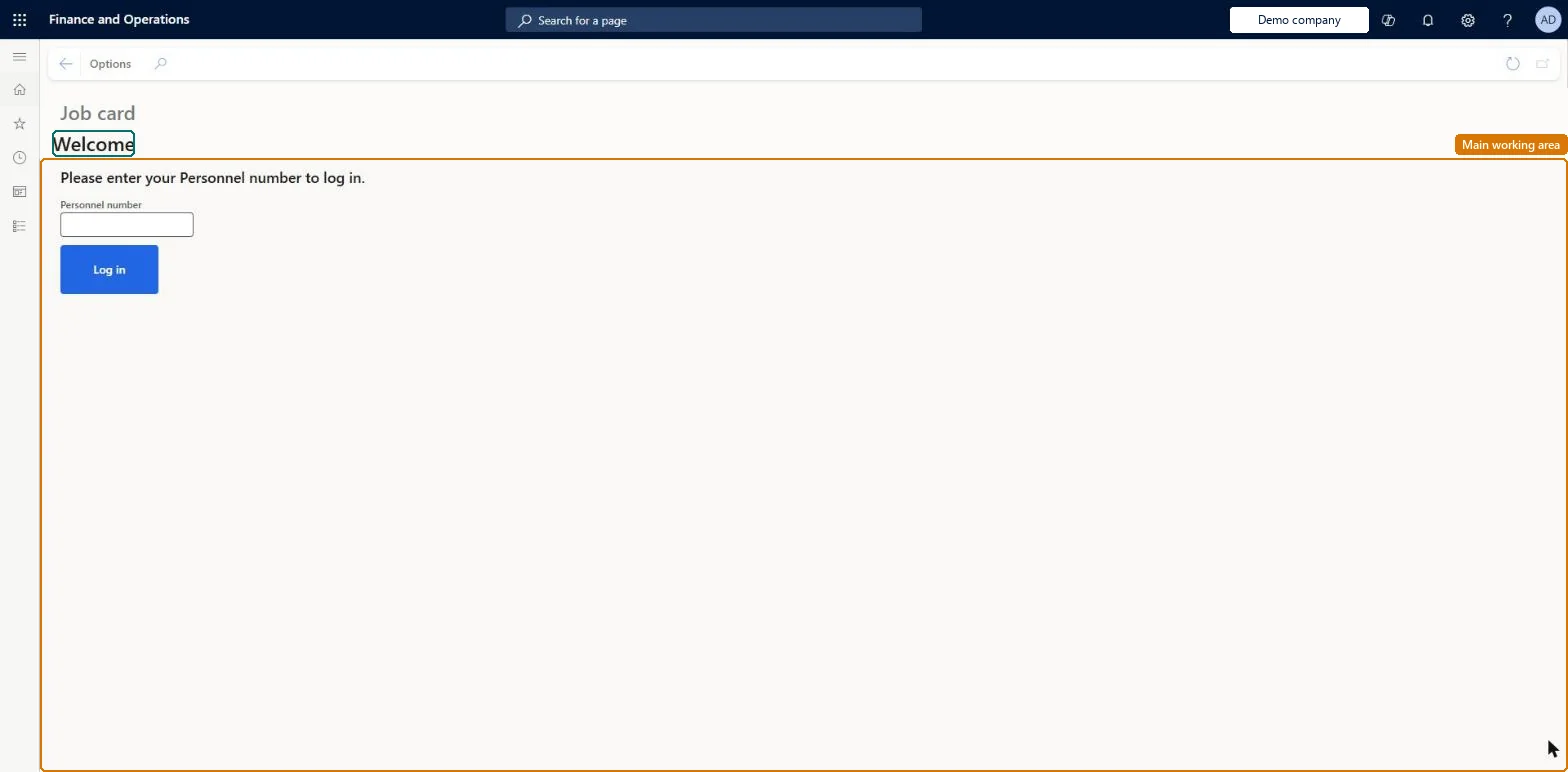
A touch-oriented shop-floor page, no longer supported, on which workers started jobs and used the Report progress page to report finished quantities, batch and serial numbers and license plates for a production job.
Deprecated in Supply Chain Management 10.0.19. Microsoft has not supported the job card device since April 2022. Use the production floor execution interface instead. Microsoft Learn
Use the Job card device to start production in Dynamics 365 Supply Chain Management
Menu item
JmgRegistrationTouch
Show what matters for
PAGE GUIDEWhat the page does and how to use it7 sections. Choose a role to highlight what matters to you.
Everyone
1What it is and why
What it is
A touch-oriented shop-floor page, no longer supported, on which workers started jobs and used the Report progress page to report finished quantities, batch and serial numbers and license plates for a production job.
What you do here
Use this page only on systems that have not moved to the production floor execution interface; it lets a worker report completed quantities on a job, with behaviour controlled by Production order defaults and the device configuration.
Example
For example, a worker reporting the last operation enters the good quantity and selects a predefined batch number, and the order is reported as finished to inventory.
The page in Dynamics 365. page title tab to open what to set or check
About the examples: Examples and screenshots in this guide use BEAT, a demo company in a Dynamics 365 test environment. Use your own company's codes and values instead of copying them.
Fields on the page
Field
What it means
Batch number
Entered, selected from a list or fixed, depending on the tracking number group of the product.Microsoft Learn
Serial number
Entered, selected or fixed; manually entered serials can be scrapped or deleted from the list.Microsoft Learn
Generate license plate (device configuration)
Whether each report as finished creates a new license plate or reuses an existing one.Microsoft Learn
Print label (device configuration)
Whether a license plate label is printed at report as finished.Microsoft Learn
Solution architect
4Design impact
If you change it later
Quantities reported on an operation that is not the last one are not added to inventory, although they show progress and can gate the start of the next operation. Microsoft Learn
Technical architect
5Technical
Menu item
JmgRegistrationTouchChecked in Dynamics 365
Form
SysBoxFormChecked in Dynamics 365
Roles to set it up and use it
To set it up or change itProduction supervisor ProdProductionSupervisorShop supervisor JmgShopSupervisorMachine operator JmgMachineOperatorManufacturing execution workload shop supervisor JmgManufacturingExecutionWorkloadSupervisorWaterspider LeanWaterspiderGive people one of these roles. On this system, 6 roles can open this page.Checked in Dynamics 365