About the examples: Examples and screenshots in this guide use BEAT, a demo company in a Dynamics 365 test environment. Use your own company's codes and values instead of copying them.
When to run it
When to run it
When a production order pack is needed on paper, typically after the order is estimated or released and before work starts.
How often
On demand, whenever the shop floor or planning needs a printed copy of one or more production orders.
What the output shows
One section per production order with its header data and the materials used on its operations. A material that is missing or has the wrong quantity points to the production BOM of the order, not to the report.
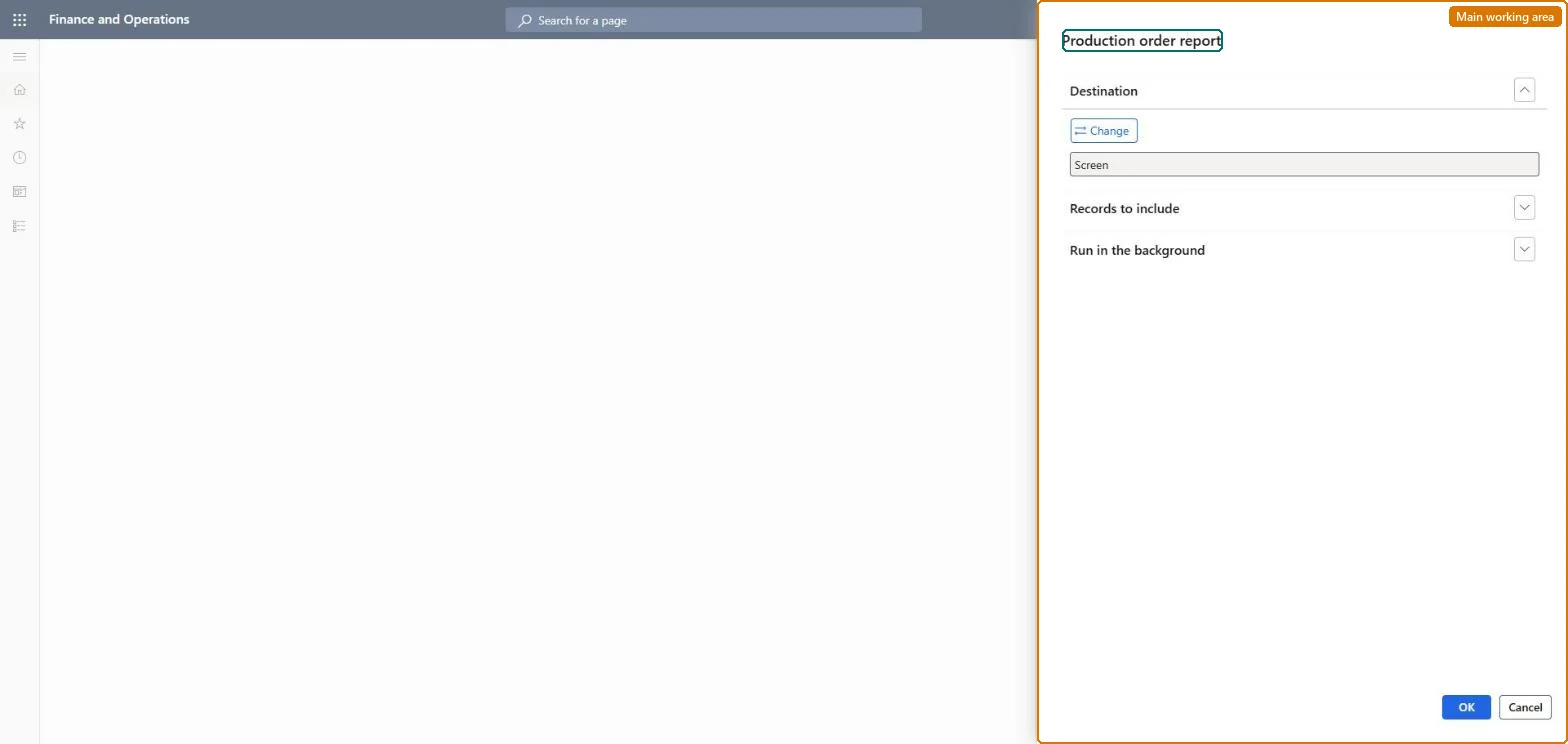
Go to Production control > Inquiries and reports > Production > Production order report.
Decide which orders you need on paper: the report prints each production order with the materials its operations use, so it suits a full order pack rather than a single document.
In Records to include, filter the Production orders query on Production for specific order numbers, or on Status to print, for example, all released orders.
Read each printed order against its BOM and route before it goes to the shop floor, and reprint after any change to the order's materials.
The query that selects which orders to print, by production number and status.Microsoft Learn
Solution architect
4Design impact
Can it be undone
Nothing to undo: The report only prints production orders; it changes nothing on them. Microsoft Learn
Technical architect
5Technical
Menu item
output:ProdReportChecked in Dynamics 365
Form
SysOperationTemplateFormChecked in Dynamics 365
Roles to set it up and use it
To use itProduction supervisor ProdProductionSupervisorProduction manager ProdProductionManagerShop supervisor JmgShopSupervisorProduction planner ReqProductionPlannerProject manager ProjProjectManagerGive people one of these roles. On this system, 5 roles can run this page.Checked in Dynamics 365