Release a production or batch order manually in Dynamics 365 Supply Chain Management
Menu item
output:ProdRouteCard
Show what matters for
PAGE GUIDEWhat the page does and how to use it7 sections. Choose a role to highlight what matters to you.
Everyone
1What it is and why
What it is
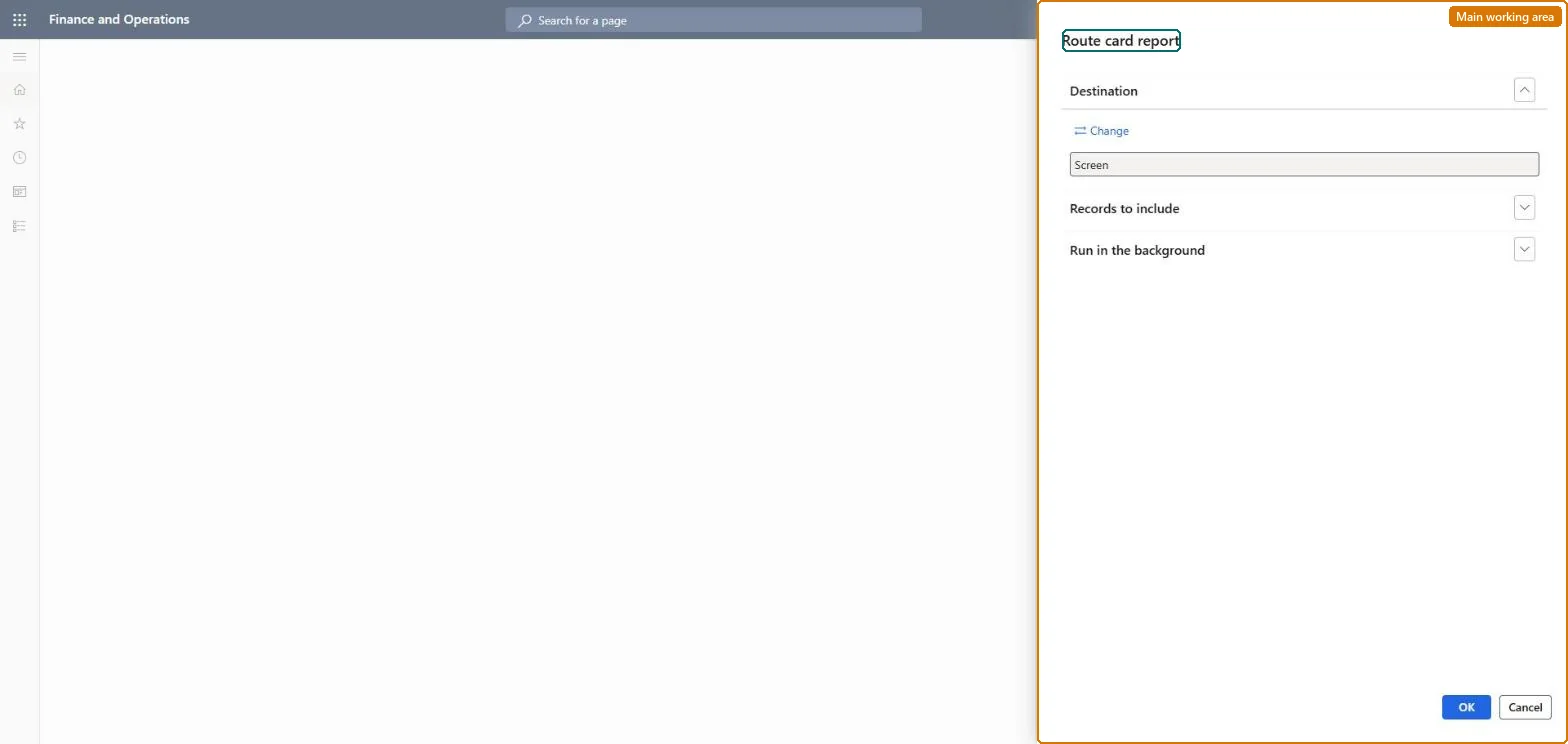
A report that prints the route card (the operations to perform) for a production order, the same document printed when the order is released.
What you do here
Use this page to reprint route cards for selected production orders, for example when the copy printed at release has been lost or the route has changed.
Example
For example, a supervisor reprints the route card for an order that was rescheduled; with a routing network one card is printed per branch.
The page in Dynamics 365. page title tab to open what to set or check
About the examples: Examples and screenshots in this guide use BEAT, a demo company in a Dynamics 365 test environment. Use your own company's codes and values instead of copying them.
When to run it
When to run it
When a released production order needs a new copy of its route card, for example after a route change or a lost printout.
How often
On demand, when a route card must be reprinted outside the release step.
What the output shows
One route card per production order listing the operations to perform, without the individual jobs. Operations that differ from what the shop floor expects mean the order's route was changed or the wrong order was selected.
The query that selects which orders' route cards to print.Microsoft Learn
Solution architect
4Design impact
Can it be undone
Nothing to undo: The report only prints route cards; it changes nothing on the orders. Microsoft Learn
Technical architect
5Technical
Menu item
output:ProdRouteCardChecked in Dynamics 365
Form
SysOperationTemplateFormChecked in Dynamics 365
Roles to set it up and use it
To use itProduction supervisor ProdProductionSupervisorShop supervisor JmgShopSupervisorMachine operator JmgMachineOperatorGive people one of these roles. On this system, 3 roles can run this page.Checked in Dynamics 365