About the examples: Examples and screenshots in this guide use BEAT, a demo company in a Dynamics 365 test environment. Use your own company's codes and values instead of copying them.
When to run it
When to run it
After rebate claims are approved, when accounts payable takes them into the regular payables process.
How often
On demand, after each round of claim approvals.
What the output shows
Claims set to Completed, a rebate accrual journal that reverses the interim accrual, and a vendor invoice (credit note) for the rebate amount. When the credit is posted, the rebate is added to the vendor balance.
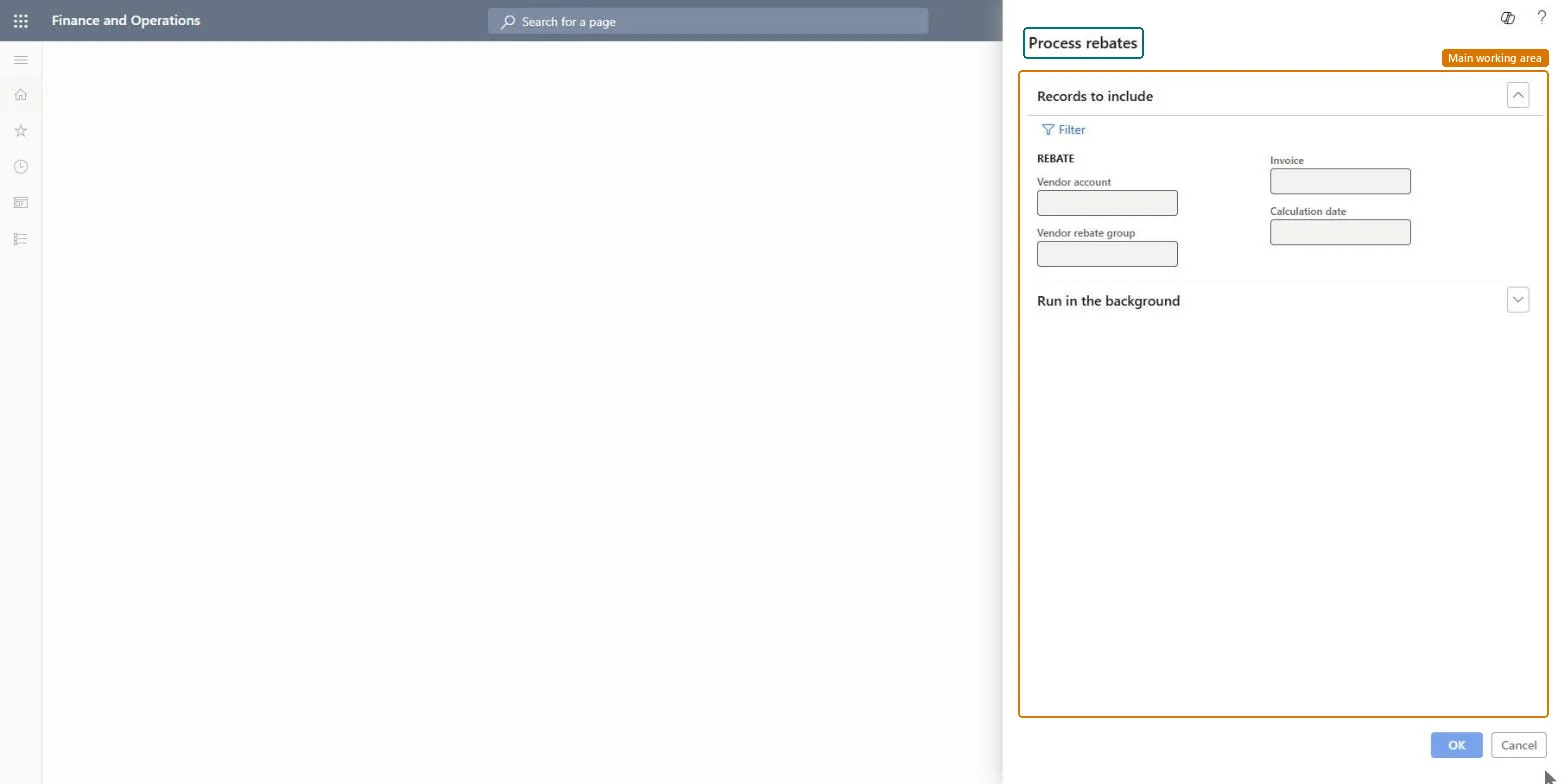
Go to Procurement and sourcing > Vendor rebates > Rebate update > Process rebates.
Select Filter, and in the Criteria field for Vendor account select the vendor whose approved claims you want to process.
Add any other filters you need so that only claims that were reviewed and approved are processed.
Run it; the claim status changes to Completed when processing succeeds.
Open Rebate transactions on the claim to find the reversed accrual journal and the vendor invoice (credit note). Depending on Manual invoice posting in the Procurement and sourcing parameters, the invoice is posted or waits as a pending vendor invoice.
No: Processing posts the accrual reversal and creates the vendor credit note. Approve only claims you have reviewed before you process them. Microsoft Learn
If you change it later
Reverses the rebate accrual and creates a vendor invoice (credit note) for the rebate amount, which updates the vendor balance once posted. Microsoft Learn
Technical architect
5Technical
Menu item
action:TAMVendRebateProcessChecked in Dynamics 365
Form
DialogChecked in Dynamics 365
Roles to set it up and use it
To use itAccounts payable manager VendInvoiceAccountsPayableManagerGive people one of these roles. On this system, 1 role can run this page.Checked in Dynamics 365