BeyondERP.Newsletter
Menu

Page · Procurement and sourcing

Rebate claims

A list page of rebate claims, which represent rebate payments that the company expects to receive from vendors.

Used by
Accounts payable manager
Business process
Process vendor rebates with Dynamics 365 Supply Chain Management
Menu item
TAMVendRebateTableEdit
Main table
TAMVendRebateTable
Show what matters for
PAGE GUIDEWhat the page does and how to use it7 sections. Choose a role to highlight what matters to you.
Everyone

1What it is and why

What it isA list page of rebate claims, which represent rebate payments that the company expects to receive from vendors.
What you do hereUse this page to review, approve and process rebate claims so that a vendor credit note is created for the rebate amount.
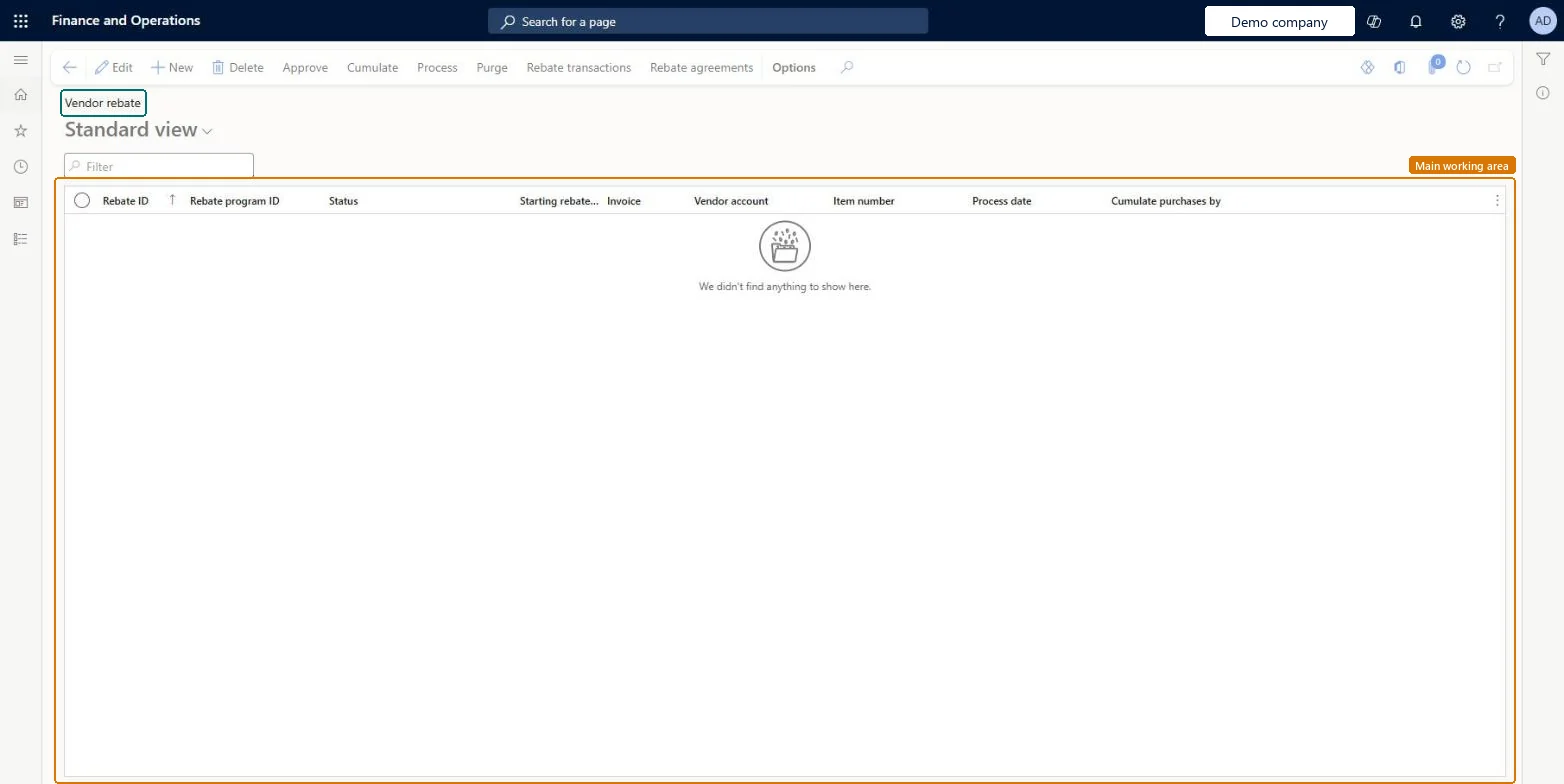
Rebate claims page in Dynamics 365
The page in Dynamics 365. page title tab to open what to set or check
Functional consultant · Solution architect

2Where it fits

End user · Functional consultant

3How to do it

About the examples: Examples and screenshots in this guide use BEAT, a demo company in a Dynamics 365 test environment. Use your own company's codes and values instead of copying them.

Steps from Microsoft

  1. Go to Procurement and sourcing > Vendor rebates > Rebate claims.
  2. Mark the claim, and then on the Action Pane select Approve.
  3. Select the vendor you're authorized to receive a rebate from, and select OK.
  4. Select Rebate transactions to see the rebate accrual posting.
  5. Select Process, then Filter, choose the vendor and other filters, and select OK.
  6. Select Rebate transactions again to find the vendor invoice for the rebate.

Source: Microsoft Learn

Fields on the page

FieldWhat it meansTable column
StatusShows where the claim is, for example To be calculated, Calculated, Approved or Completed.Microsoft Learn RebateStatus
Solution architect

4Design impact

Shared or per companyPer company: each legal entity has its own records. Microsoft data model
If you change it laterRebate amounts on approved claims can't change; if cumulating changes them, the difference goes to a new claim line that must be approved separately. Microsoft Learn
Technical architect

5Technical

Menu itemTAMVendRebateTableEdit Checked in Dynamics 365
FormTAMVendRebateTable Checked in Dynamics 365
TableTAMVendRebateTableShown as “Rebate” in Record infoChecked in Dynamics 365
Who can open itPrivilegesMaintain vendor rebate table TAMVendRebateTableMaintainDutiesMaintain purchase rebates TAMVendRebateMaintain
1 security roleAccounts payable manager VendInvoiceAccountsPayableManager
Checked in Dynamics 365
Roles to set it up and use itTo set it up or change itAccounts payable manager VendInvoiceAccountsPayableManagerGive people one of these roles. On this system, 1 role can open this page.Checked in Dynamics 365
Actions on the pageOptions: Personalize, Page options, ShareChecked in Dynamics 365
Developer

6Developer

Open it by URLhttps://<your-environment>/?mi=TAMVendRebateTableEdit
Table definitionTAMVendRebateTable columns and relations Microsoft data model
Everyone

7Sources