About the examples: Examples and screenshots in this guide use BEAT, a demo company in a Dynamics 365 test environment. Use your own company's codes and values instead of copying them.
Step by step, with screenshots
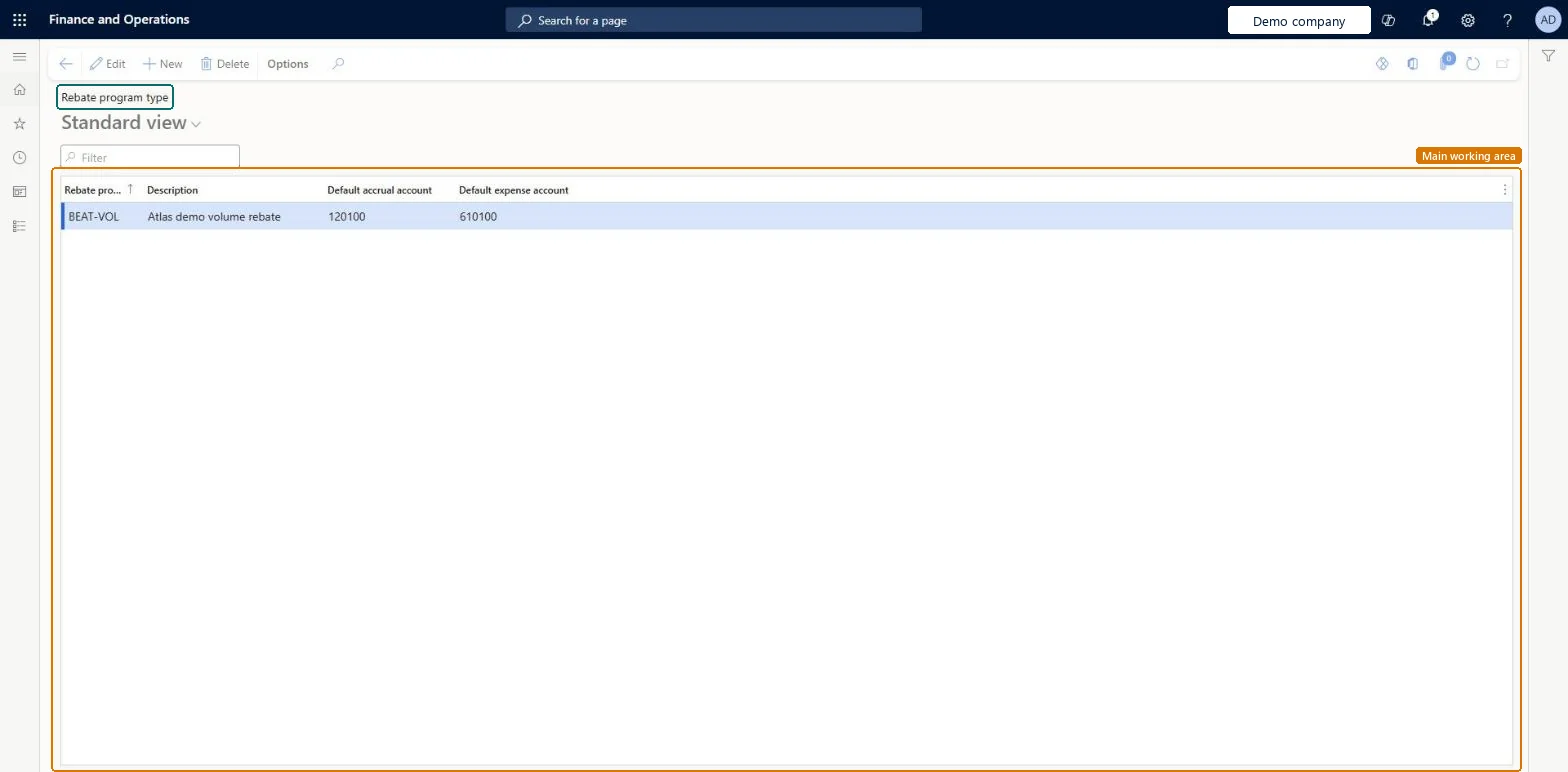
Set up Rebate program types1 screen
Use this page to create rebate program types with default accrual and expense accounts for rebate agreements to use.
Screen 1
Create the rebate program type
Go to Procurement and sourcing > Vendor rebates > Rebate program types
Select New
Enter the rebate program and description
Choose the default accrual and expense accounts
Select Save
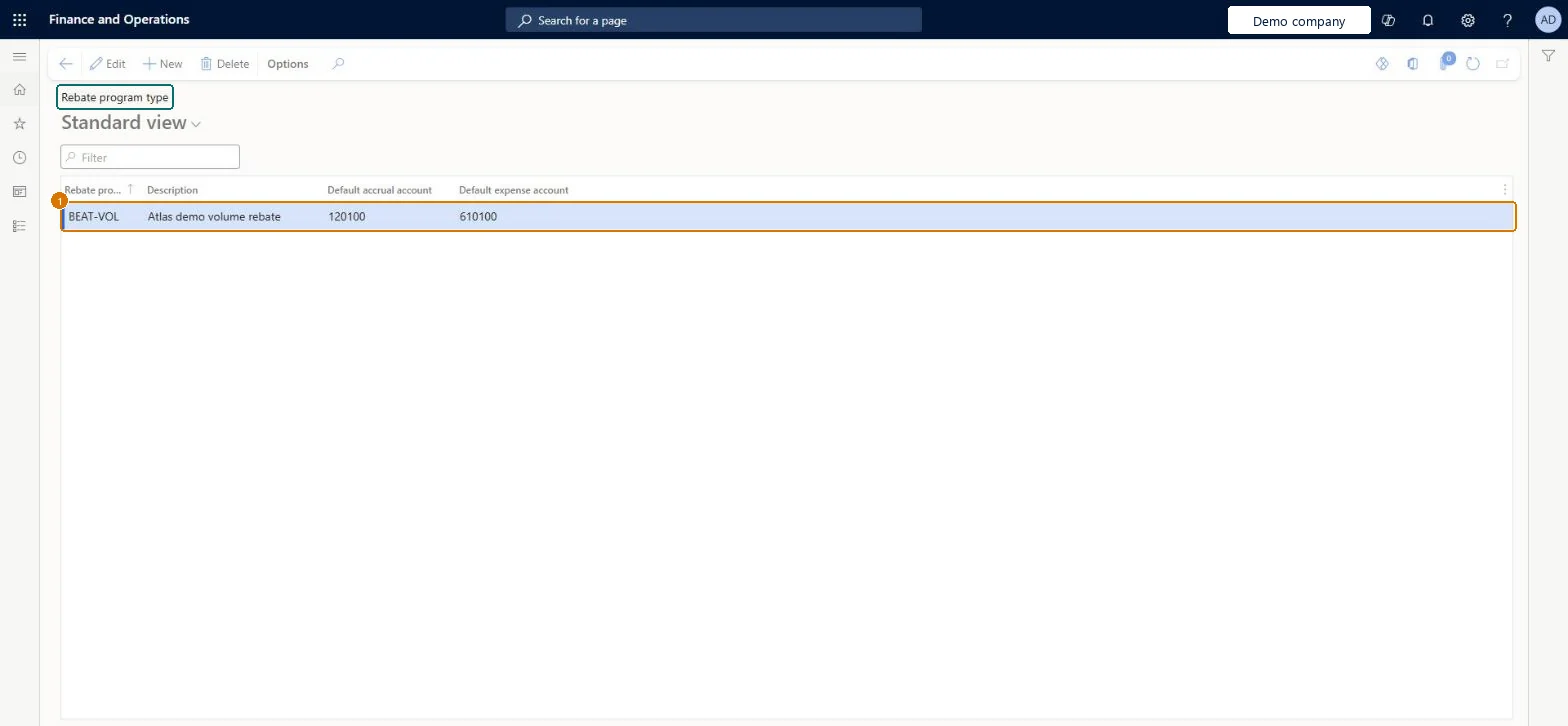
1Rebate program
BEAT-VOL
Default accrual account
120100
Default expense account
610100
Show the full screen page title tab to open what to set or check
Steps from Microsoft
Go to Procurement and sourcing > Vendor rebates > Rebate program types.
Select New, and enter an ID and description for the program type.
Select a default accrual account and expense account.
One rebate program type per kind of vendor rebate program, with the default accrual and expense accounts finance wants rebate claims to use between approval and processingWhen a claim is approved, a rebate accrual journal debits the accrued vendor rebates receivable account and credits the interim rebates received account; the agreement's Rebate program accrual account and Rebate program expense account hold those accounts.
Setting up the program types but not the Rebate program tab of Procurement and sourcing parameters. The procurement category there decides the Discounts and Allowances Received account on the rebate credit note, and Manual invoice posting decides whether that credit note posts automatically.
To set it up or change itAccounts payable manager VendInvoiceAccountsPayableManagerGive people one of these roles. On this system, 1 role can open this page.Checked in Dynamics 365
Actions on the page
Options: Personalize, Page options, ShareChecked in Dynamics 365
Checked in a working Dynamics 365 system, version 10.0.49: the menu item, form, table and security, the page, the demo records and the values in the screenshots.