Accounts payable manager, Purchasing agent, Purchasing Agent - Public Sector and 10 more roles
Business process
Procure goods and services
Menu item
PurchReqPreparedByMe
Main table
PurchReqTable
Data entity
PurchaseRequisitionHeaderV2Entity
Show what matters for
PAGE GUIDEWhat the page does and how to use it7 sections. Choose a role to highlight what matters to you.
Everyone
1What it is and why
What it is
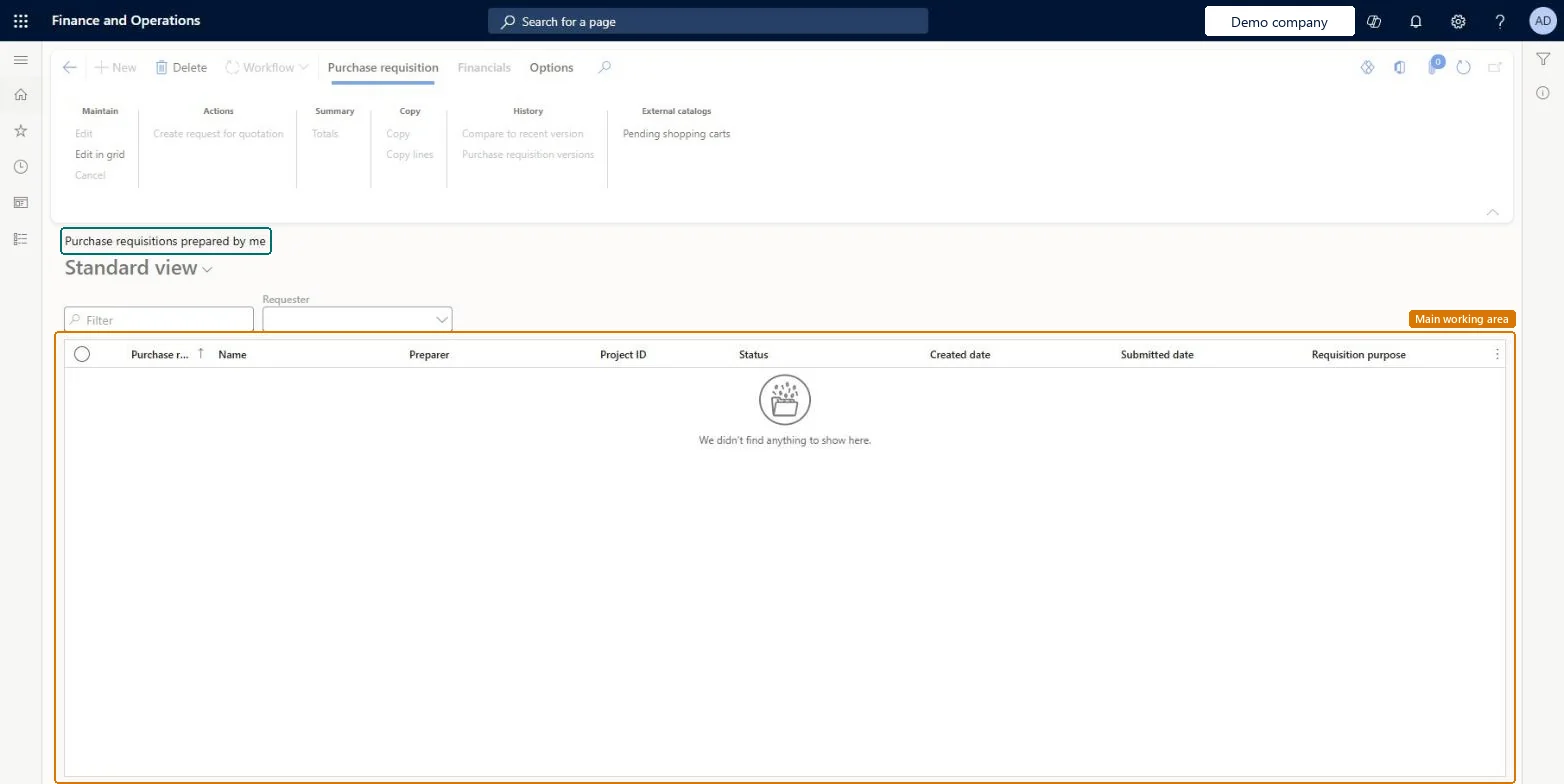
A list page of the purchase requisitions that you prepared, where you create new requisitions and follow up on them.
What you do here
Use this page to create purchase requisitions, submit them for review, and recall and resubmit them when needed.
Example
For example, an employee requests a product without a vendor or price, and the workflow gives a buyer a task to get prices through a request for quotation.
The page in Dynamics 365. page title tab to open what to set or check
About the examples: Examples and screenshots in this guide use BEAT, a demo company in a Dynamics 365 test environment. Use your own company's codes and values instead of copying them.
Steps from Microsoft
Go to Procurement and sourcing > Purchase requisitions > Purchase requisitions prepared by me.
Select New.
Enter the Name, Requested date and Accounting date, and then select OK.
Select a Reason and enter Details to justify the requisition.
Select Add line to add a known product, or Add products to search the procurement catalog.
Enter the quantity for each line.
Optionally, select Financials > Distribute amounts to split the cost between accounts.
Select Workflow > Submit, enter a comment for the approver, and select Submit.
PrivilegesInquire into all purchase requisitions PurchReqPurchaseRequisitionInquireMaintain purchase requisitions PurchReqPurchaseRequisitionMaintainDutiesThis duty only include privileges that are accessible by the project manager and it does not contain the privileges related to sales order and purchase order ProjProjectItemTasksMaintainApprove purchase requisitions PurchReqPurchaseRequisitionApproveInquire into purchase requisition PurchReqPurchaseRequisitionInquireMaintain purchase requisitions PurchReqPurchaseRequisitionMaintainMaintain all purchase requisitions PurchReqPurchaseRequisitionMaintainAll13 security rolesBudget manager BudgetBudgetManagerChief financial officer CompanyChiefFinancialOfficerEmployee HCMEmployeeManager HcmManagerFinancial controller LedgerFinancialControllerProject assistant ProjProjectClerkProject manager ProjProjectManagerRetail service RetailServiceRetail store manager RetailStoreManagerPurchasing manager TradePurchasingManagerAccounts payable manager VendInvoiceAccountsPayableManagerPurchasing agent VendPurchasingAgentPurchasing Agent - Public Sector VendPurchasingAgent_PSNChecked in Dynamics 365
Roles to set it up and use it
To use itPurchasing manager TradePurchasingManagerAccounts payable manager VendInvoiceAccountsPayableManagerPurchasing agent VendPurchasingAgentPurchasing Agent - Public Sector VendPurchasingAgent_PSNProject manager ProjProjectManagerGive people one of these roles. On this system, 13 roles can open this page.Checked in Dynamics 365