Procurement and sourcingPurchase ordersDirect delivery processing
MCRDropShipWorkbenchAP
Business process
Procure goods and services
Menu item
MCRDropShipWorkbenchAP
Main table
PurchTable
Data entity
PurchPurchaseOrderHeaderV2Entity
Show what matters for
PAGE GUIDEWhat the page does and how to use it7 sections. Choose a role to highlight what matters to you.
Everyone
1What it is and why
What it is
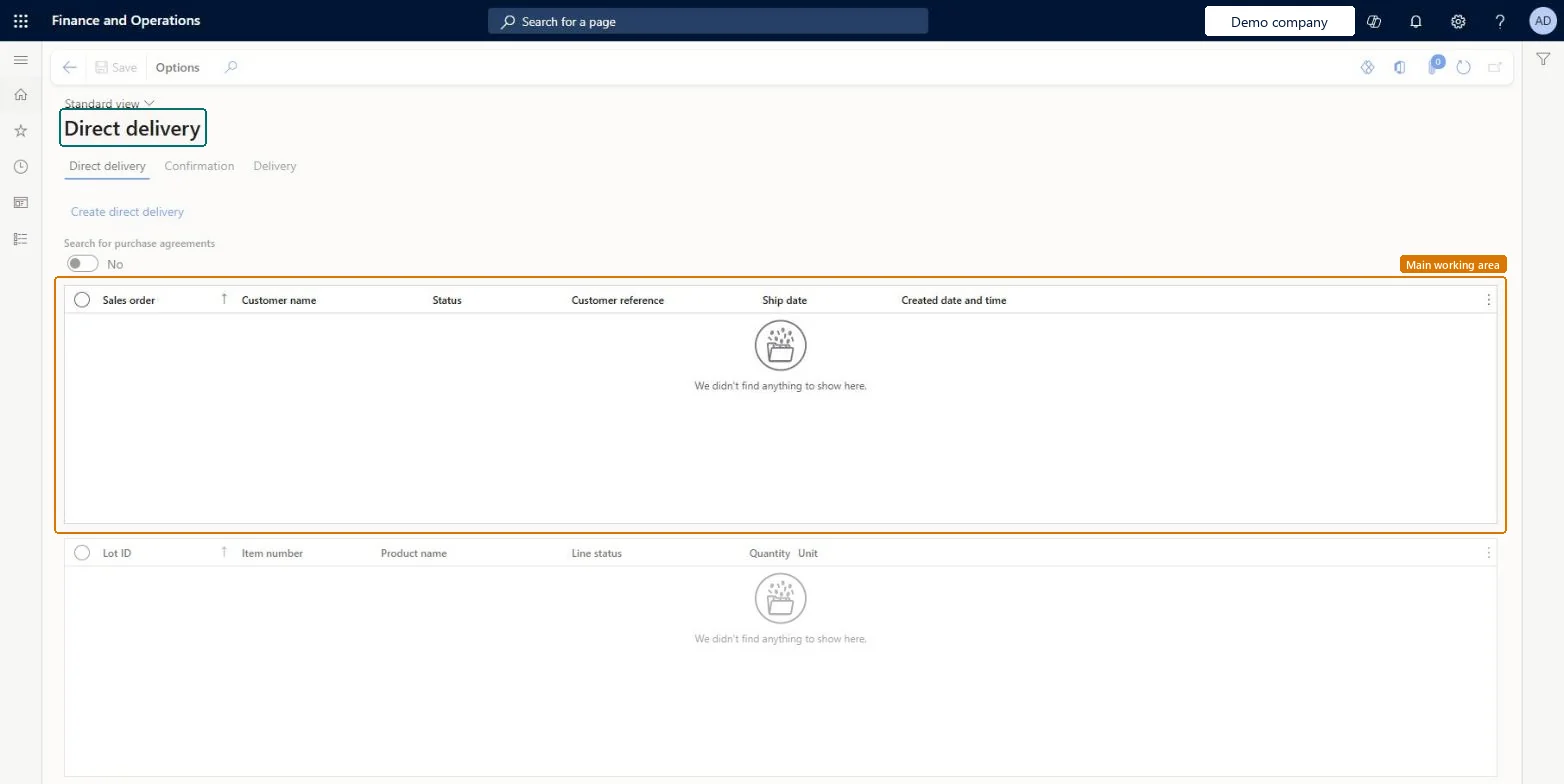
A workbench that lists the sales order lines marked for direct delivery, so that a purchasing agent can create the purchase orders for them.
What you do here
Use this page to create direct delivery purchase orders, then confirm them and register their receipt from the Confirmation and Delivery tabs.
Example
For example, a sales clerk marks a sales order line for direct delivery and leaves the purchase order to a purchasing professional, who creates it from this workbench.
The page in Dynamics 365. page title tab to open what to set or check
About the examples: Examples and screenshots in this guide use BEAT, a demo company in a Dynamics 365 test environment. Use your own company's codes and values instead of copying them.
Steps from Microsoft
Create a sales order and add the order line.
On the line details, on the Delivery tab, set Direct delivery to Yes.
Save the sales order.
Open the Direct delivery page.
Create the direct delivery purchase order for the line.
Confirm the order from the Confirmation tab.
When the order is confirmed, register its receipt from the Delivery tab.
Packing slips for direct delivery sales order lines are updated automatically from the purchase order product receipt, and can't be posted from the sales order itself. Microsoft Learn
Technical architect
5Technical
Menu item
MCRDropShipWorkbenchAPChecked in Dynamics 365
Form
MCRDropShipWorkbenchChecked in Dynamics 365
Table
PurchTableShown as “Purchase orders” in Record infoKey field: PurchId, PurchaseOrderHeaderCreationMethodChecked in Dynamics 365
To set it up or change itPurchasing agent VendPurchasingAgentBuying agent TradeBuyingAgentSales manager TradeSalesManagerSales clerk TradeSalesClerkSales representative TradeSalesRepresentativeGive people one of these roles. On this system, 5 roles can open this page.Checked in Dynamics 365
Actions on the page
Options: Personalize, Page options, Edit, ShareChecked in Dynamics 365