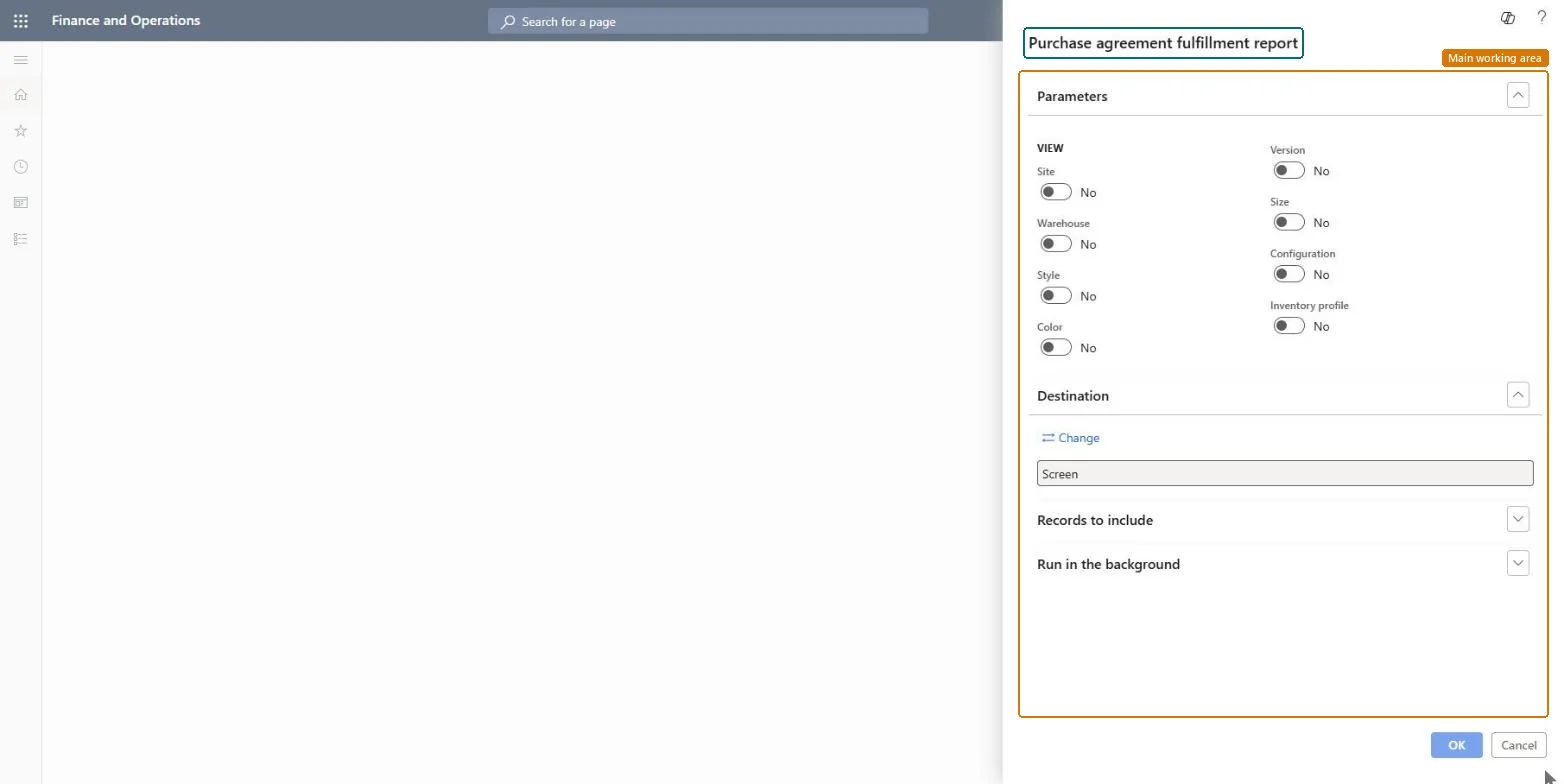
About the examples: Examples and screenshots in this guide use BEAT, a demo company in a Dynamics 365 test environment. Use your own company's codes and values instead of copying them.
When to run it
When to run it
In purchasing status reviews, when you need to see which agreement commitments are still far from fulfilled.
How often
On demand, in periodic purchasing reviews.
What the output shows
Fulfillment status per purchase agreement commitment. A commitment that lags far behind near its end date is at risk of not being met, which matters for agreed prices and volumes.
Go to Procurement and sourcing > Inquiries and reports > Status > Purchase agreement fulfillment report.
To see the status of every purchase agreement, run it as it opens, without a selection.
To limit it, select Select and set criteria such as the vendor or agreement ID, for example for a vendor review.
Read how much of each commitment is still open: the remaining quantity or amount against the agreed total. This is the same report as Purchase agreements > Purchase agreement fulfillment report, here among the status reports.
Nothing to undo: The report only reads agreement fulfillment; nothing is changed. Microsoft Learn
Technical architect
5Technical
Menu item
action:PurchAgreementFulfillmentChecked in Dynamics 365
Form
SysOperationTemplateFormChecked in Dynamics 365
Roles to set it up and use it
To use itPurchasing manager TradePurchasingManagerBuying agent TradeBuyingAgentProject manager ProjProjectManagerGive people one of these roles. On this system, 3 roles can run this page.Checked in Dynamics 365