A report that lists the procurement categories defined for the legal entities in your organization, with their name, friendly name, description and status.
Procurement and sourcingInquiries and reportsProcurement category reports
output:ProcCategory
Business process
Develop procurement and sourcing strategy
Menu item
output:ProcCategory
Show what matters for
PAGE GUIDEWhat the page does and how to use it7 sections. Choose a role to highlight what matters to you.
Everyone
1What it is and why
What it is
A report that lists the procurement categories defined for the legal entities in your organization, with their name, friendly name, description and status.
What you do here
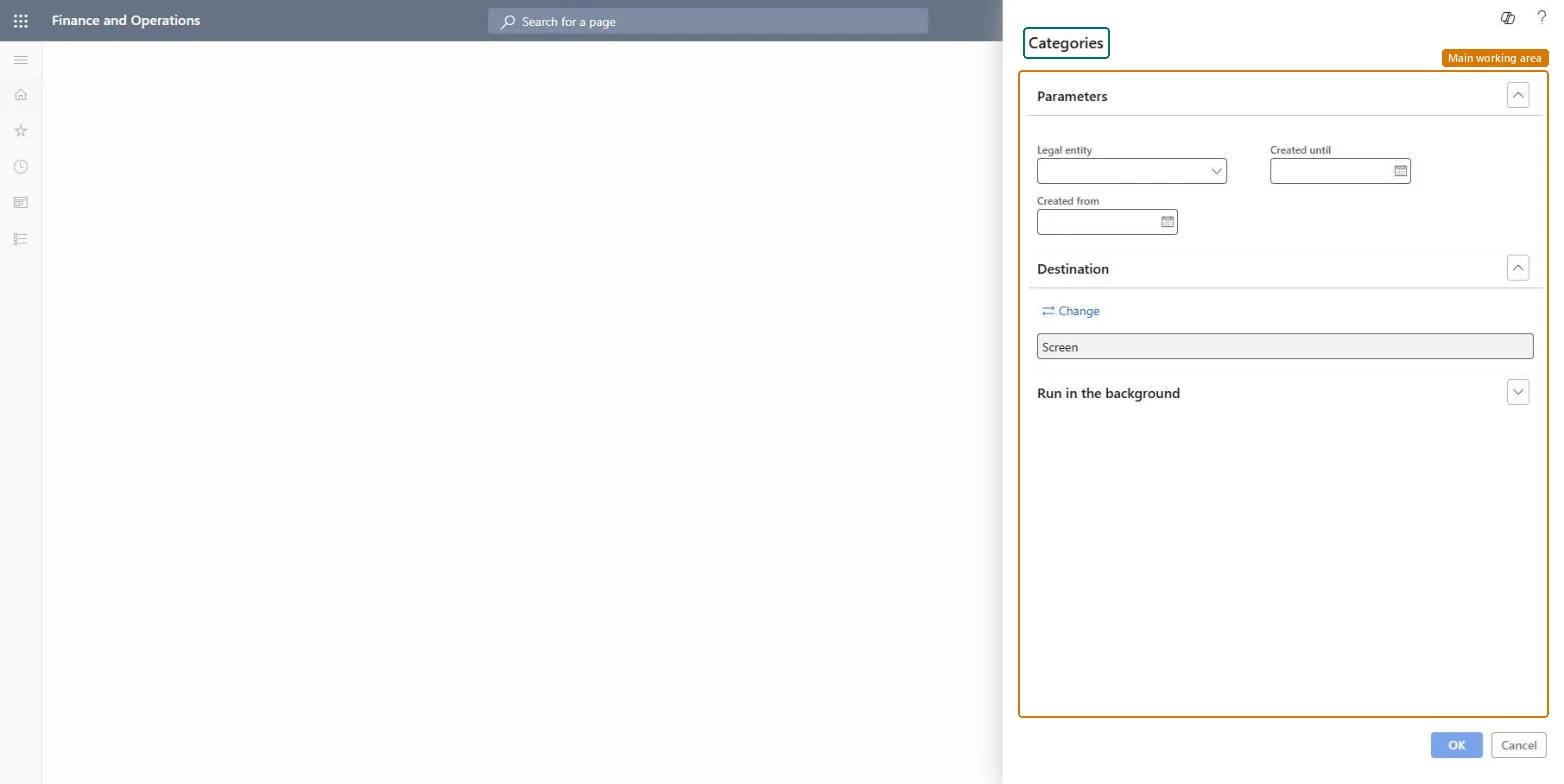
Use this report to review the procurement categories for one or more legal entities, filtered by creation date.
The page in Dynamics 365. page title tab to open what to set or check
About the examples: Examples and screenshots in this guide use BEAT, a demo company in a Dynamics 365 test environment. Use your own company's codes and values instead of copying them.
When to run it
When to run it
When you review the procurement category hierarchy, for example after adding new category nodes.
How often
On demand, after changes to the procurement category hierarchy.
What the output shows
The procurement categories for the selected legal entities with name, friendly name, description and status. A category missing from a legal entity usually wasn't created in the date range you entered.
Go to Procurement and sourcing > Inquiries and reports > Procurement category reports > Categories.
Select the Legal entity whose procurement categories you want to see, or All to see every category.
Enter the Created from date and Created until date to limit the report to categories created in that period.
Read the name, friendly name, description and status of each category, and fix categories with a missing friendly name or description in Procurement and sourcing > Procurement categories.
The legal entities whose procurement categories are shown; select All to see every category.Microsoft Learn
From date
The earliest creation date of the categories to include.Microsoft Learn
To date
The latest creation date of the categories to include.Microsoft Learn
Solution architect
4Design impact
Can it be undone
Nothing to undo: The report only reads procurement categories; it changes nothing. Microsoft Learn
Technical architect
5Technical
Menu item
output:ProcCategoryChecked in Dynamics 365
Form
SysOperationTemplateFormChecked in Dynamics 365
Roles to set it up and use it
To use itAccountant LedgerAccountantChief financial officer CompanyChiefFinancialOfficerGive people one of these roles. On this system, 2 roles can run this page.Checked in Dynamics 365