About the examples: Examples and screenshots in this guide use BEAT, a demo company in a Dynamics 365 test environment. Use your own company's codes and values instead of copying them.
Steps from Microsoft
Make sure a procurement category hierarchy exists on the Procurement categories page.
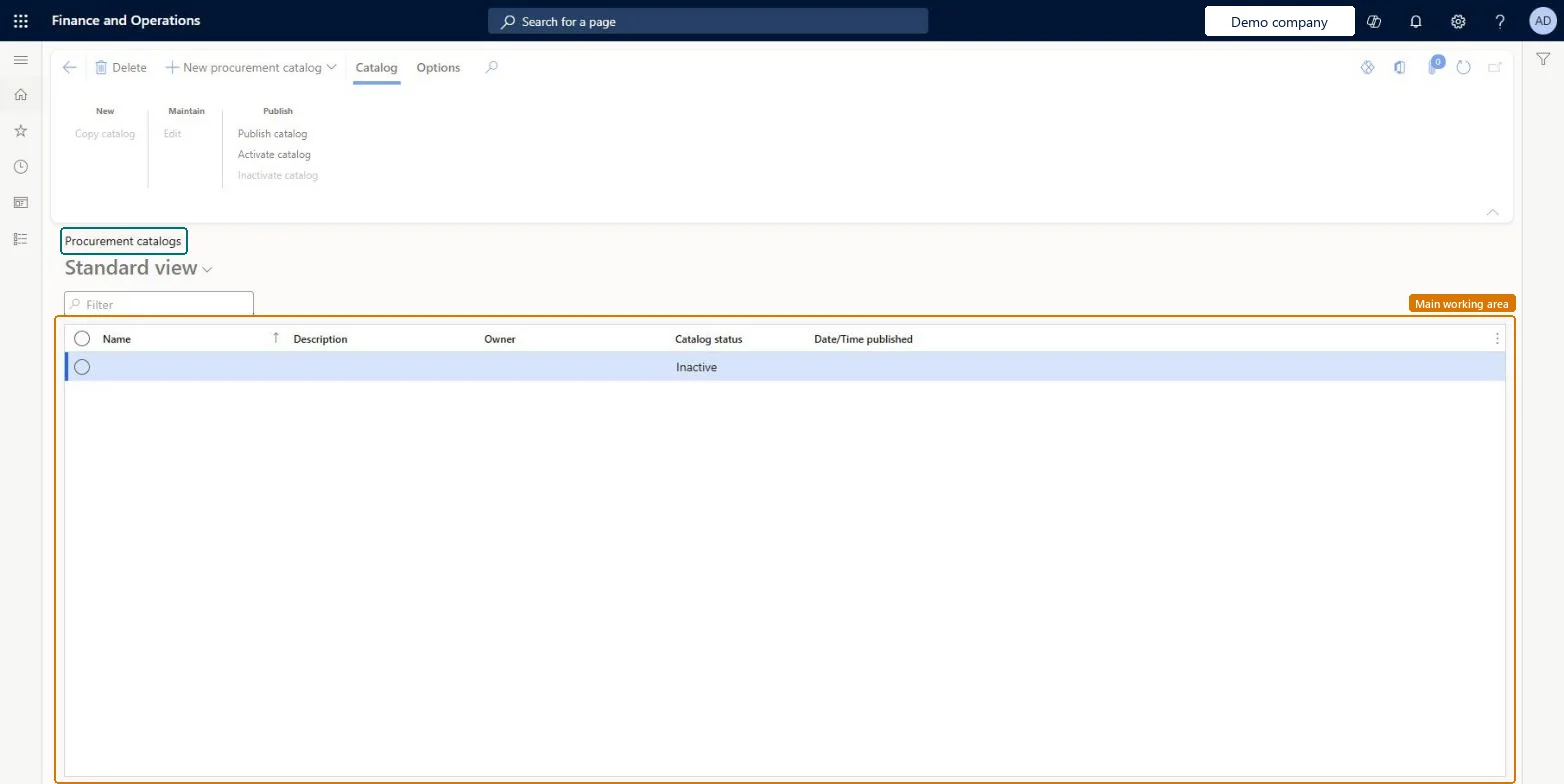
Go to Procurement and sourcing > Catalogs > Procurement catalogs.
Select New procurement catalog, enter a Name, and select OK.
In the tree, expand the category nodes and select a category to see its products.
Show or hide the products that employees should be able to order.
On the Action Pane, select Category navigation and make sure Enable is selected.
Select Activate catalog.
In Purchasing policies, select the new catalog in the catalog policy rule for the legal entity.
Reversible: You can hide or show products and nodes and deactivate a catalog you no longer want available. Requesters only see a catalog that is Active, published and named in a catalog policy rule. Microsoft Learn
If you change it later
With the Static update type, new products appear only after the catalog is published again, but products removed from the procurement category hierarchy disappear at once. Microsoft Learn
Technical architect
5Technical
Menu item
CatProcureCatalogListPageChecked in Dynamics 365
Form
CatProcureCatalogListPageChecked in Dynamics 365
Table
CatProcureCatalogTableShown as “Procurement catalogs” in Record infoChecked in Dynamics 365
PrivilegesCopy procurement catalog CatProcureCatalogCloneCreate procurement catalog CatProcureCatalogCreateMaintain procurement catalog CatProcureCatalogMaintainPublish procurement catalog CatProcureCatalogPublishInactivate the procurement catalog CatProcureCatalogUnPublishView procurement catalog CatProcureCatalogViewDutiesInquire into catalogs CatProcurementCatalogMasterInquireMaintain catalogs CatProcurementCatalogMasterMaintain3 security rolesPurchasing manager TradePurchasingManagerPurchasing agent VendPurchasingAgentPurchasing Agent - Public Sector VendPurchasingAgent_PSNChecked in Dynamics 365
Roles to set it up and use it
To set it up or change itPurchasing agent VendPurchasingAgentPurchasing Agent - Public Sector VendPurchasingAgent_PSNTo use itPurchasing manager TradePurchasingManagerGive people one of these roles. On this system, 3 roles can open this page.Checked in Dynamics 365