Retail merchandising manager, Retail operations manager, Retail service and 3 more roles
Business process
Set product prices
Menu item
GUPRetailDataMigrationPriceGroupIdMapping
Main table
GUPRetailDataMigrationPr
Data entity
GUPRetailDataMigrationPriceGroupIdMappingEntity
Show what matters for
PAGE GUIDEWhat the page does and how to use it8 sections. Choose a role to highlight what matters to you.
Everyone
1What it is and why
What it is
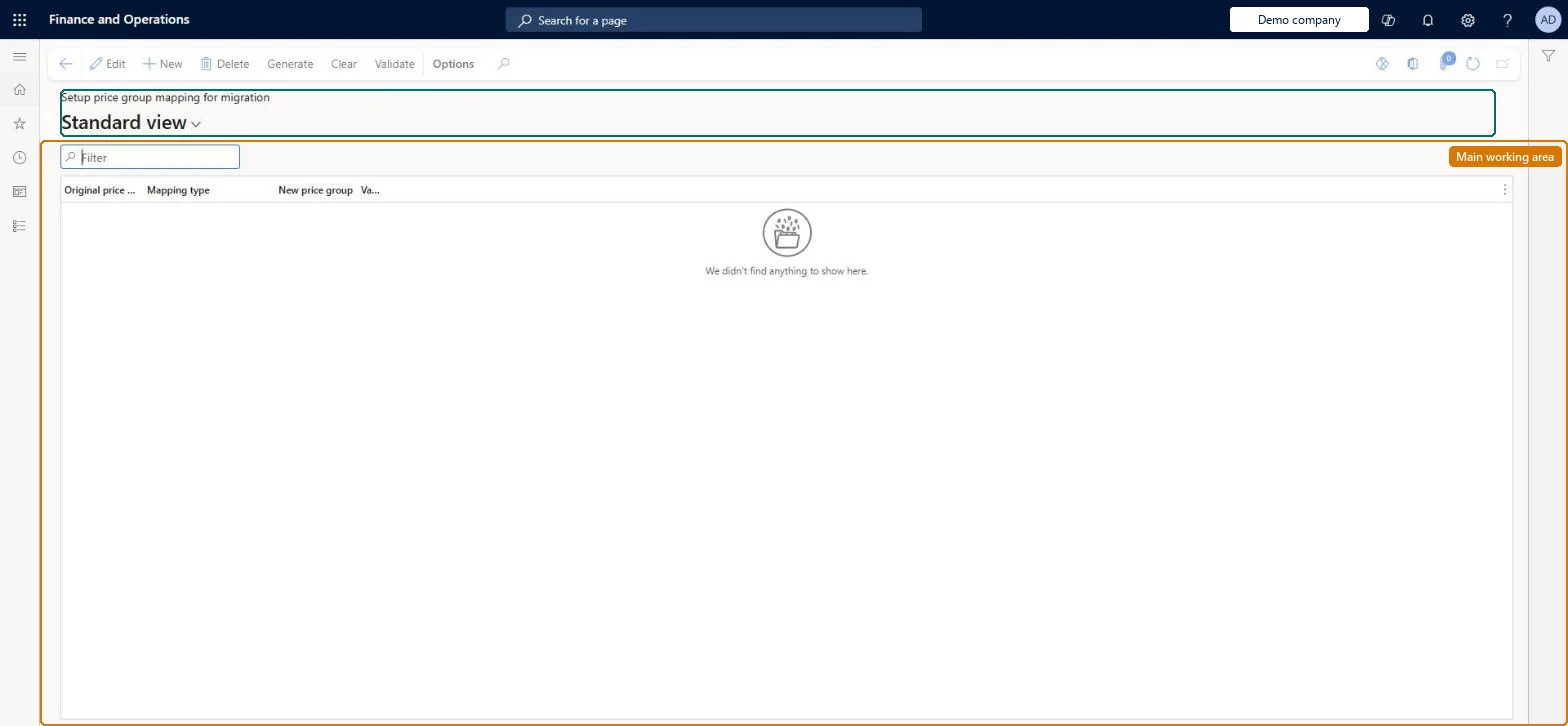
A migration page that shows how your existing Commerce price groups are converted into Unified pricing management price groups.
What you do here
Use this page to check the converted price groups, fix any duplicate mappings, and validate the mapping before you migrate your Commerce pricing setup.
Example
For example, a retailer moving off the Commerce pricing engine confirms that each new price group keeps the same conditions as its old Commerce price group.
The page in Dynamics 365. page title tab to open what to set or check
About the examples: Examples and screenshots in this guide use BEAT, a demo company in a Dynamics 365 test environment. Use your own company's codes and values instead of copying them.
Steps from Microsoft
Go to Pricing management > Migration > Setup price group mapping for migration.
Review the price groups that the system converted.
Resolve any duplicate mappings that the system reports.
Reversible: The mapping is reviewed and validated before the migration job runs; duplicates are resolved by hand and Validate is run again. Microsoft Learn
Technical architect
6Technical
Menu item
GUPRetailDataMigrationPriceGroupIdMappingChecked in Dynamics 365
Form
GUPRetailDataMigrationPriceGroupIdMappingChecked in Dynamics 365
Table
GUPRetailDataMigrationPrShown as “GUPRETAILDATAMIGRATIONPRICEGROUPIDMAPPING” in Record infoChecked in Dynamics 365
Data entities
GUPRetailDataMigrationPriceGroupIdMappingEntityPrice group mapping for unified pricing migration Checked in Dynamics 365
Who can open it
PrivilegesMaintain price attribute groups master GUPPricingAttributeGroupsMaintainDutiesEnable pricing setting process GUPMasterDataMaintain6 security rolesRetail merchandising manager RetailMerchandisingManagerRetail operations manager RetailOperationsManagerRetail service RetailServiceRetail store IT RetailStoreITPurchasing manager TradePurchasingManagerSales manager TradeSalesManagerChecked in Dynamics 365
Roles to set it up and use it
To set it up or change itRetail service RetailServiceSales manager TradeSalesManagerRetail merchandising manager RetailMerchandisingManagerPurchasing manager TradePurchasingManagerRetail store IT RetailStoreITGive people one of these roles. On this system, 6 roles can open this page.Checked in Dynamics 365
Actions on the page
(Action Pane without tabs): Generate, Clear, ValidateChecked in Dynamics 365