About the examples: Examples and screenshots in this guide use BEAT, a demo company in a Dynamics 365 test environment. Use your own company's codes and values instead of copying them.
Step by step, with screenshots
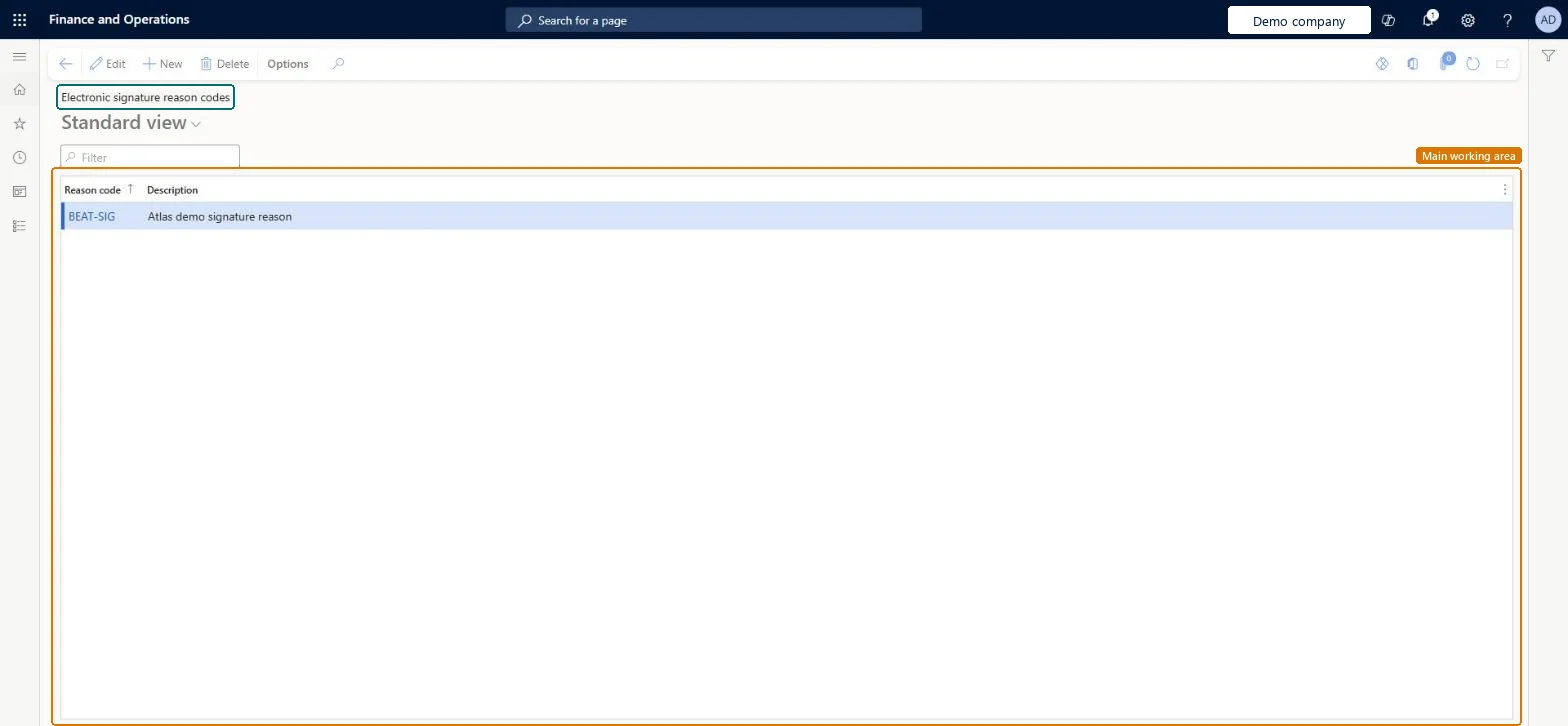
Set up Electronic signature reason codes1 screen
Use this page to set up the reasons that signers must pick from every time they sign a document.
Screen 1
Create a signature reason code
Go to Organization administration > Setup > Electronic signature > Electronic signature reason codes
Select New
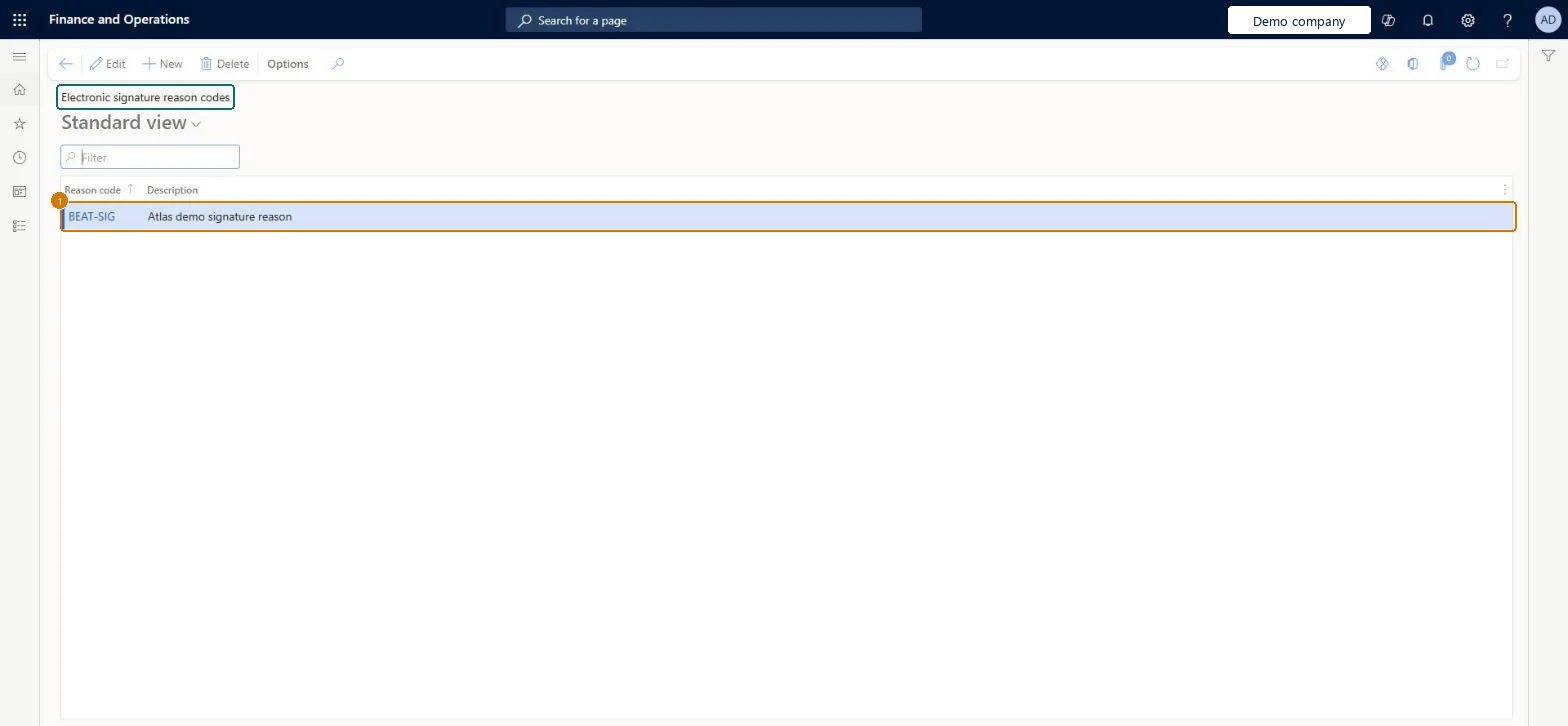
Enter the reason code and its description
Select Save
1Reason code
BEAT-SIG
Description
Signature reason
Show the full screen page title tab to open what to set or check
Steps from Microsoft
Go to Organization administration > Setup > Electronic signature > Electronic signature reason codes.
Set up the reason codes before any signature requirement is turned on, one per signing purpose (for example legal approval)A valid reason code is required whenever a document is signed, and it records the purpose of the signature.
Going live with requirements but no reason codes, so signers can't complete the Sign document step.
Solution architect
5Design impact
Can it be undone
Reversible: Add more reason codes or change descriptions at any time; they're offered the next time someone signs. Microsoft Learn
To set it up or change itInformation technology manager SysServerITManagerGive people one of these roles. On this system, 1 role can open this page.Checked in Dynamics 365
Checked in a working Dynamics 365 system, version 10.0.49: the menu item, form, table and security, the page, the demo records and the values in the screenshots.