PAGE GUIDEWhat the page does and how to use it8 sections. Choose a role to highlight what matters to you.
Everyone
1What it is and why
What it is
A setup page where you list the agencies, such as tax offices, that issue registration numbers, each with a code and a description.
What you do here
Use this page to keep the list of agencies that you select in the Issuing agency field when you enter a registration ID for a legal entity, customer or vendor.
Example
For example, in Türkiye each tax office is entered here with its numeric code, such as 34272, and its name.
The page in Dynamics 365. page title tab to open what to set or check
About the examples: Examples and screenshots in this guide use BEAT, a demo company in a Dynamics 365 test environment. Use your own company's codes and values instead of copying them.
Step by step, with screenshots
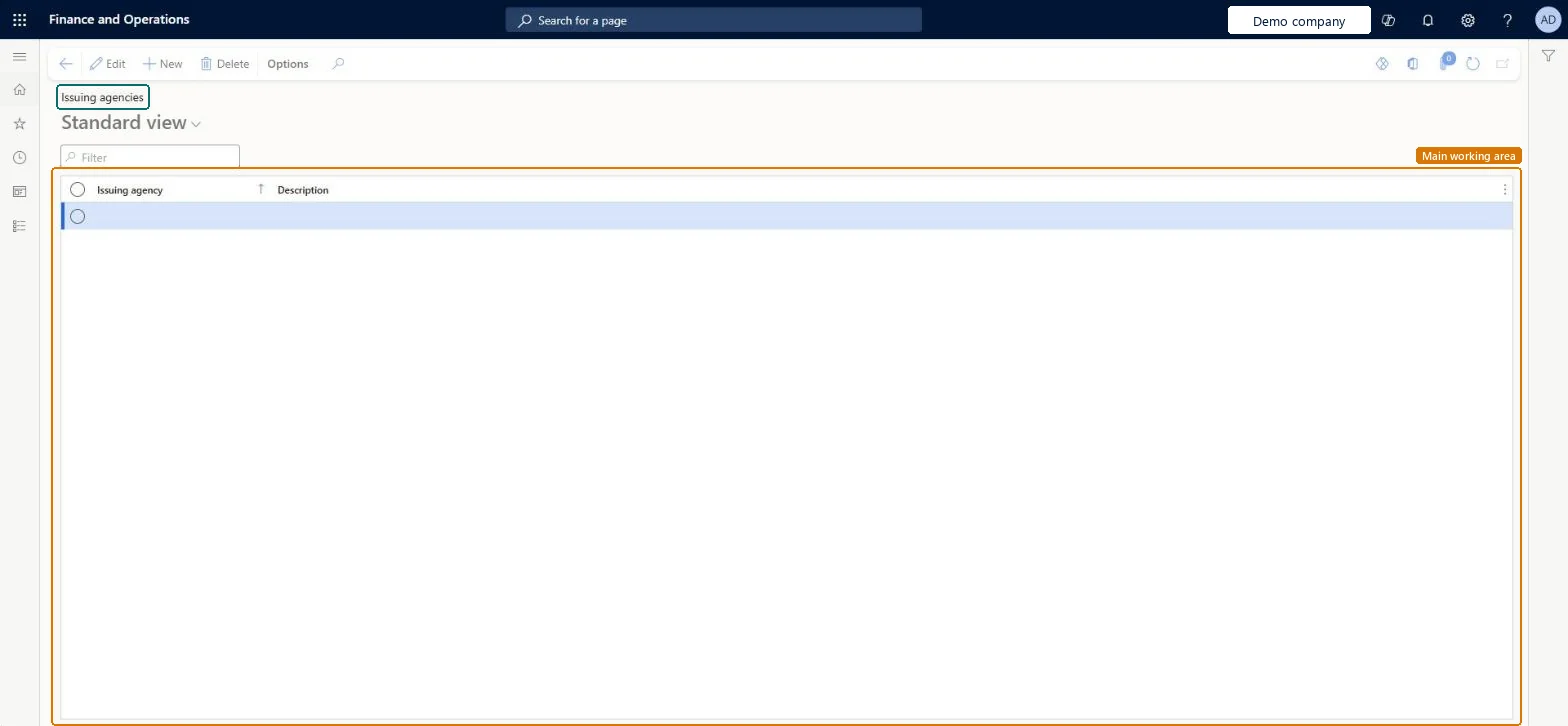
Set up Issuing agencies1 screen
Use this page to keep the list of agencies that you select in the Issuing agency field when you enter a registration ID for a legal entity, customer or vendor.
Screen 1
Create an issuing agency
Go to Organization administration > Global address book > Registration types > Issuing agencies
Select Edit, then New
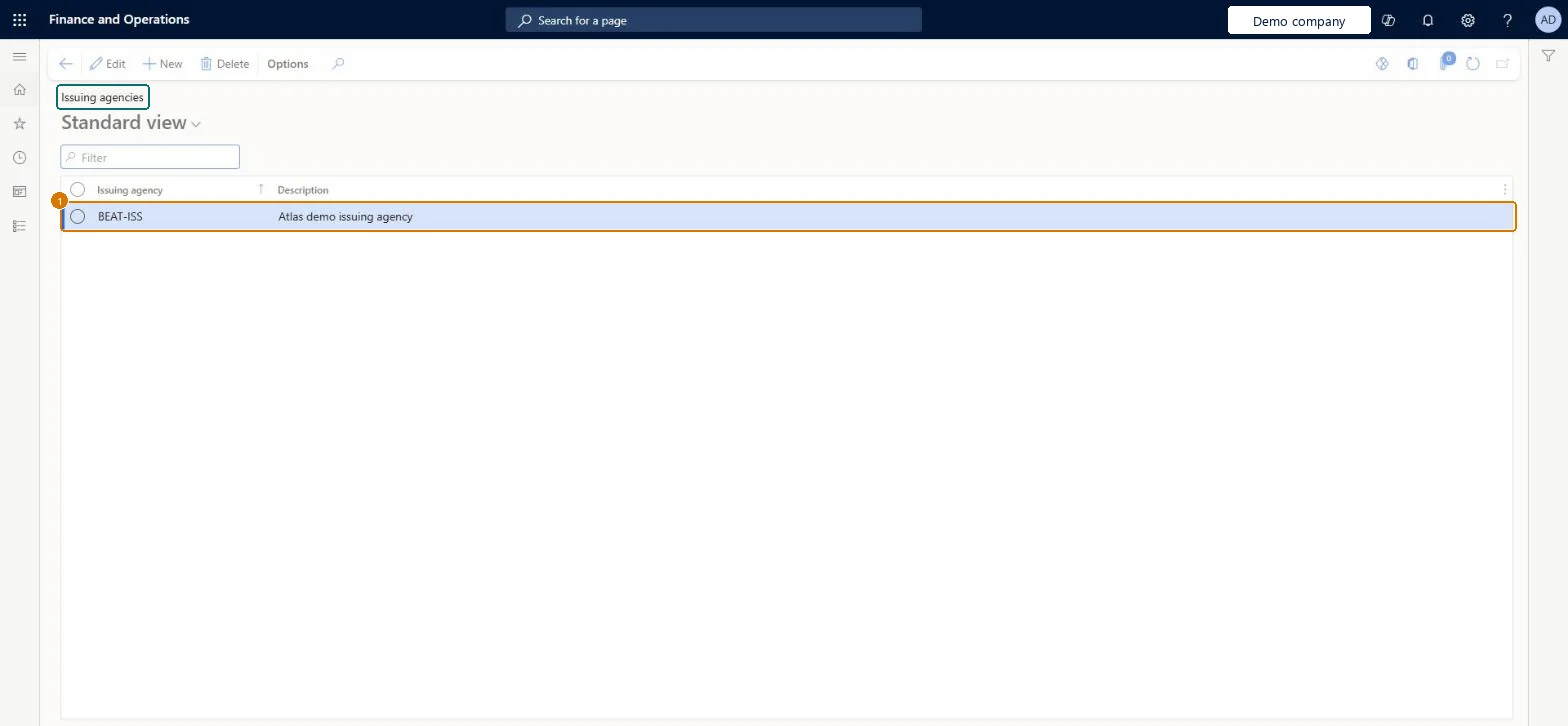
Enter the issuing agency and its description
Select Save
1Issuing agency
BEAT-ISS
Description
Issuing agency
Show the full screen page title tab to open what to set or check
Steps from Microsoft
Go to Organization administration > Global address book > Registration types > Issuing agencies.
Select New.
In the Issuing agency field, enter the agency code, such as a tax office code.
For Türkiye: one record per tax office, with the numeric tax office code in Issuing agency and the tax office name in Description.Every Turkish legal entity, customer and vendor must be linked to a tax office; this data goes into UBL-TR e-invoices and statutory reports.
Wrong tax office codes or names: they flow into e-invoice XML and can cause validation errors from the Turkish Revenue Administration (GIB).
In Türkiye, the tax office details entered here appear in e-invoice (UBL-TR) files and other legal reports, so wrong entries can cause validation errors. Microsoft Learn
Technical architect
6Technical
Menu item
RegNumIssuerTableChecked in Dynamics 365
Form
RegNumIssuerTableChecked in Dynamics 365
Table
RegNumIssuerTableShown as “Registration ID's issuer” in Record infoChecked in Dynamics 365
To set it up or change itInformation technology manager SysServerITManagerProduction manager ProdProductionManagerAccounting manager LedgerAccountingManagerRental manager RentalManagerBudget manager BudgetBudgetManagerTo use itHuman resource assistant HcmHumanResourceAssistantRental purchasing manager RentalPurchasingManagerRental sales manager RentalSalesManagerRental coordinator agent RentalCoordinatorAgentFinancial controller LedgerFinancialControllerGive people one of these roles. On this system, 32 roles can open this page.Checked in Dynamics 365
Actions on the page
Options: Personalize, Page options, ShareChecked in Dynamics 365
Checked in a working Dynamics 365 system, version 10.0.49: the menu item, form, table and security, the page, the demo records and the values in the screenshots.