About the examples: Examples and screenshots in this guide use BEAT, a demo company in a Dynamics 365 test environment. Use your own company's codes and values instead of copying them.
Step by step, with screenshots
Set up Inspection levels1 screen
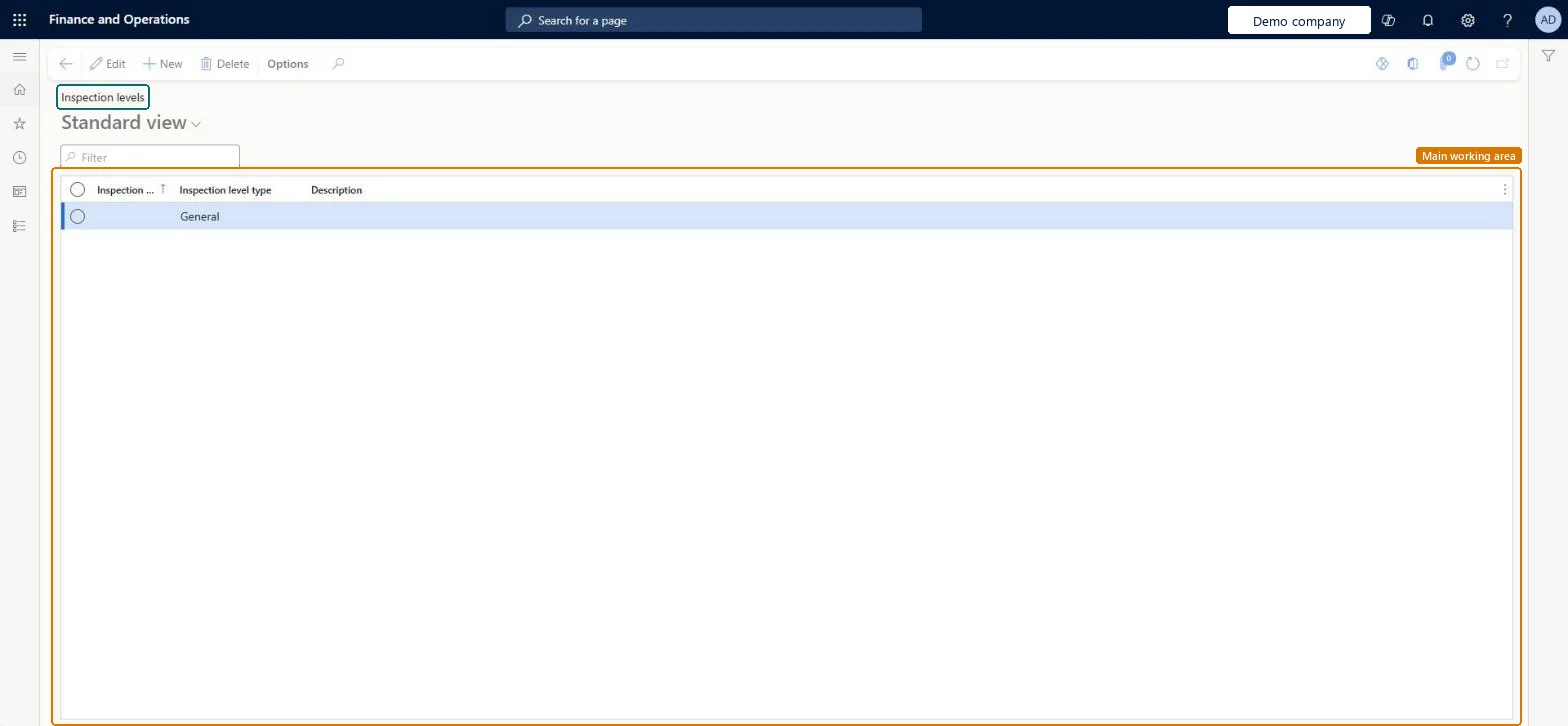
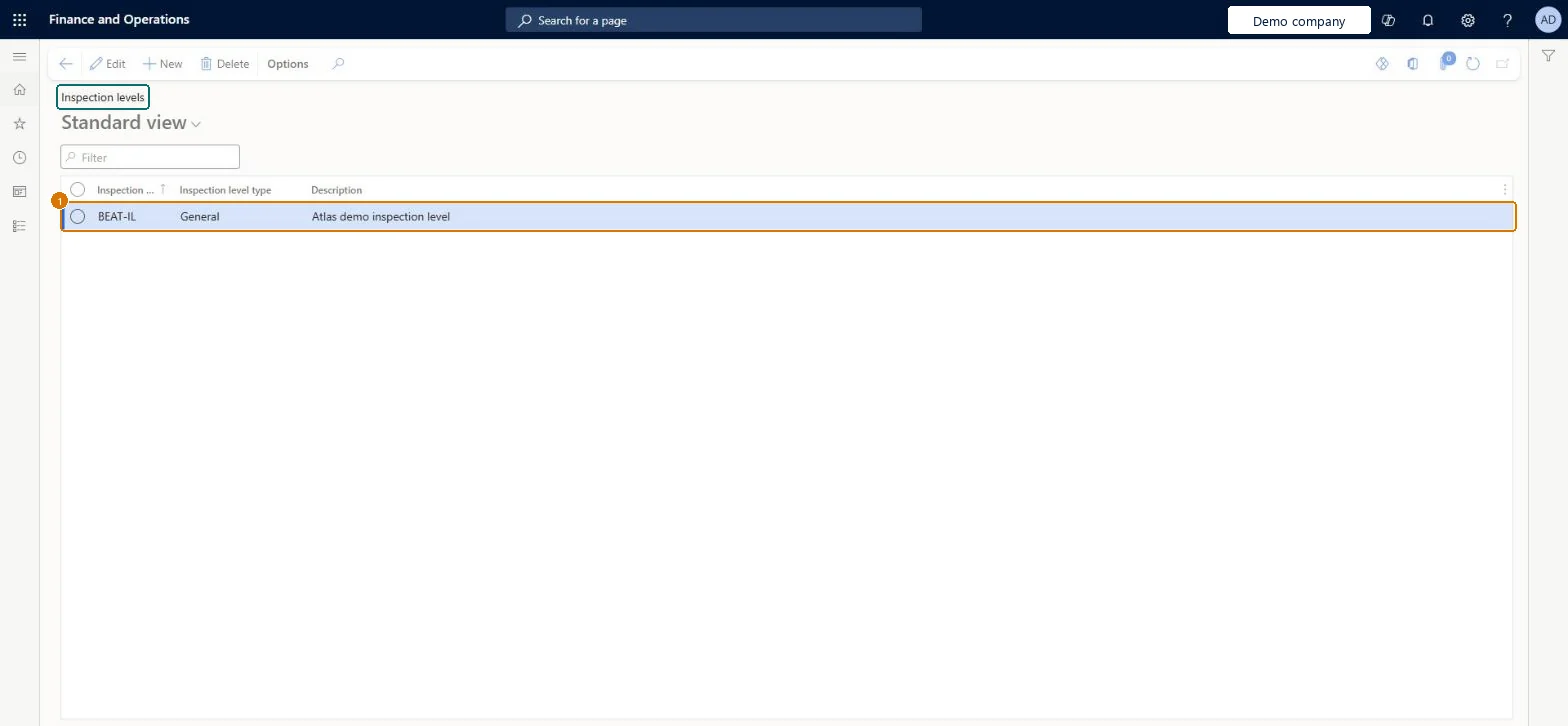
Use this page to set how much inspection is done, based on how important the product is, its production history and customer requirements.
Screen 1
Create an inspection level
Go to Inventory management > Setup > Quality control > Acceptance sampling > Inspection levels
Select New
Enter the inspection level code
Choose the inspection level type, for example General
Enter a description
Select Save
Include the level in an acceptance sampling chart
1Inspection level
BEAT-IL
Inspection level type
General
Description
Inspection level
Show the full screen page title tab to open what to set or check
Steps from Microsoft
Go to Inventory management > Setup > Quality control > Acceptance sampling > Inspection levels.
Select New.
Enter the Inspection level.
Select the Inspection level type: General or Special.
Load the levels from the AQL chart template; use General levels for routine inspection and Special levels for smaller-sample checksInspection level type General or Special is used to find the code letter, and the template creates the standard levels.
Creating a level but not adding it to the chart's Inspection levels to include FastTab, so the item sampling record can't resolve a code letter for it.
Reversible: Levels can be created and changed. A validated chart is locked, so invalidate it, change it and validate again. Microsoft Learn
Technical architect
6Technical
Menu item
QMSAQLInspectionLevelChecked in Dynamics 365
Form
QMSAQLInspectionLevelChecked in Dynamics 365
Table
QMSAQLInspectionLevelShown as “Inspection levels” in Record infoChecked in Dynamics 365
Data entities
QMSAQLInspectionLevelEntityAQL inspection levels Checked in Dynamics 365
Who can open it
PrivilegesMaintain AQL inspection levels QMSAQLInspectionLevelMaintainView AQL inspection levels QMSAQLInspectionLevelViewDutiesInquire into quality control master InventQualityControlMasterInquireEnable quality control process InventQualityControlProcessEnable2 security rolesQuality control clerk InventQualityControlClerkQuality control manager InventQualityControlManagerChecked in Dynamics 365
Roles to set it up and use it
To set it up or change itQuality control manager InventQualityControlManagerTo use itQuality control clerk InventQualityControlClerkGive people one of these roles. On this system, 2 roles can open this page.Checked in Dynamics 365
Actions on the page
Options: Personalize, Page options, ShareChecked in Dynamics 365
Checked in a working Dynamics 365 system, version 10.0.49: the menu item, form, table and security, the page, the demo records and the values in the screenshots.