About the examples: Examples and screenshots in this guide use BEAT, a demo company in a Dynamics 365 test environment. Use your own company's codes and values instead of copying them.
Setup steps on this page
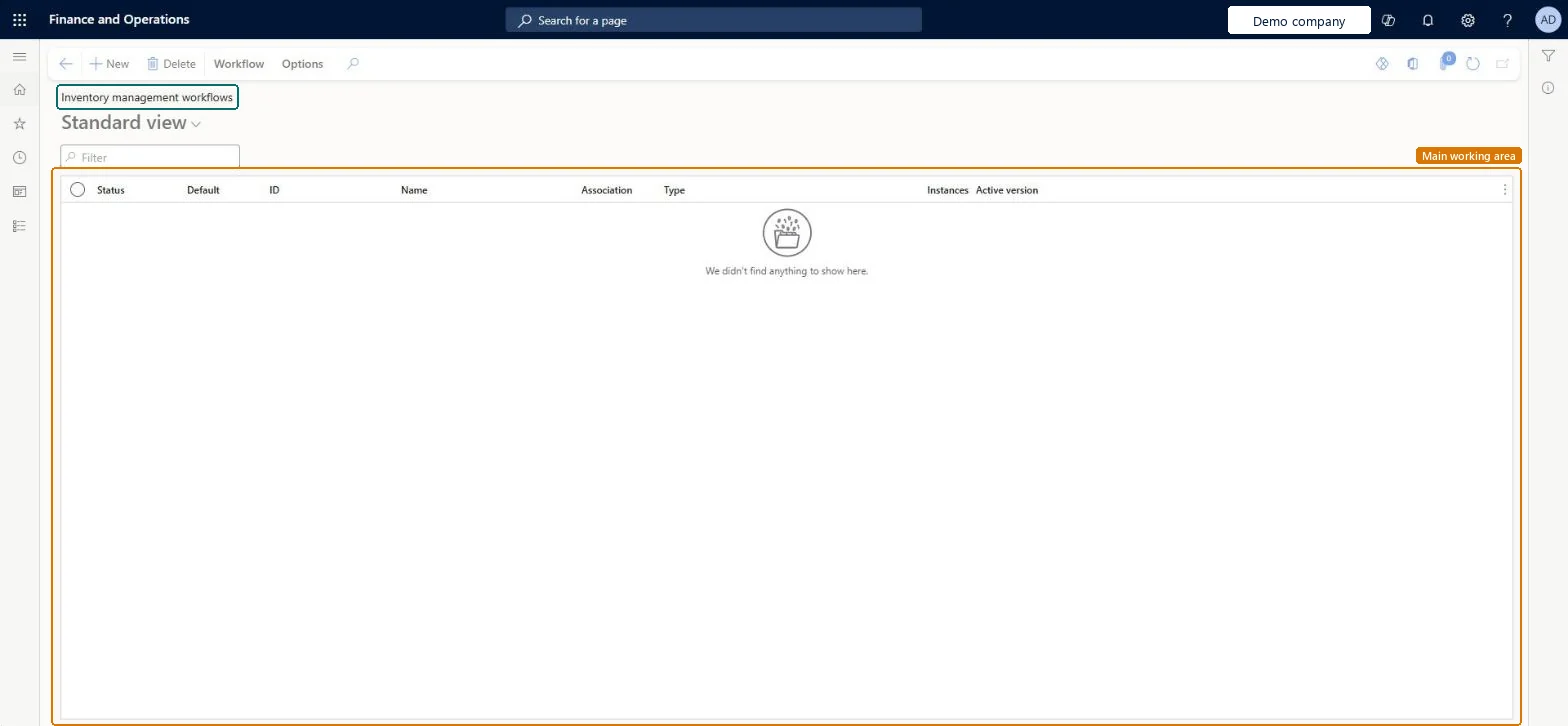
Set up Inventory management workflows
Use this page to make sure that only approved inventory journals can be posted.
Steps from Microsoft
Go to Inventory management > Setup > Inventory management workflows.
Select New on the Action Pane.
Choose the inventory journal type that the workflow is for.
Design the workflow in the workflow editor and save it.
Choose whether to activate the new workflow version.
One approval workflow per inventory journal type you need to control, linked to each journal name on Inventory journal names with Approval workflow set to YesJournal types can need different approval hierarchies, so Learn has you configure a workflow per type and, if one type needs different routes, several workflows assigned to different journal names.
Reversible: You can activate another workflow version or set Approval workflow to No on the journal name. Only one version per workflow ID is active at a time. Journals already submitted follow their workflow until approved, rejected or recalled. Microsoft Learn
If you change it later
Workflows keep versions, and only one version of each workflow can be active at a time. Microsoft Learn
Technical architect
6Technical
Menu item
WorkflowConfigurationInventChecked in Dynamics 365
Form
WorkflowTableListPageRnrChecked in Dynamics 365
Table
WorkflowTableShown as “Workflow configurations” in Record infoKey field: SequenceNumberChecked in Dynamics 365
Who can open it
PrivilegesAuthor workflows WorkflowAuthorInventWorkflowsDutiesInquire into warehouse operation policies WMSWarehouseOperationPoliciesInquireEnable warehouse operation process WMSWarehouseOperationProcessEnable3 security rolesMaterials manager InventMaterialsManagerWarehouse planner WHSWarehousePlannerWarehouse manager WMSWarehouseManagerChecked in Dynamics 365
Roles to set it up and use it
To set it up or change itWarehouse manager WMSWarehouseManagerMaterials manager InventMaterialsManagerWarehouse planner WHSWarehousePlannerGive people one of these roles. On this system, 3 roles can open this page.Checked in Dynamics 365
Actions on the page
Workflow: Manage, HierarchyOptions: Personalize, Page options, ShareChecked in Dynamics 365