BeyondERP.Newsletter
Menu

Setup page · Inventory management

Cost basis type

A setup page where you create a cost basis type for each commodity market that affects commodity prices.

Used by
Accounts payable manager, Auditor, Purchasing manager and 1 more role
Business process
Maintain inventory levels
Menu item
PdsCostBasis
Main table
PdsCostBasis
Data entity
PdsCommodityCostBasisTypeEntity
Setup steps
1 on this page
Show what matters for
PAGE GUIDEWhat the page does and how to use it7 sections. Choose a role to highlight what matters to you.
Everyone

1What it is and why

What it isA setup page where you create a cost basis type for each commodity market that affects commodity prices.
What you do hereUse this page to identify the commodity market that a pricing calculation is based on, and to set a default cost basis for new pricing calculations.
ExampleFor example, you can create a cost basis type named NYMEX for the New York Mercantile Exchange.
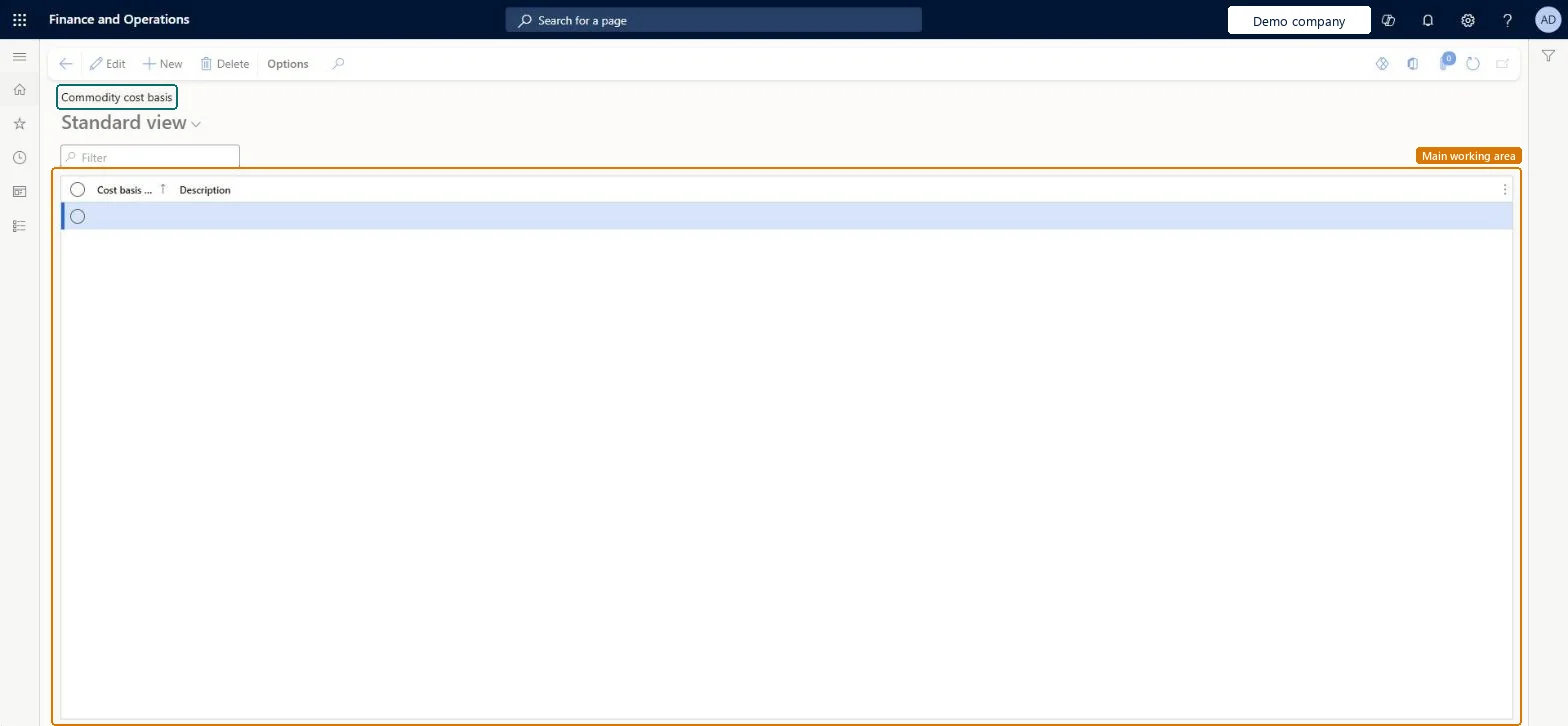
Cost basis type page in Dynamics 365
The page in Dynamics 365. page title tab to open what to set or check
Functional consultant · Solution architect

2Where it fits

Business processMaintain inventory levels
Menu pathInventory management › Setup › Commodity pricing › Cost basis type
Used next byInventory and warehouse management parameters Microsoft Learn Pricing calculation Microsoft Learn
Related pagesPricing template Microsoft Learn
End user · Functional consultant

3How to do it

About the examples: Examples and screenshots in this guide use BEAT, a demo company in a Dynamics 365 test environment. Use your own company's codes and values instead of copying them.

Step by step, with screenshots

Set up Cost basis type1 screen

Use this page to identify the commodity market that a pricing calculation is based on, and to set a default cost basis for new pricing calculations.

  1. Screen 1

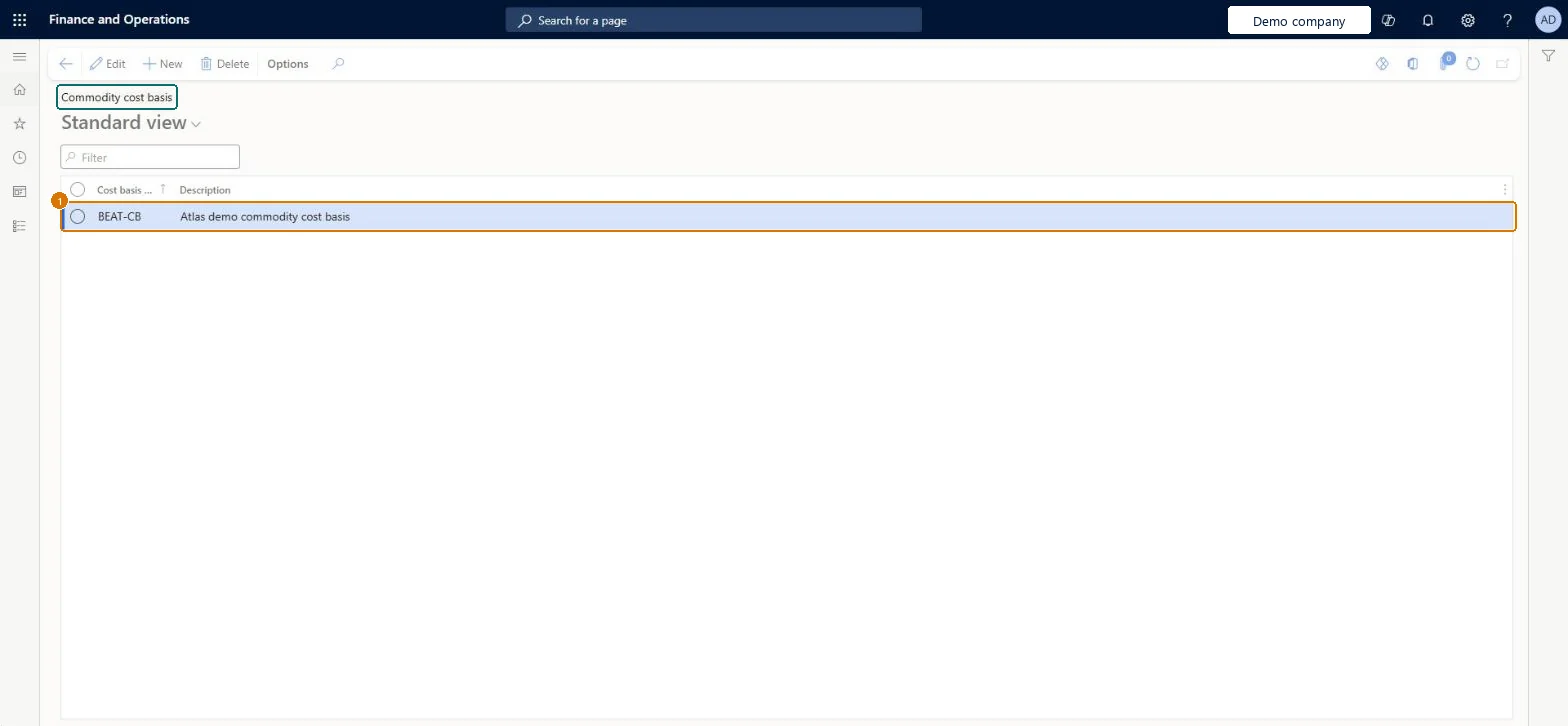
    Create a commodity cost basis

    Go to Inventory management > Setup > Commodity pricing > Cost basis type

    1. Select New
    2. Enter the cost basis code and a description of the commodity market it follows
    3. Select Save
    1Cost basisBEAT-CB
    DescriptionCommodity cost basis
    Create a commodity cost basis (zoomed on the outlined fields)
    Show the full screenCreate a commodity cost basis
    page title tab to open what to set or check

Steps from Microsoft

  1. Go to Inventory management > Setup > Commodity pricing > Cost basis type.
  2. Select New.
  3. In the Cost basis type field, enter a name, such as NYMEX.
  4. In the Description field, enter a description, such as New York Mercantile Exchange.
  5. Select Save.

Source: Microsoft Learn

Fields on the page

FieldWhat it meansExampleTable column
Cost basis typeThe name of the commodity market, such as NYMEX.Microsoft Learn CostBasisType
DescriptionA description of the commodity market.Microsoft Learn Commodity cost basisDescription
Cost basisSTANDARD
Solution architect

4Design impact

Shared or per companyPer company: each legal entity has its own records. Microsoft data model
Technical architect

5Technical

Menu itemPdsCostBasis Checked in Dynamics 365
FormPdsCostBasis Checked in Dynamics 365
TablePdsCostBasisShown as “Commodity cost basis” in Record infoKey field: CostBasisTypeChecked in Dynamics 365
Data entitiesPdsCommodityCostBasisTypeEntityCommodity cost basis Microsoft data model
Who can open itPrivilegesMaintain cost basis types PdsCostBasisMaintainView cost basis types PdsCostBasisViewDutiesCommodity pricing PdsComdPricingMaintainInquire into purchase order to invoice policies PurchOrderToInvoicePoliciesInquire
4 security rolesAuditor AuditPolicyManagerPurchasing manager TradePurchasingManagerSales manager TradeSalesManagerAccounts payable manager VendInvoiceAccountsPayableManager
Checked in Dynamics 365
Roles to set it up and use itTo set it up or change itSales manager TradeSalesManagerPurchasing manager TradePurchasingManagerTo use itAccounts payable manager VendInvoiceAccountsPayableManagerAuditor AuditPolicyManagerGive people one of these roles. On this system, 4 roles can open this page.Checked in Dynamics 365
Actions on the pageOptionsChecked in Dynamics 365
Developer

6Developer

Open it by URLhttps://<your-environment>/?mi=PdsCostBasis
Integrate withPdsCommodityCostBasisTypeEntity data entity Microsoft data model
Data migrationPdsCommodityCostBasisTypeEntity (Commodity cost basis): loaded for each company, in Microsoft's default template 300 - Inventory.Load order: Microsoft's default template 300 - Inventory loads Commodity cost basis at execution unit 1, level 30, sequence 10. Lower levels load first, and entities at the same level load in sequence order.Load first: the default templates at lower levels (System setup to General ledger)Microsoft Learn
Table definitionPdsCostBasis columns and relations Microsoft data model
Everyone

7Sources