About the examples: Examples and screenshots in this guide use BEAT, a demo company in a Dynamics 365 test environment. Use your own company's codes and values instead of copying them.
When to run it
When to run it
Whenever the purchase price of a commodity raw material changes on its exchange, before you recalculate costs and prices of the products made from it.
How often
As often as the commodity is priced: daily, weekly or monthly, depending on the market.
What the output shows
A pricing calculation record for the cost basis, site and date range, with one line per commodity item and its new cost. A wrong sales price later on usually traces back to a wrong cost or date range here.
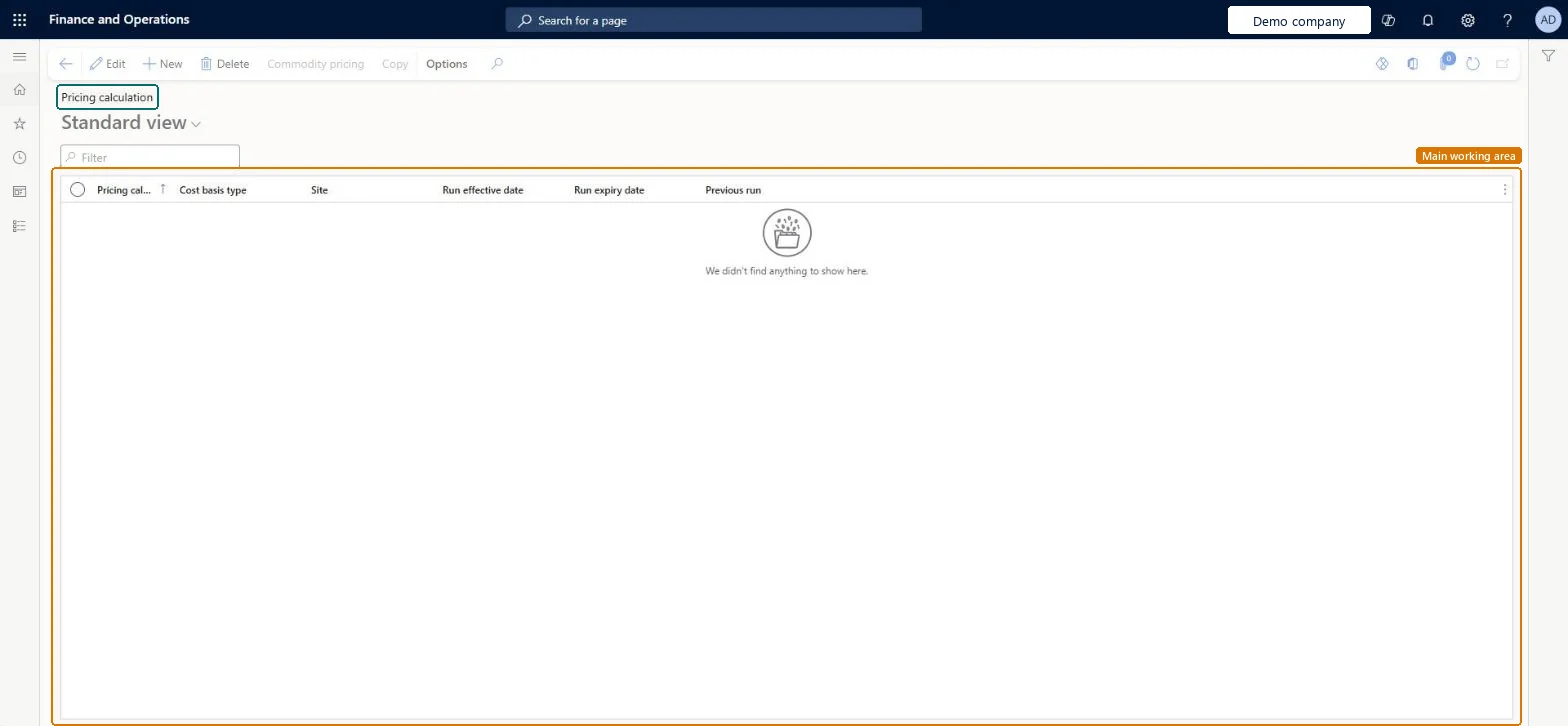
Go to Inventory management > Periodic tasks > Commodity pricing > Pricing calculation.
Select New, then select the Cost basis type (the commodity market, such as NYMEX) and enter the Site.
Set the Run effective date and Run expiry date to the period the commodity prices apply to, for example the whole month when prices are set at the start of the month.
Select Save, then select Commodity pricing. Add a line for each raw commodity with the Item number, Warehouse and New cost. Several commodities with the same cost basis and dates can share one pricing calculation.
Save and close the page, then check that each commodity line shows the cost you entered for the right dates before you create price and margin data.
Yes, until used: You can change or delete the pricing calculation before you run Create price and margin data. Trade agreements created from it later must be handled separately. Microsoft Learn
If you change it later
Records commodity costs that Create price and margin data uses to recalculate cost and sales prices of formula items. Microsoft Learn
Technical architect
5Technical
Menu item
PdsComdPricingRunChecked in Dynamics 365
Form
PdsComdPricingRunChecked in Dynamics 365
Table
PdsComdPricingRunShown as “Pricing calculation” in Record infoKey field: PricingRunId, CostBasisType, InventSiteIdChecked in Dynamics 365
Who can open it
PrivilegesMaintain commodity pricing calculation PdsComdPricingRunMaintainView commodity pricing calculation information PdsComdPricingRunViewDutiesCommodity pricing PdsComdPricingMaintainInquire into purchase order to invoice policies PurchOrderToInvoicePoliciesInquire4 security rolesAuditor AuditPolicyManagerPurchasing manager TradePurchasingManagerSales manager TradeSalesManagerAccounts payable manager VendInvoiceAccountsPayableManagerChecked in Dynamics 365
Roles to set it up and use it
To set it up or change itSales manager TradeSalesManagerPurchasing manager TradePurchasingManagerTo use itAccounts payable manager VendInvoiceAccountsPayableManagerAuditor AuditPolicyManagerGive people one of these roles. On this system, 4 roles can open this page.Checked in Dynamics 365
Actions on the page
Options: Personalize, Page options, ShareChecked in Dynamics 365