About the examples: Examples and screenshots in this guide use BEAT, a demo company in a Dynamics 365 test environment. Use your own company's codes and values instead of copying them.
When to run it
When to run it
When sales orders or backorders wait for stock and you want picking lists only for what is on hand.
How often
On demand, whenever new stock arrives or a picking round is planned.
What the output shows
Picking lists and shipments for the released sales order lines, with output orders that link the lines to picking. Lines left out usually have no on-hand stock, or their stock is already on another picking list.
Go to Inventory management > Periodic tasks > Release sales order picking.
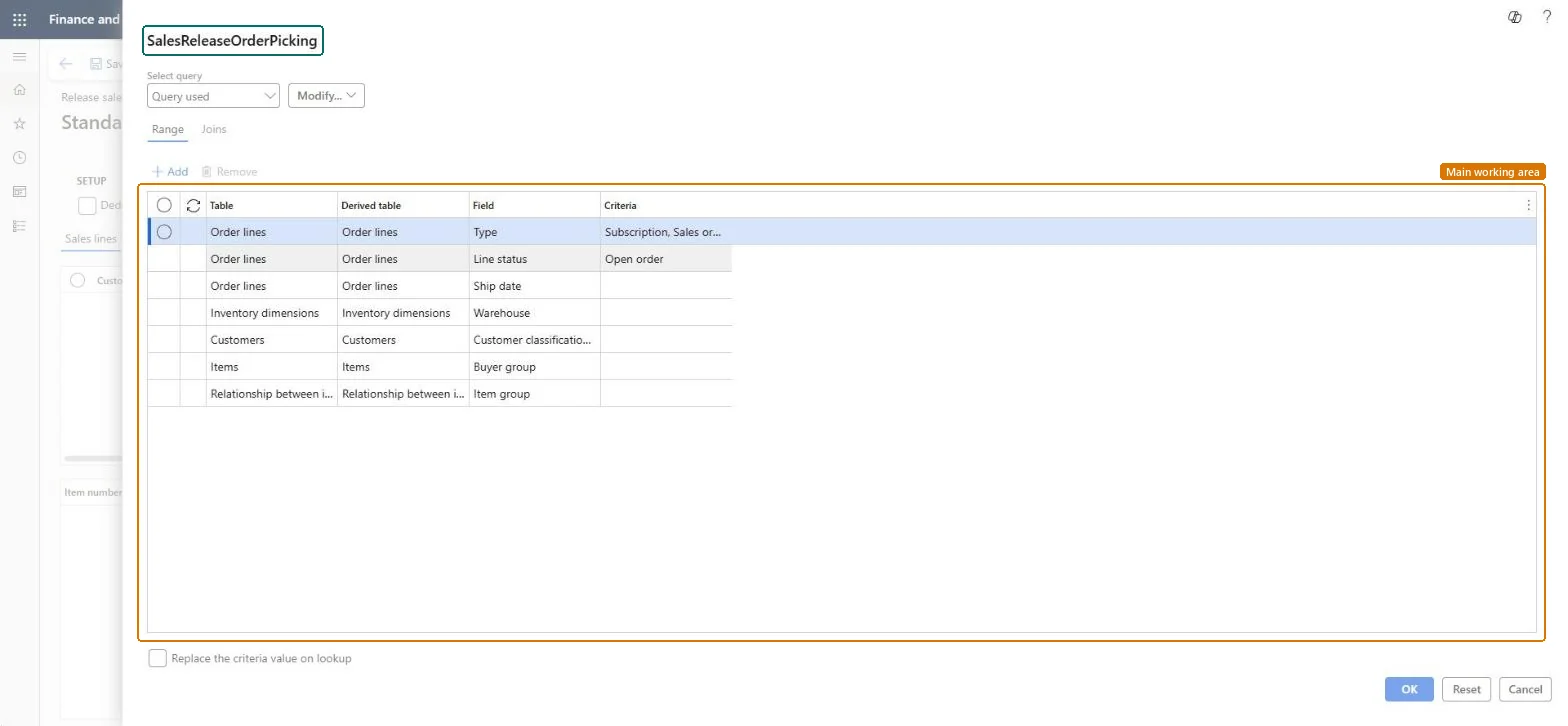
Fill in the query to select the sales orders and backorders to review, for example by warehouse or ship date.
Select Deduct released for picking to leave out order lines with no on-hand left that isn't already on a picking list, so you see only what can be allocated.
Release the lines you want for picking; picking lists are created only for items that are in stock.
Open the picking list and check its quantities. With Picking route status set to Activated in Accounts receivable parameters, the picking list lines must be updated manually.
Partly: Picking list quantities can be reduced afterwards. Remaining quantities go back to the sales order if End output inventory order is Yes, or stay as open output orders if it is No. Microsoft Learn
If you change it later
Creates picking lists, shipments and output orders, and reserves any inventory that wasn't already reserved. Microsoft Learn
Technical architect
5Technical
Menu item
SalesReleaseOrderPickingChecked in Dynamics 365
Form
SalesReleaseOrderPickingChecked in Dynamics 365
Who can open it
PrivilegesMaintain sales order releases SalesReleaseOrderPickingMaintainView sales order releases SalesReleaseOrderPickingViewDutiesMaintain release of picking requests InventPickingRequestReleaseInquire into warehouse operation progress WMSWarehouseOperationProgressInquire7 security rolesMaterials manager InventMaterialsManagerQuality control clerk InventQualityControlClerkQuality control manager InventQualityControlManagerReceiving clerk InventReceivingClerkShipping clerk InventShippingClerkWarehouse manager WMSWarehouseManagerWarehouse worker WMSWarehouseWorkerChecked in Dynamics 365
Roles to set it up and use it
To set it up or change itWarehouse manager WMSWarehouseManagerShipping clerk InventShippingClerkTo use itQuality control manager InventQualityControlManagerMaterials manager InventMaterialsManagerQuality control clerk InventQualityControlClerkWarehouse worker WMSWarehouseWorkerReceiving clerk InventReceivingClerkGive people one of these roles. On this system, 7 roles can open this page.Checked in Dynamics 365
Actions on the page
Options: Personalize, Page options, Edit, ShareChecked in Dynamics 365