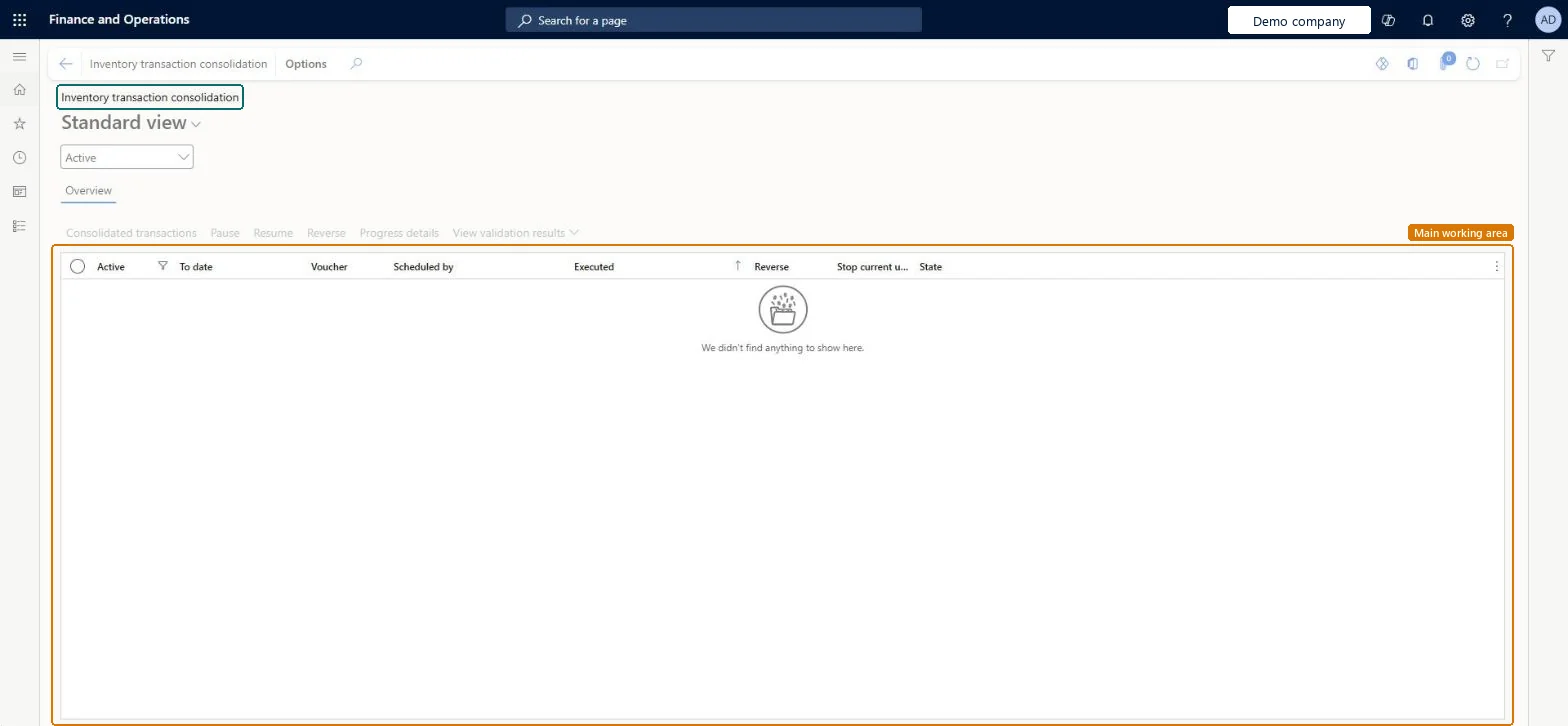
A page that shows the history of inventory transaction consolidations and lets you start a new one, which replaces old transactions with summary transactions.
PAGE GUIDEWhat the page does and how to use it7 sections. Choose a role to highlight what matters to you.
Everyone
1What it is and why
What it is
A page that shows the history of inventory transaction consolidations and lets you start a new one, which replaces old transactions with summary transactions.
What you do here
Use this page to keep the inventory transaction table small and the system fast by summarizing old, closed transactions.
The page in Dynamics 365. page title tab to open what to set or check
About the examples: Examples and screenshots in this guide use BEAT, a demo company in a Dynamics 365 test environment. Use your own company's codes and values instead of copying them.
When to run it
When to run it
After the period is closed or on hold in the ledger, inventory closing has run, and Inventory settlements cleanup has run if you use it. It's a preview feature that needs version 10.0.49 and the (Preview) Optimized inventory transaction consolidation feature.
How often
For old, closed periods; each run covers less than 365 days from the last consolidation or from the earliest transaction.
Batch settings
The job always runs in the batch queue; validation can take a long time with many transactions. Use Pause and Resume on the grid if it must give way to other work.
What the output shows
Financially updated transactions of the period move to InventTransArchive and are replaced by summary transactions per item and InventDimId. Groups that sum to zero get no summary line, and a combination with only one transaction isn't consolidated. A failed validation usually means open issues, unposted physical updates or settlements that don't sum to zero.
Go to Inventory management > Periodic tasks > Clean up > Inventory transaction consolidation.
On the Action Pane, select Inventory transaction consolidation. The ledger period must be on hold or closed, at least one year old, and inventory closing must have run on or after its end date.
In To date in closed ledger period, select the end date of the period. Only periods that meet the conditions are offered, and earlier transactions that now qualify are included too.
On the Run in the background FastTab, set up the batch job, select OK, read the message carefully and select Yes to continue.
Follow the run on the grid: State moves from Waiting to In progress to Finished. Select Progress details for the log and Consolidated transactions to see what was summarized.
No: You can't cancel inventory closing or run standard cost conversion for consolidated periods, and returns or adjustments that need the original transactions are no longer possible. Microsoft Learn
If you change it later
Inventory closing can't be canceled for consolidated periods, and processes that need the original transactions, such as returns, are no longer possible. Microsoft Learn
Technical architect
5Technical
Menu item
InventTransArchiveProcessFormChecked in Dynamics 365
Form
InventTransArchiveProcessFormChecked in Dynamics 365
Table
InventTransArchiveProcessHistoryTableShown as “Inventory transaction archiving process table” in Record infoChecked in Dynamics 365
Roles to set it up and use it
To set it up or change itInformation technology manager SysServerITManagerTo use itQuality control manager InventQualityControlManagerWarehouse manager WMSWarehouseManagerMaterials manager InventMaterialsManagerQuality control clerk InventQualityControlClerkProduction supervisor ProdProductionSupervisorGive people one of these roles. On this system, 37 roles can open this page.Checked in Dynamics 365
Actions on the page
Options: Personalize, Page options, ShareChecked in Dynamics 365