About the examples: Examples and screenshots in this guide use BEAT, a demo company in a Dynamics 365 test environment. Use your own company's codes and values instead of copying them.
Steps from Microsoft
Go to Inventory management > Periodic tasks > Quality management > Non conformances and select an approved nonconformance.
On the Action Pane, select Related operations.
Select the operation that you want to add charges to.
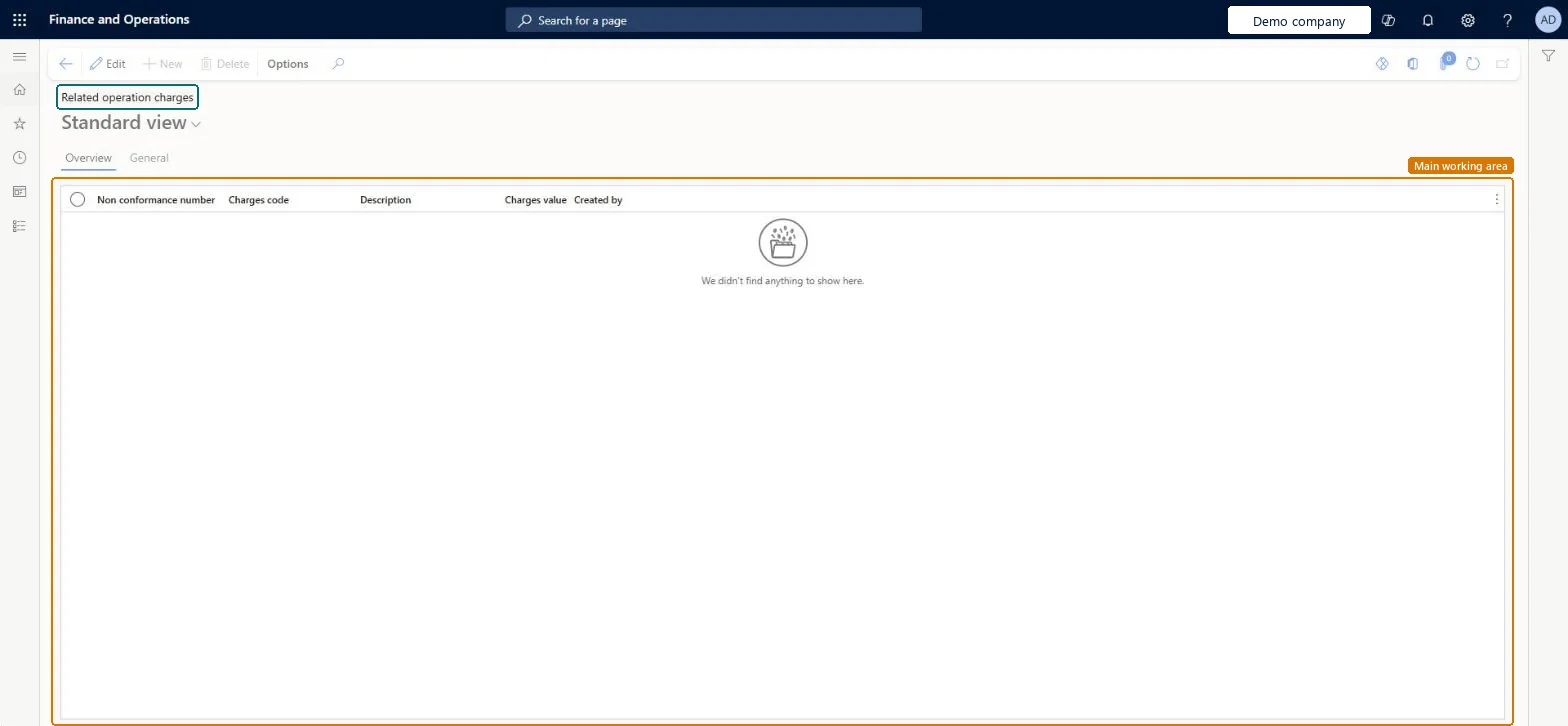
On the Action Pane, select Quality charges.
Select New, and enter the Charges code, Description and Charges value.
InventTestOperationMiscChargesChecked in Dynamics 365
Form
InventTestOperationMiscChargesChecked in Dynamics 365
Table
InventTestOperationMiscChargesShown as “Charges transactions” in Record infoKey field: InventNonConformanceID, LineNumChecked in Dynamics 365
Who can open it
PrivilegesMaintain charges to resolve nonconformance InventTestOperationMiscChargesMaintainView charges to resolve nonconformance InventTestOperationMiscChargesViewDutiesMaintain instances of nonconformance InventNonConformancesMaintainInquire into quality control progress InventQualityControlProgressInquire7 security rolesMaterials manager InventMaterialsManagerQuality control clerk InventQualityControlClerkQuality control manager InventQualityControlManagerShipping clerk InventShippingClerkBuying agent TradeBuyingAgentPurchasing manager TradePurchasingManagerWarehouse manager WMSWarehouseManagerChecked in Dynamics 365
Roles to set it up and use it
To set it up or change itQuality control clerk InventQualityControlClerkTo use itQuality control manager InventQualityControlManagerWarehouse manager WMSWarehouseManagerMaterials manager InventMaterialsManagerShipping clerk InventShippingClerkPurchasing manager TradePurchasingManagerGive people one of these roles. On this system, 7 roles can open this page.Checked in Dynamics 365
Actions on the page
Options: Personalize, Page options, ShareChecked in Dynamics 365