About the examples: Examples and screenshots in this guide use BEAT, a demo company in a Dynamics 365 test environment. Use your own company's codes and values instead of copying them.
When to run it
When to run it
At the end of each period for which you pay packing material fees to the recycling company.
How often
At the interval agreed with the recycling company.
What the output shows
All packing material fees your company owes for the period, based on the weight per packing material code and the fee price. No ledger transactions are posted. A fee that is zero or missing usually means no fee is set for that packing material code in the period.
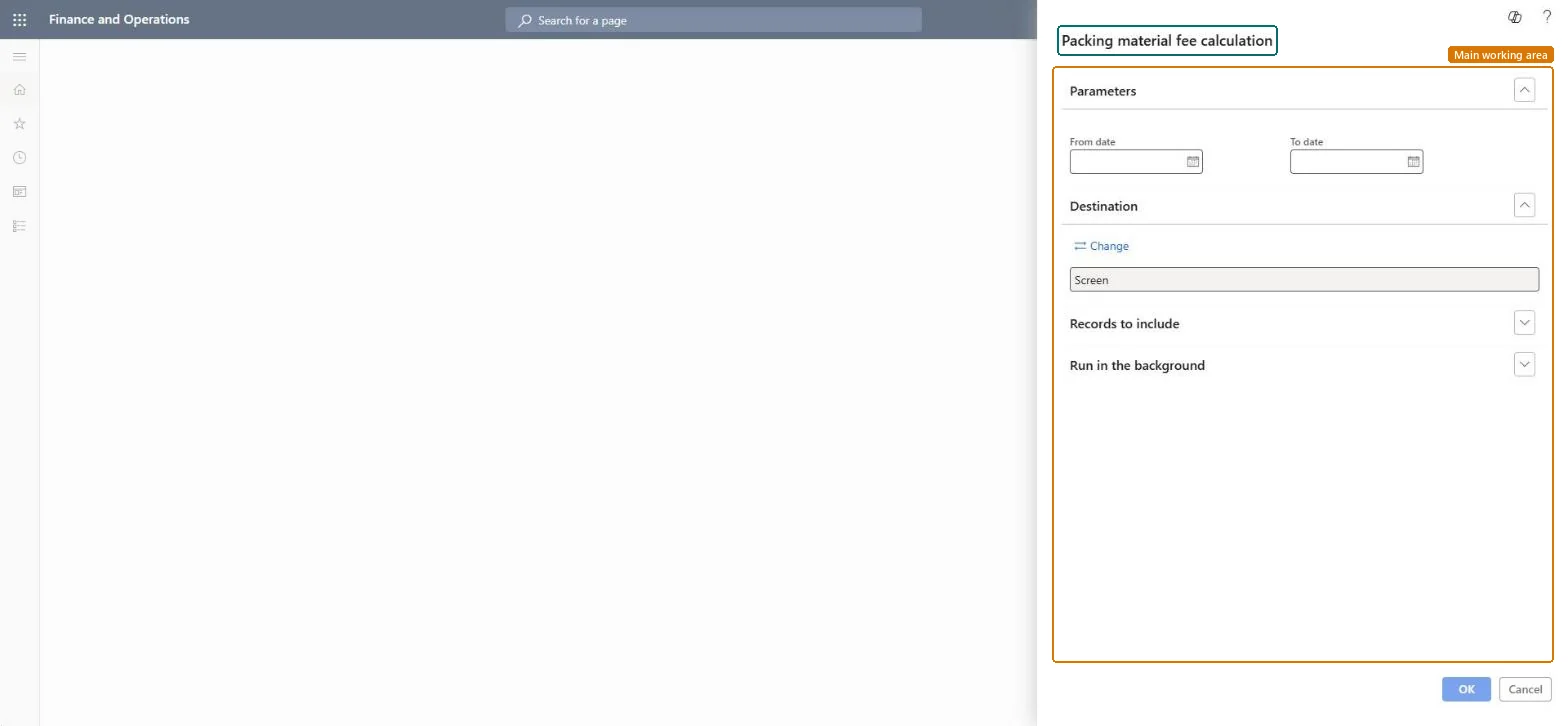
Go to Inventory management > Inquiries and reports > Packing material reports > Packing material fee calculation.
Make sure Calculate packing material fees is set to Yes in Inventory and warehouse management parameters and that a fee is set for each packing material code on Packing material fees.
Enter the range of dates of the fee period you owe the recycling company for.
Run the report and use the totals to pay the recycling company.
Nothing to undo: The fees are calculated and reported only; no ledger transactions are posted. Microsoft Learn
If you change it later
The fees are calculated and reported only; no ledger transactions are posted. Microsoft Learn
Technical architect
5Technical
Menu item
output:InventPackingMaterialFeeCalcChecked in Dynamics 365
Form
SysOperationTemplateFormChecked in Dynamics 365
Roles to set it up and use it
To use itWarehouse manager WMSWarehouseManagerMaterials manager InventMaterialsManagerAccounting manager LedgerAccountingManagerGive people one of these roles. On this system, 3 roles can run this page.Checked in Dynamics 365