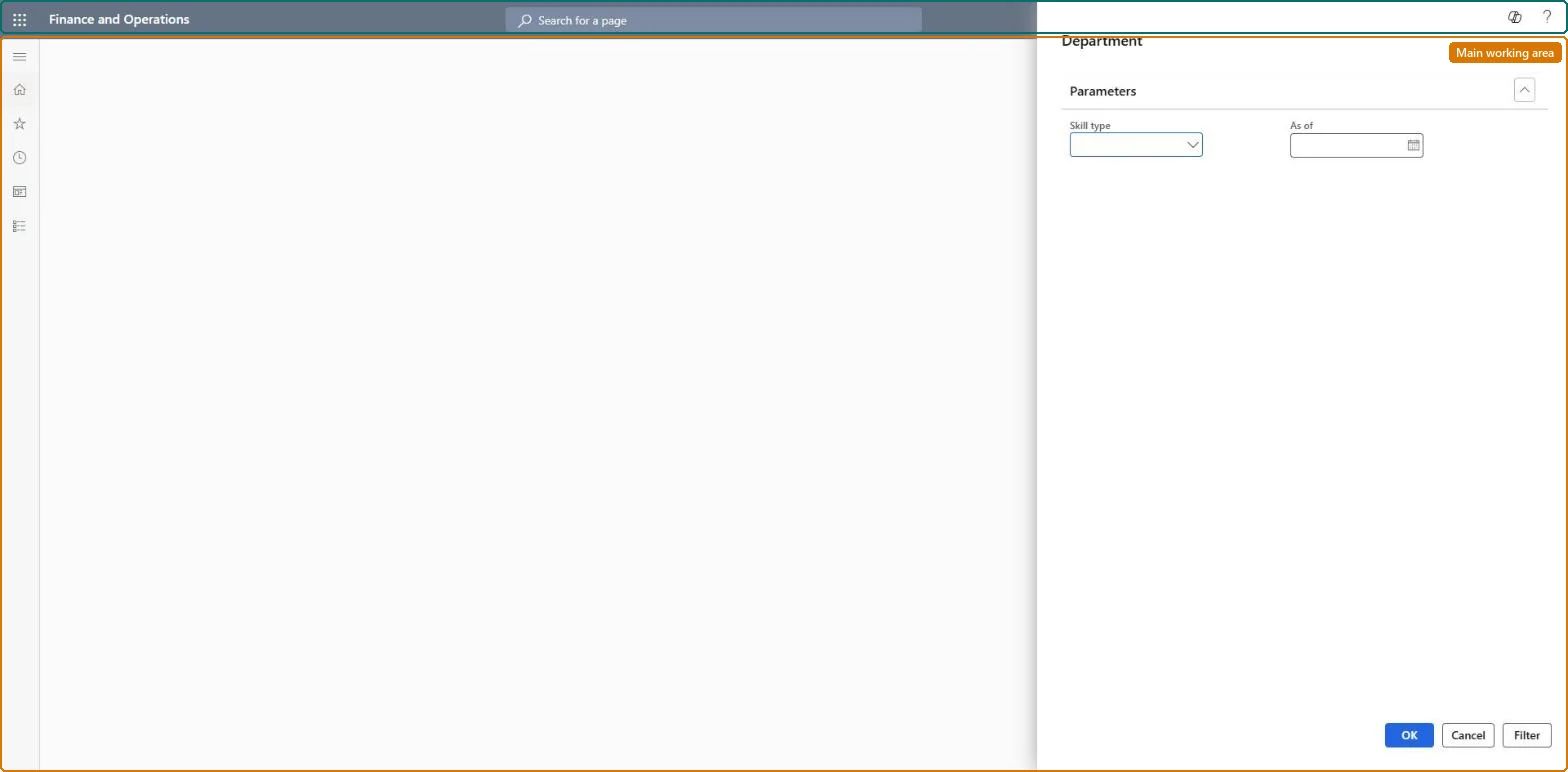
An inquiry page where you set up and run a query that shows the skills of a selected skill type that workers in a department achieved before a given date.
PAGE GUIDEWhat the page does and how to use it8 sections. Choose a role to highlight what matters to you.
Everyone
1What it is and why
What it is
An inquiry page where you set up and run a query that shows the skills of a selected skill type that workers in a department achieved before a given date.
What you do here
Use this page to see the highest skill level reached by workers in one department, or to compare the highest skill levels reached across several departments.
Example
For example, before opening a project for a team lead in Finance, the recruiter selects the skill type Finance, As of 1 December, and compares the Finance and Accounting departments: Finance's highest Consolidation level is Expert, Accounting's only Intermediate, so the opening is advertised externally.
The page in Dynamics 365. page title tab to open what to set or check
About the examples: Examples and screenshots in this guide use BEAT, a demo company in a Dynamics 365 test environment. Use your own company's codes and values instead of copying them.
Setup steps on this page
Check internal skill depth before advertising
See the highest skill level reached in a department before deciding to hire externally.
Steps from Microsoft
Go to Human resources > Recruitment > Skill analysis > Department.
Under Parameters, pick the Skill type of the opening and set As of to today.
Select Filter, or Select, and choose the departments where an internal candidate could come from.
Run the query and compare the highest level reached in each department before you open an external project.
Pick the skill type of the opening and As of today, then select the departments to compare.The query shows the highest level of a skill type achieved by workers in a department, or compares several departments.
Nothing is stored: the analysis reads the skills of the workers in the departments you select. Microsoft Learn
If you change it later
Only skills achieved before the As of date count, so the result moves with the date and with skills added to workers. Microsoft Learn
Technical architect
6Technical
Menu item
HcmSkillChartDepartmentChecked in Dynamics 365
Form
DialogChecked in Dynamics 365
Roles to set it up and use it
To use itHuman resource manager HcmHumanResourceManagerHuman resource assistant HcmHumanResourceAssistantRecruiter HcmRecruiterGive people one of these roles. On this system, 3 roles can open this page.Checked in Dynamics 365
Load order: The Department skill analysis has no data entity in Data management, so it can't be loaded from a file or a configuration template. It reads worker skills; load them and run it in each environment.Microsoft Learn