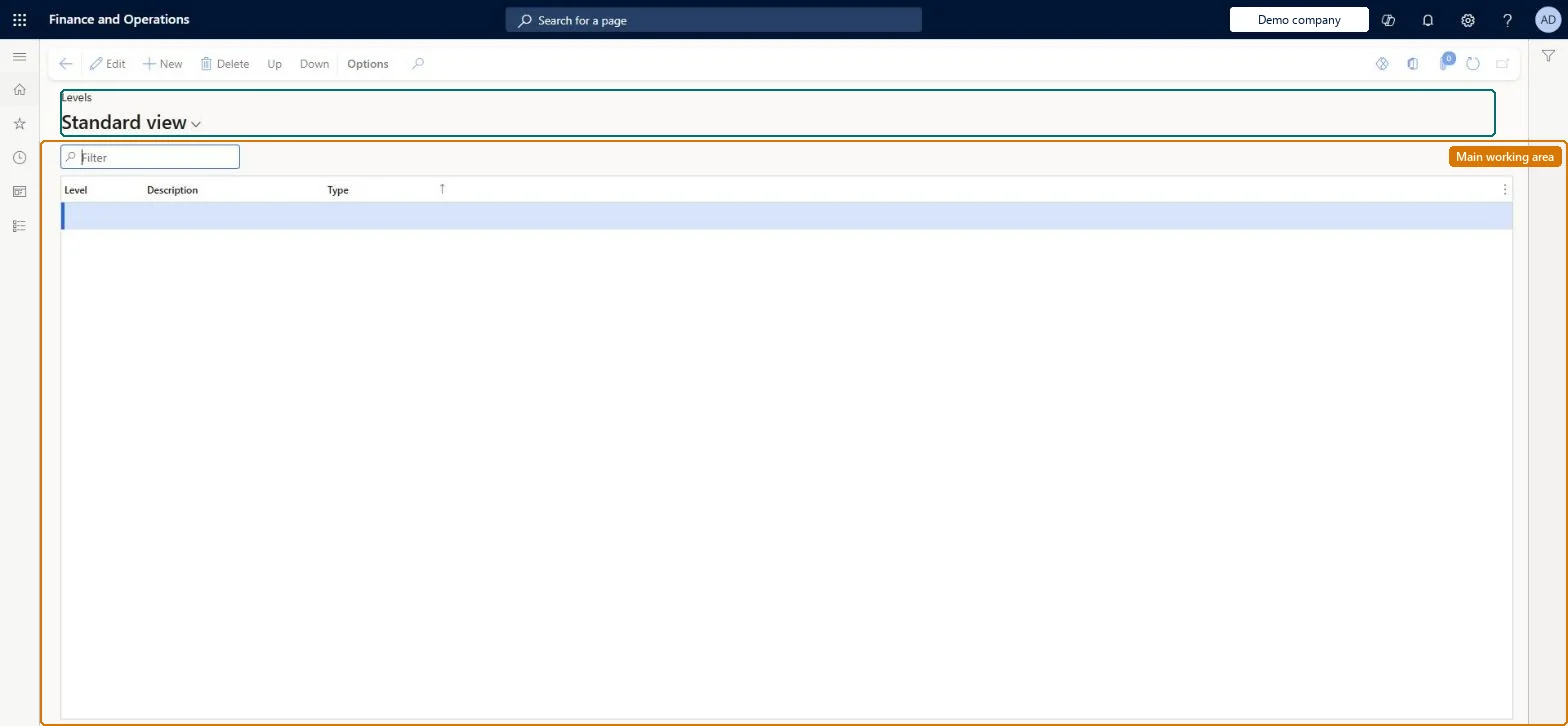
A setup page where you define the compensation levels (grades, bands or steps) that make up the rows of a compensation structure and that are assigned to jobs.
Budget manager, Compensation and benefits manager, Human resource assistant and 3 more roles
Business process
Develop people strategy
Menu item
HcmCompensationLevel
Main table
HcmCompensationLevel
Data entity
HcmCompensationLevelEntity
Setup steps
1 on this page
Show what matters for
PAGE GUIDEWhat the page does and how to use it8 sections. Choose a role to highlight what matters to you.
Everyone
1What it is and why
What it is
A setup page where you define the compensation levels (grades, bands or steps) that make up the rows of a compensation structure and that are assigned to jobs.
What you do here
Use this page to set up the levels needed for each step, grade and band plan and to put them in the correct order, so that employees who hold the same job are paid at the same level.
Example
For example, BEAT creates five Grade levels G1 to G5 in that order with Up and Down, and sets G3 on the Accountant job; the salary of each of its 6 accountants is then checked against the G3 range of 38,000 to 52,000 EUR.
The page in Dynamics 365. page title tab to open what to set or check
About the examples: Examples and screenshots in this guide use BEAT, a demo company in a Dynamics 365 test environment. Use your own company's codes and values instead of copying them.
Setup steps on this page
Set up Levels
Use this page to set up the levels needed for each step, grade and band plan and to put them in the correct order, so that employees who hold the same job are paid at the same level.
Steps from Microsoft
Go to Human resources > Compensation > Fixed compensation > Levels.
Select New.
Enter values for Level, Description and Type.
Use the Up and Down buttons to place the levels in the correct order for their type.
Separate levels for each plan type you use (Grade, Band, Step), put in order with Up and Down, and set on the job.Levels set on jobs make sure everyone holding a position for that job is paid at the same level, and they form the rows of the compensation grid.
Compensation and benefits managers set up and run compensation; Human resource managers and payroll roles can view it. No Feature management feature is needed for this page.
Shared: compensation levels are not per company. Data management lists the HcmCompensationLevelEntity entity as shared, so every legal entity uses the same list. Checked in Dynamics 365
Can it be undone
Reversible: Levels can be changed and reordered; jobs, grids and eligibility rules that use them must be updated to match. Microsoft Learn
If you change it later
Levels are the rows of compensation grids and are set on jobs; eligibility rules and variable plan level overrides compare against the job's level, so renaming or removing a level means updating grids, jobs, rules and overrides. Microsoft Learn
Technical architect
6Technical
Menu item
HcmCompensationLevelChecked in Dynamics 365
Form
HcmCompensationLevelChecked in Dynamics 365
Table
HcmCompensationLevelShown as “LEVELS” in Record infoKey field: CompensationLevelIdChecked in Dynamics 365
Data entities
HcmCompensationLevelEntityLevels Checked in Dynamics 365
Who can open it
PrivilegesMaintain compensation levels HcmCompensationLevelMaintainView compensation levels HcmCompensationLevelViewDutiesInquire into compensation process HcmCompensationInquireEnable compensation process HcmCompensationProcessEnableSet up position budgeting HcmForecastPositionBudgetMaintain6 security rolesBudget manager BudgetBudgetManagerCompensation and benefits manager HcmCompensationAndBenefitsManagerHuman resource assistant HcmHumanResourceAssistantHuman resource manager HcmHumanResourceManagerPayroll administrator HcmPayrollAdministratorPayroll manager HcmPayrollManagerChecked in Dynamics 365
Roles to set it up and use it
To set it up or change itHuman resource assistant HcmHumanResourceAssistantCompensation and benefits manager HcmCompensationAndBenefitsManagerBudget manager BudgetBudgetManagerTo use itHuman resource manager HcmHumanResourceManagerPayroll administrator HcmPayrollAdministratorPayroll manager HcmPayrollManagerGive people one of these roles. On this system, 6 roles can open this page.Checked in Dynamics 365
Actions on the page
(Action Pane without tabs): Up, DownChecked in Dynamics 365
HcmCompensationLevelEntity data entity Checked in Dynamics 365
Data migration
HcmCompensationLevelEntity Levels. Shared by all companies.Load order: Load with the Personnel management setup template (Levels), before jobs, compensation grids and the Compensation management template.Microsoft Learn