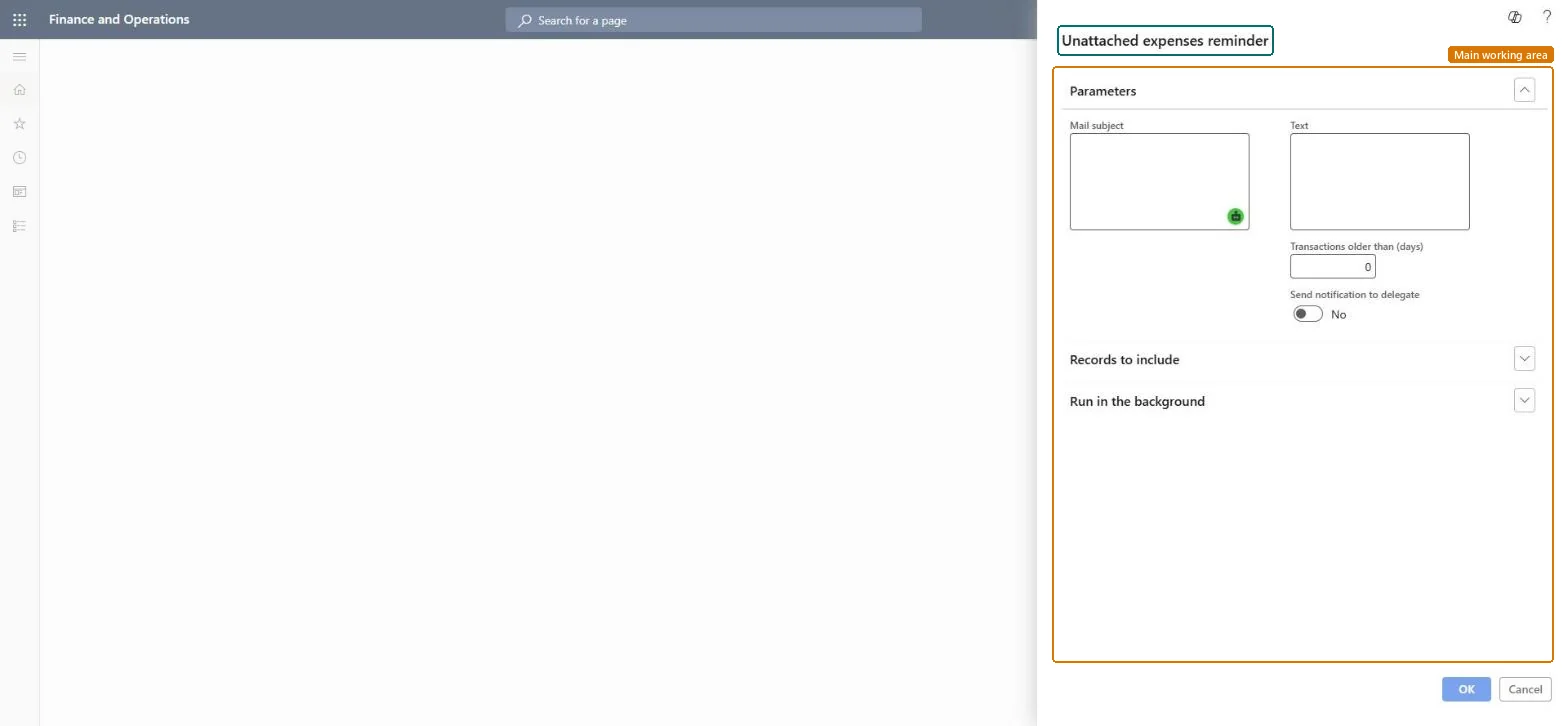
A periodic job that emails employees, and optionally their delegates, about unattached expenses, such as imported card transactions, that are older than a number of days.
PAGE GUIDEWhat the page does and how to use it8 sections. Choose a role to highlight what matters to you.
Everyone
1What it is and why
What it is
A periodic job that emails employees, and optionally their delegates, about unattached expenses, such as imported card transactions, that are older than a number of days.
What you do here
Use this job to remind employees to put imported card charges and other unattached expenses on an expense report before they pile up.
Example
For example, a weekly batch with Transactions older than (days) set to 14 emails every employee who still has card charges from more than two weeks ago that aren't on a report.
The page in Dynamics 365. page title tab to open what to set or check
About the examples: Examples and screenshots in this guide use BEAT, a demo company in a Dynamics 365 test environment. Use your own company's codes and values instead of copying them.
When to run it
When to run it
When imported card transactions and other unattached expenses pile up without being put on expense reports.
How often
On a recurring schedule that matches your expense policy, for example weekly.
Batch settings
Run it as a recurring batch job so reminders go out automatically.
What the output shows
Reminder messages to employees (and optionally their delegates) who have unattached expenses older than the number of days. Nothing in the expenses changes.
Run it weekly in batch with 14 days, and include delegates for employees who use them.Card charges that stay unattached delay reimbursement of the card and the close; a regular reminder keeps them moving.
In this system Employee and Contractor enter their own expenses, and Expense administrator sets up the module and processes documents. The expense mobile app needs the Employee role, a company on the user account and a link to an employee with active employment. The expense administrator schedules this job. No Feature management feature is needed.
Load order: The job has no data entity in Data management, so it can't be loaded from a file or a configuration template. It processes data that is already in the system and keeps only its batch settings; set up and schedule it again in each environment.Microsoft Learn