About the examples: Examples and screenshots in this guide use BEAT, a demo company in a Dynamics 365 test environment. Use your own company's codes and values instead of copying them.
How to use it
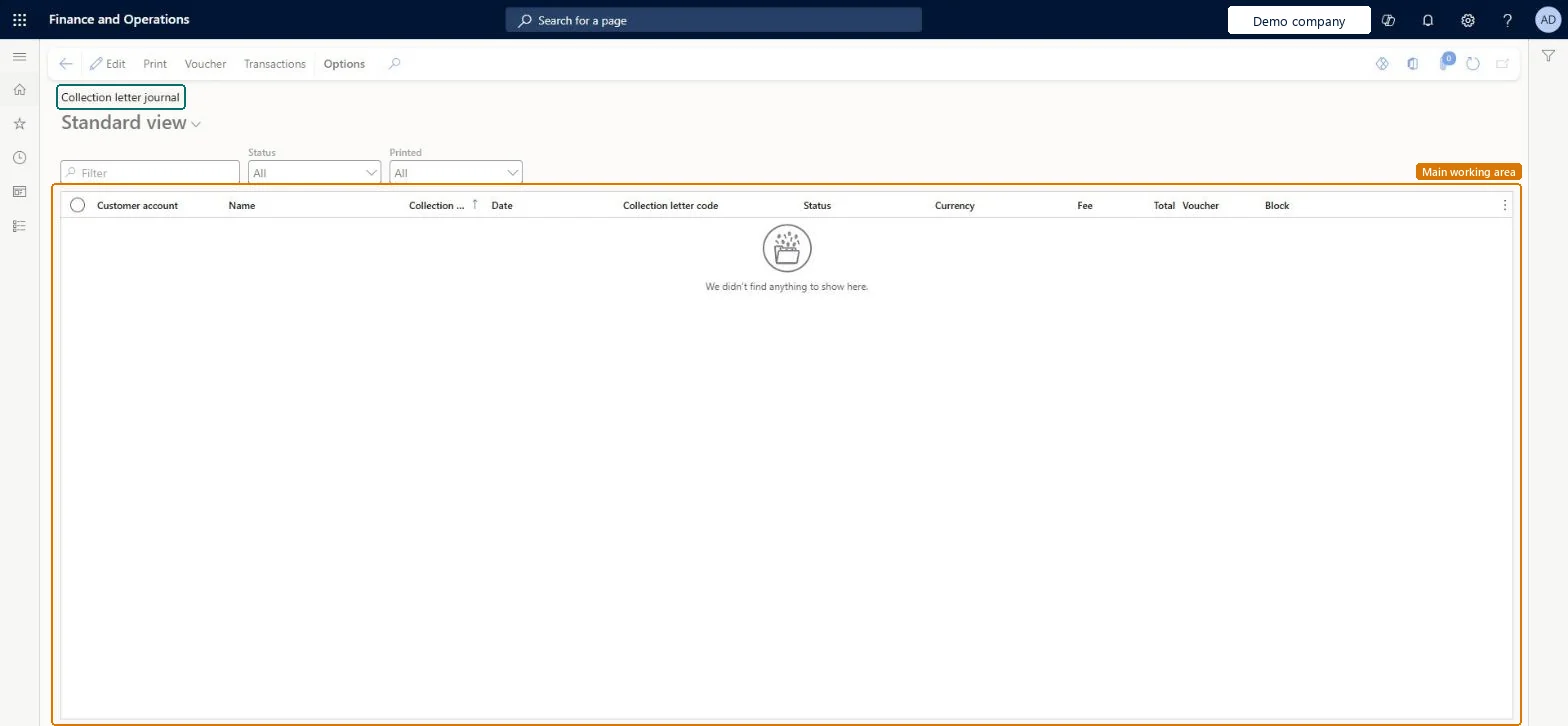
Go to Credit and collections > Collection letter > Collection letter journal.
Choose a value in the Status list to filter the letters.
Choose a value in the Printed list to filter by whether a letter is printed.
Check the Customer account, Name, Collection letter code, Status, Currency, Fee, Total, Voucher and Block columns.
Select a letter, then select Print, Voucher or Transactions on the Action Pane.
CustCollectionLetterJournalChecked in Dynamics 365
Form
CustCollectionLetterJournalChecked in Dynamics 365
Table
CustCollectionLetterJourShown as “Collection letter journal” in Record infoKey field: CollectionLetterNum, CollectionLetterDate, CollectionLetterCode, CustBillingClassification, CustBillingClassification_BillingClassificationChecked in Dynamics 365
Data entities
CustCollectionsBICollectionLetterCollection letters per customer Microsoft data model
Who can open it
PrivilegesView collection letter journal information CustCollectionLetterJournalViewDutiesReview collections process performance CollectionLetterCollectionProcPerfRevieInquire into collections status CollectionLetterCollectionsStatusInquirInquire into customer invoice status CustInvoiceCustomerInvoiceStatusInquireMaintain customer invoice transactions CustInvoiceCustomerInvoiceTransMaintainInquire into customer payments status PaymCustomerPaymentsStatusInquire12 security rolesAuditor AuditPolicyManagerCollections agent CollectionLetterCollectionsAgentCollections manager CollectionLetterCollectionsManagerChief financial officer CompanyChiefFinancialOfficerAccounts receivable clerk CustInvoiceAccountsReceivableClerkAccounts receivable manager CustInvoiceAccountsReceivableManagerAccountant LedgerAccountantAccounting manager LedgerAccountingManagerAccounting supervisor LedgerAccountingSupervisorFinancial controller LedgerFinancialControllerAccounts receivable centralized payments clerk PaymAccountsReceivableCentralPaymClerkAccounts receivable payments clerk PaymAccountsReceivablePaymentsClerkChecked in Dynamics 365
Roles to set it up and use it
To use itCollections manager CollectionLetterCollectionsManagerCollections agent CollectionLetterCollectionsAgentAccounts receivable manager CustInvoiceAccountsReceivableManagerAccounting manager LedgerAccountingManagerAccounting supervisor LedgerAccountingSupervisorGive people one of these roles. On this system, 12 roles can open this page.Checked in Dynamics 365
Actions on the page
Options: Personalize, Page options, ShareChecked in Dynamics 365