About the examples: Examples and screenshots in this guide use BEAT, a demo company in a Dynamics 365 test environment. Use your own company's codes and values instead of copying them.
When to run it
When to run it
After production hours or quantities have been registered on the resources linked to your assets.
How often
Regularly, matched to how often counter-based maintenance plans need fresh readings.
Batch settings
Set it up as a recurring batch job ahead of Schedule maintenance plans so counter-based plans use current values.
What the output shows
New counter values on the assets, from production hours or good plus error quantity converted to the counter unit. An asset with no new value usually isn't linked to a resource or its counter isn't set to update automatically.
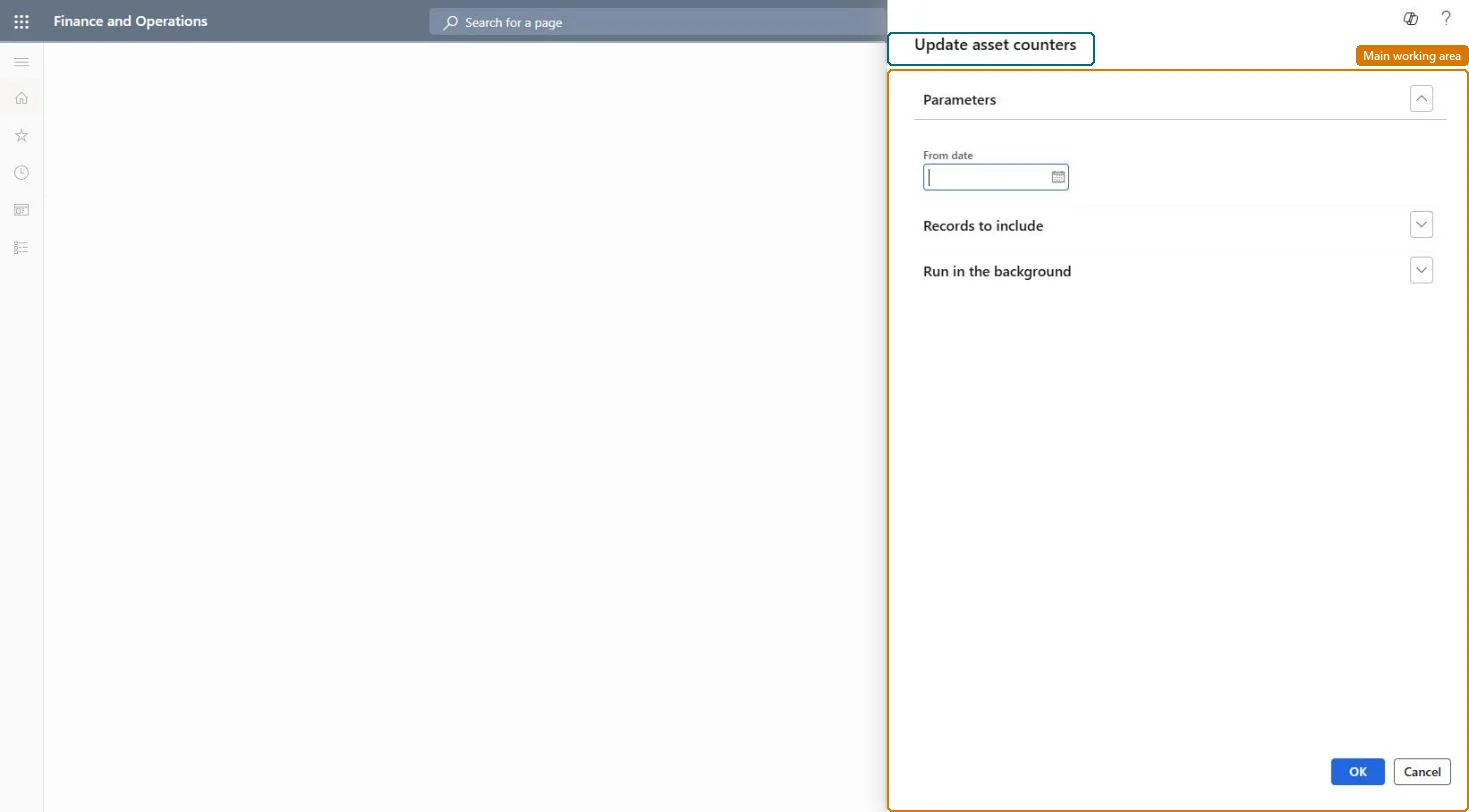
Go to Asset management > Periodic > Assets > Update asset counters.
In From date, select the start date of the production registrations to count. It matches the physical date of the route transactions.
Use Filter under Records to include to pick assets, asset types or resources. Only assets related to a resource, with counters set to update from production hours or quantity, are updated.
Open Asset counters on an asset, or Asset aggregated value under Inquiries, and look at the new counter values.
Partly: Counter registrations are created as new values. Correct a wrong value with a manual counter registration. Microsoft Learn
If you change it later
Running the update creates new counter values, and any counters related to an updated counter are updated at the same time. Microsoft Learn
Technical architect
5Technical
Menu item
EntAssetObjectCounterUpdateServiceChecked in Dynamics 365
Form
SysOperationTemplateFormChecked in Dynamics 365
Roles to set it up and use it
To use itMaintenance manager EntAssetMaintenanceManagerMaintenance clerk EntAssetMaintenanceClerkGive people one of these roles. On this system, 2 roles can run this page.Checked in Dynamics 365