PAGE GUIDEWhat the page does and how to use it7 sections. Choose a role to highlight what matters to you.
Everyone
1What it is and why
What it is
A periodic job that updates asset bills of materials (BOMs) with the items consumed on work orders.
What you do here
Use this page to bring asset BOMs up to date for selected assets, asset types, or resources, now or as a batch job.
Example
For example, a maintenance administrator runs the update every night as a batch job so that each asset BOM shows the spare parts used on completed work orders.
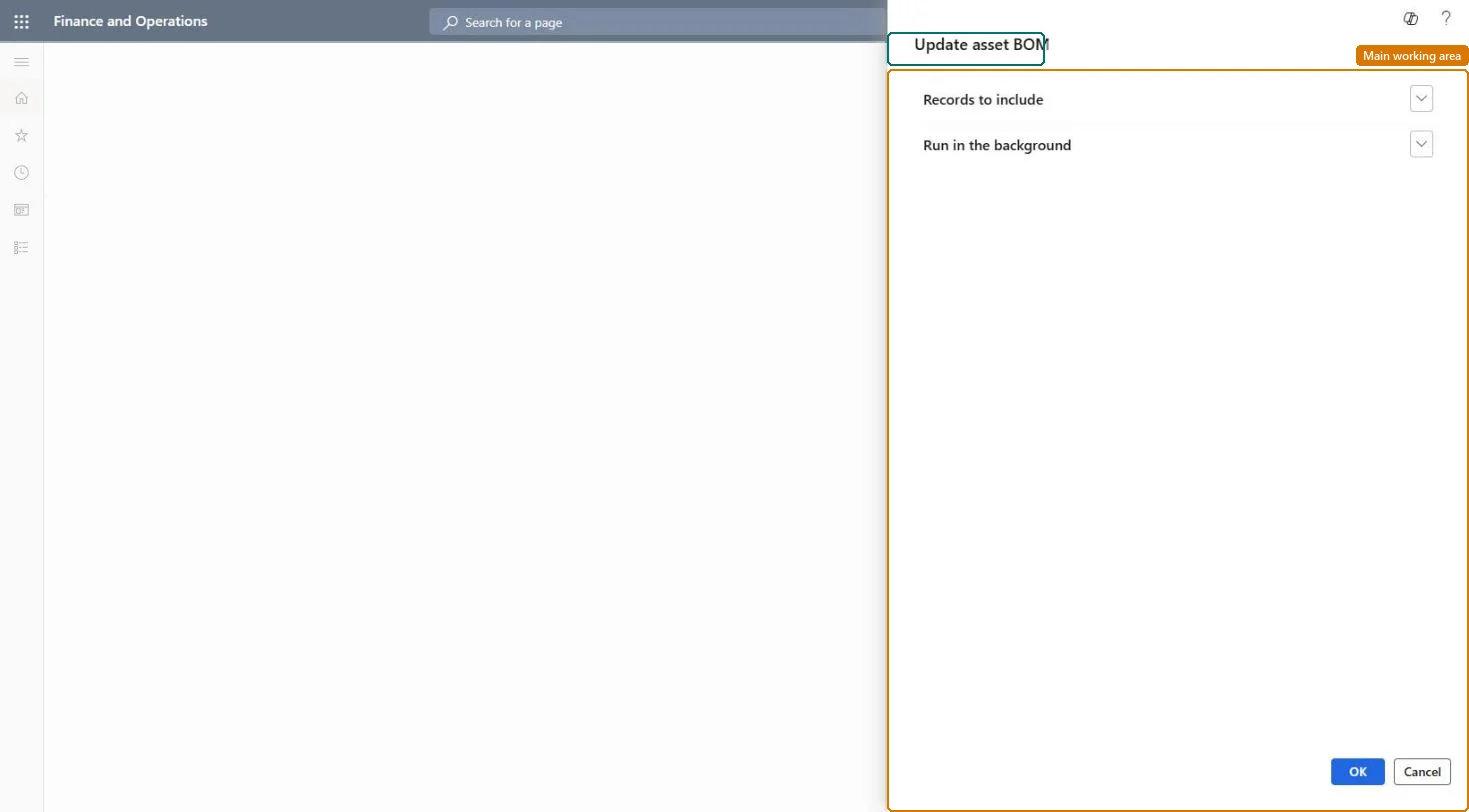
The page in Dynamics 365. page title tab to open what to set or check
About the examples: Examples and screenshots in this guide use BEAT, a demo company in a Dynamics 365 test environment. Use your own company's codes and values instead of copying them.
When to run it
When to run it
After item consumption has been posted on work orders, if the asset BOM isn't updated automatically by a work order lifecycle state.
How often
Regularly, after work orders are completed.
Batch settings
Set it up as a batch job when you don't use the Update asset BOM option on work order lifecycle states.
What the output shows
Asset BOM lines with the items consumed on work orders for the selected assets. An item that doesn't show up usually belongs to an item group that isn't a spare parts item group.
Partly: Asset BOM lines can be edited or given an expiration date by hand on the Asset BOM page. Microsoft Learn
If you change it later
Adds item lines from posted work order consumption to the asset BOMs of the selected assets. Microsoft Learn
Technical architect
5Technical
Menu item
EntAssetObjectBOMUpdateServiceChecked in Dynamics 365
Form
SysOperationTemplateFormChecked in Dynamics 365
Roles to set it up and use it
To use itMaintenance manager EntAssetMaintenanceManagerMaintenance clerk EntAssetMaintenanceClerkGive people one of these roles. On this system, 2 roles can run this page.Checked in Dynamics 365