Import supplier invoices from a third-party solution in Dynamics 365 Finance
Menu item
Action:VendInvoiceImport_W
Show what matters for
PAGE GUIDEWhat the page does and how to use it7 sections. Choose a role to highlight what matters to you.
Everyone
1What it is and why
What it is
A periodic task that imports vendor electronic invoices in PEPPOL-based formats (including the German XRechnung format) by using Electronic reporting.
What you do here
Use this periodic task to bring incoming electronic vendor invoices into Finance as pending vendor invoices, identifying vendors, products and purchase orders from the file data.
Example
Vendor invoice files are placed in a SharePoint folder that is set up as the source, and the import runs in the background; vendors are identified by their tax-exempt number.
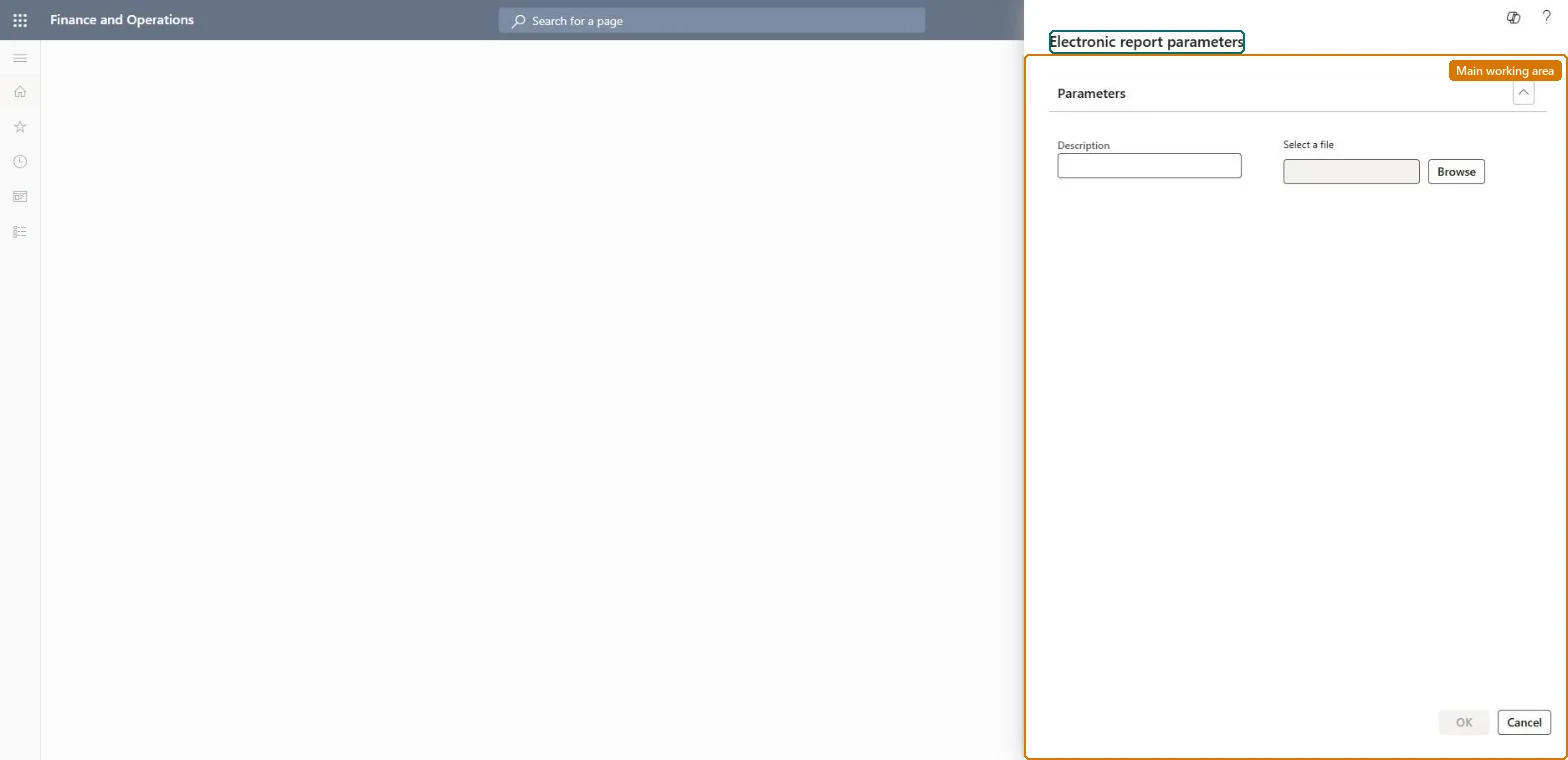
The page in Dynamics 365. page title tab to open what to set or check
About the examples: Examples and screenshots in this guide use BEAT, a demo company in a Dynamics 365 test environment. Use your own company's codes and values instead of copying them.
When to run it
When to run it
When electronic vendor invoices in PEPPOL or XRechnung format arrive in the source folder.
How often
On demand or on a recurring batch schedule while invoices arrive.
Batch settings
Schedule it as a recurring batch job reading the SharePoint source so new invoice files are picked up.
What the output shows
Pending vendor invoices matched to vendors, products and purchase orders. A file that failed usually has a vendor, product or unit that couldn't be matched; it moves to the failed-files location if one is set.
The source location of the invoice files for batch import.Microsoft Learn
Solution architect
4Design impact
Can it be undone
Yes, before posting: Imported invoices are pending; delete them before posting if the import was wrong. Microsoft Learn
If you change it later
Creates pending vendor invoices from incoming electronic invoice files and moves the processed files. Microsoft Learn
Technical architect
5Technical
Menu item
Action:VendInvoiceImport_WChecked in Dynamics 365
Roles to set it up and use it
To use itAccounts payable manager VendInvoiceAccountsPayableManagerAccounts payable clerk VendInvoiceAccountsPayableClerkRental manager RentalManagerRental coordinator agent RentalCoordinatorAgentLanded cost agent ITMAgentGive people one of these roles. On this system, 7 roles can run this page.Checked in Dynamics 365