PAGE GUIDEWhat the page does and how to use it7 sections. Choose a role to highlight what matters to you.
Everyone
1What it is and why
What it is
A public sector periodic task that imports a file of one-time vendor and invoice information into a staging table.
What you do here
Use this page to create many one-time vendors and their invoices at once when no purchase order or approval is required and no master vendor record exists.
Example
An organization needs to pay jury duty, registration payments and customer refunds, but master vendor records don't exist for the payees.
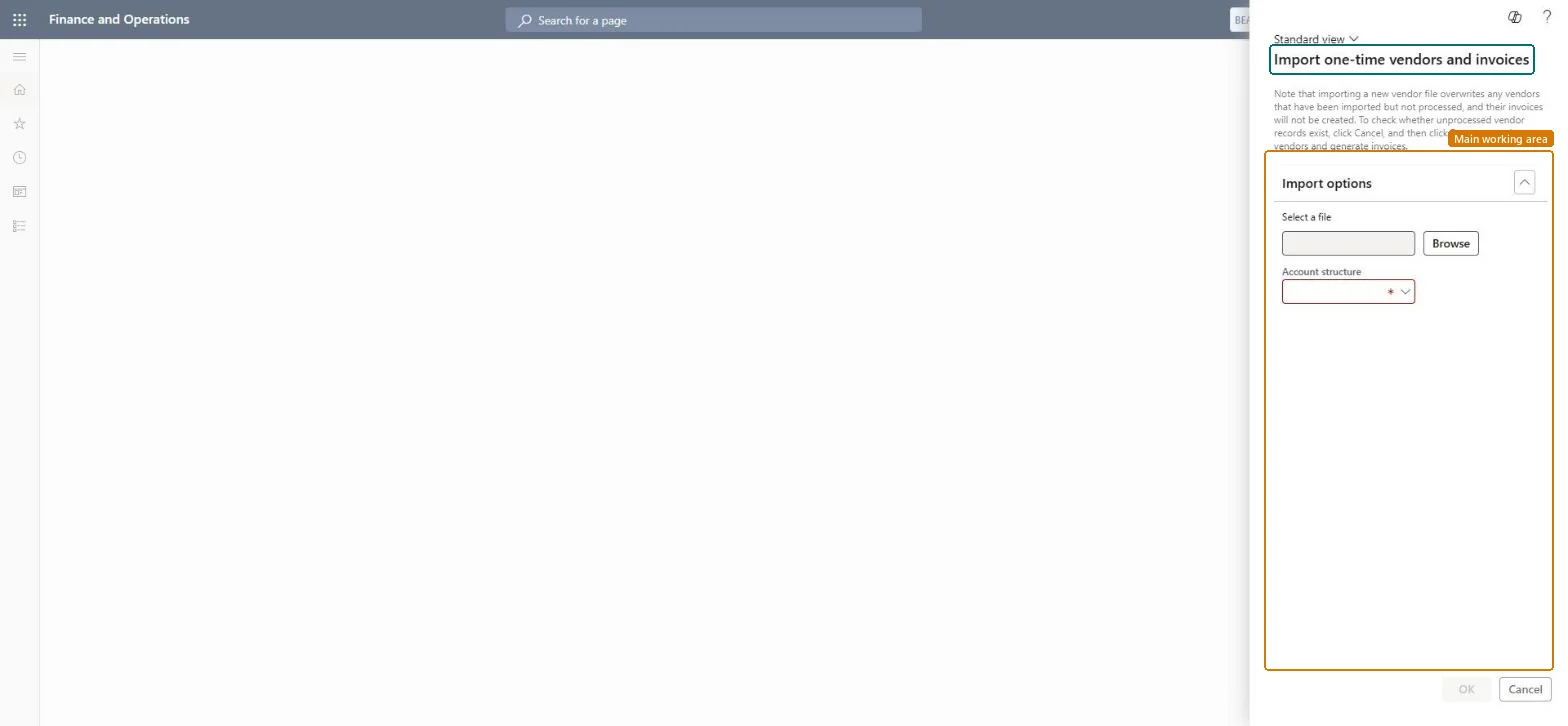
The page in Dynamics 365. page title tab to open what to set or check
About the examples: Examples and screenshots in this guide use BEAT, a demo company in a Dynamics 365 test environment. Use your own company's codes and values instead of copying them.
When to run it
When to run it
When you need to pay many vendors you have no regular relationship with, and no purchase order or approval is required.
How often
On demand, each time a file of one-time vendors and invoices is ready.
What the output shows
Staged one-time vendors and invoices, or an error report listing the entries that failed. No vendors or invoices are created yet.
Yes, before processing: The import only stages data. Correct the file and import again; nothing is created until you run the processing step. Microsoft Learn
If you change it later
Loads one-time vendor and invoice data into a staging table for the processing step. Microsoft Learn
Technical architect
5Technical
Menu item
action:VendOneTimeVendorImport_PSNChecked in Dynamics 365
Form
VendImportOneTimeVendFileUpload_PSNChecked in Dynamics 365
Roles to set it up and use it
To use itAccounts payable manager VendInvoiceAccountsPayableManagerAccounts payable clerk VendInvoiceAccountsPayableClerkRental manager RentalManagerRental coordinator agent RentalCoordinatorAgentLanded cost agent ITMAgentGive people one of these roles. On this system, 7 roles can run this page.Checked in Dynamics 365