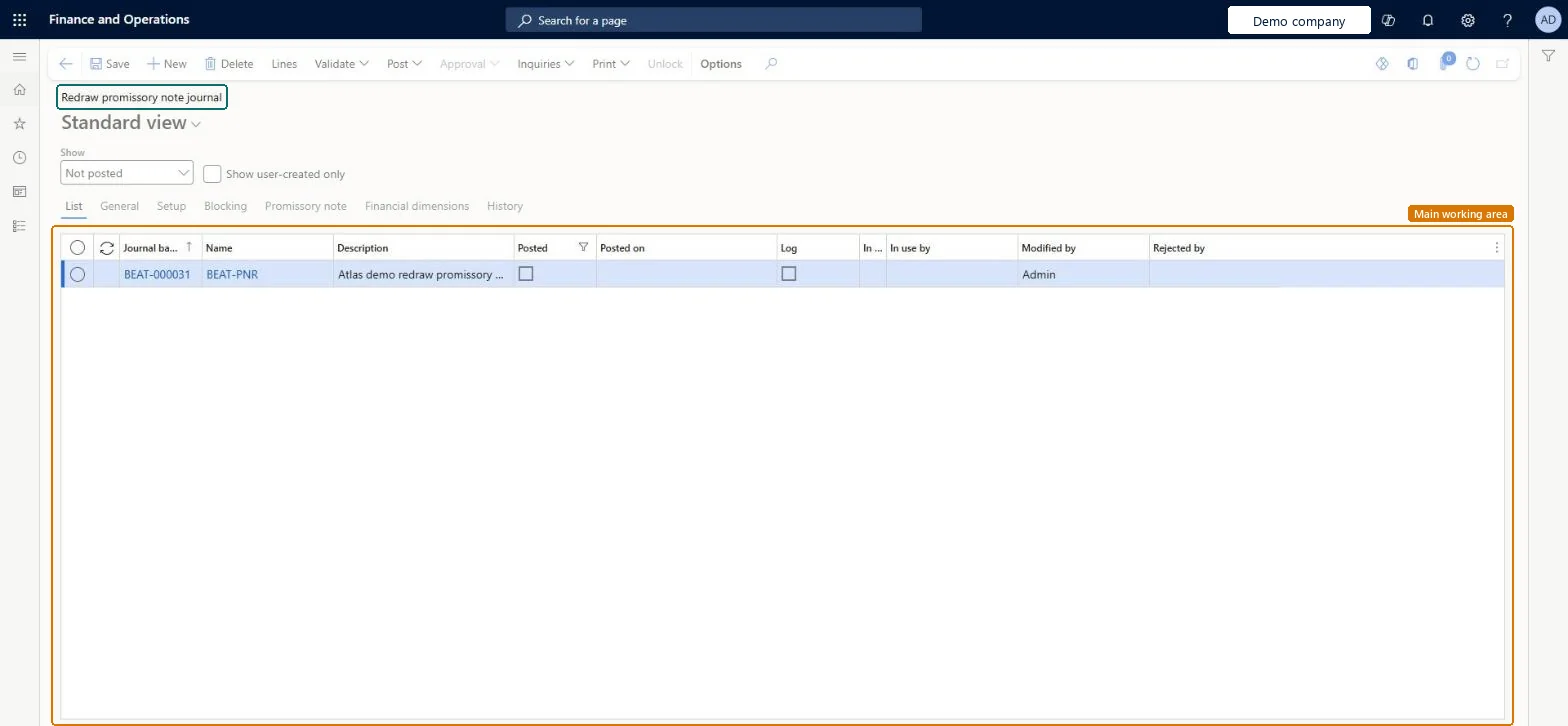
About the examples: Examples and screenshots in this guide use BEAT, a demo company in a Dynamics 365 test environment. Use your own company's codes and values instead of copying them.
How to use it
Go to Accounts payable > Payments > Promissory notes > Redraw promissory note journal.
Use the Show list to choose which journals to list, and tick Show user-created only to limit the list to your own.
Select New to add a journal and fill in the Name and Description.
Select Lines to open the lines of the selected journal.
Use Validate and Post on the Action Pane when the journal is selected.
To set it up or change itAccounts payable payments clerk PaymAccountsPayablePaymentsClerkTo use itAccounts payable manager VendInvoiceAccountsPayableManagerAccounting supervisor LedgerAccountingSupervisorAccounting manager LedgerAccountingManagerAccounts payable clerk VendInvoiceAccountsPayableClerkChief financial officer CompanyChiefFinancialOfficerGive people one of these roles. On this system, 9 roles can open this page.Checked in Dynamics 365
Actions on the page
Buttons: Lines, Validate, Post, Approval, Inquiries, PrintChecked in Dynamics 365