SETUP GUIDEHow to set it up8 sections. Choose a role to highlight what matters to you.
Everyone
1What it is and why
What it is
A periodic job of the classic credit limit check. It recalculates the customer amounts that credit limits are compared with: the balance alone, or the balance plus packing slips, or the balance plus packing slips and open orders, depending on the Credit limit type.
What you do here
Use this job to bring the stored credit figures up to date after a change that affects them, such as a new Credit limit type or new customer credit limits, so the next credit check uses current amounts.
Example
For example, BEAT changes the Credit limit type from Balance to Balance+All. Customer BEAT-000123 has a balance of 18,000.00 and open orders of 9,500.00 against a credit limit of 25,000.00, so once the figures are recalculated, the next order for 1,200.00 is warned: balance plus open orders (27,500.00) is above the limit.
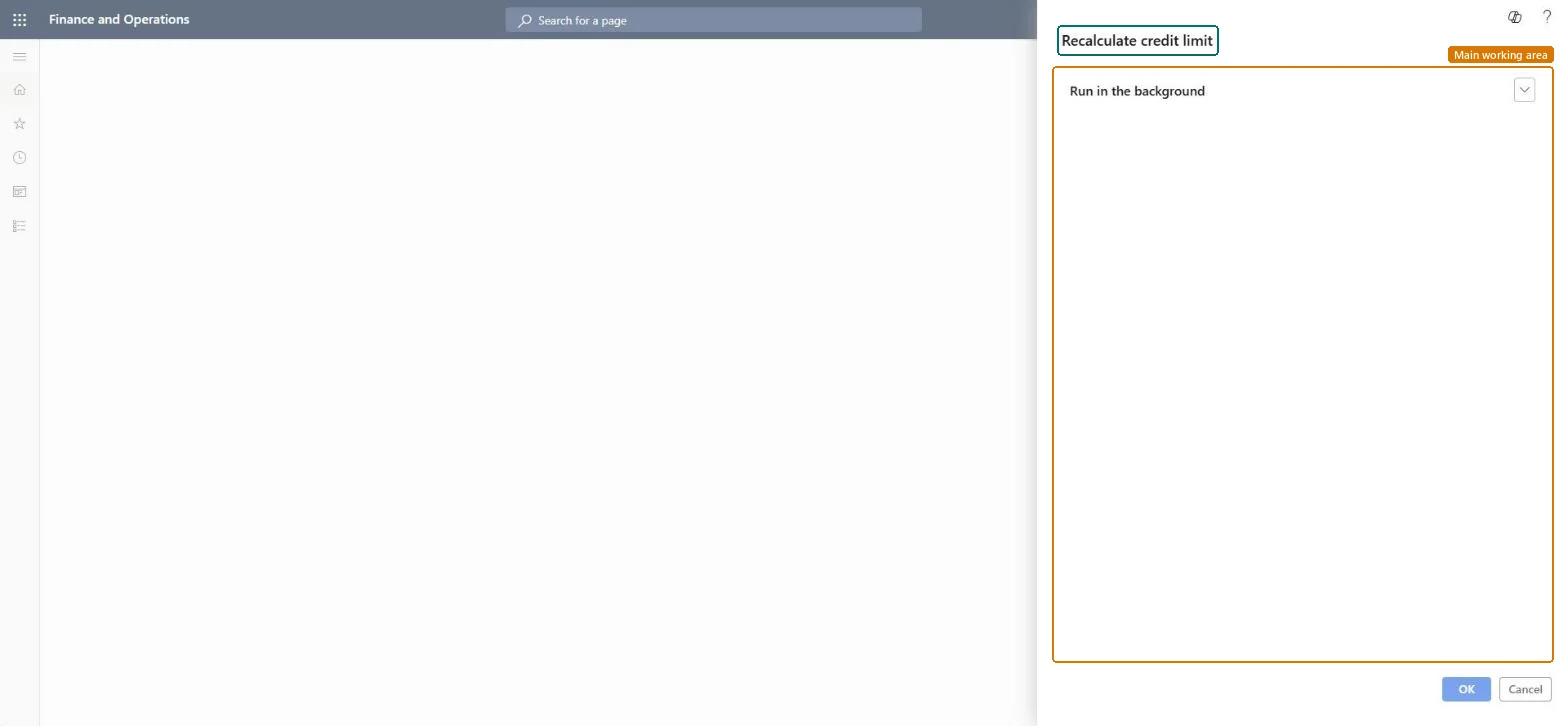
The page in Dynamics 365. page title tab to open what to set or check
About the examples: Examples and screenshots in this guide use BEAT, a demo company in a Dynamics 365 test environment. Use your own company's codes and values instead of copying them.
When to run it
When to run it
After you change the Credit limit type or customer credit limits, and on a schedule if credit checks must use current figures.
How often
On demand after setup changes; nightly if the business relies on the classic credit limit check.
Batch settings
Run it in the background outside working hours for all customers.
What the output shows
Updated credit figures for the customers. A customer who is warned unexpectedly usually has a Credit limit type that includes open orders or packing slips.
Set on the parameters, not in this dialog: None, Balance, Balance + packing slip or product receipt, or Balance+All. It decides what the recalculated amount includes.Microsoft Learn
Balance+All
Run in the background
Runs the recalculation as a batch job instead of while you wait.Checked in Dynamics 365
Yes
Common errors and fixes
Message
What to do
Sales order <order number> Credit limit exceeded Open balance: <balance amount> Current order: <order amount> New balance: <balance amount> Credit limit: <limit amount> Credit excess: <excess amount>
This message comes from the classic credit limit check. Warning or error depends on Message when exceeding credit limit; with Credit management on, use blocking rules and checkpoints instead. Microsoft Learn
Test checklist
Set Credit limit type to Balance+All.
Give customer BEAT-000123 a credit limit of 10,000.00 with a balance of 8,000.00 and an open order of 1,500.00.
Run the job, then add an order line of 800.00.
Check that the credit limit message shows a credit excess of 300.00.
Run it once after any change to the Credit limit type or customer credit limits, and schedule it in batch when the classic credit check is used.The credit check compares the credit limit with balance, packing slips and open orders as set by the Credit limit type; stale figures give wrong warnings or blocks.
On the live system, Sales clerk, Retail service and Rental manager use this page. The classic credit limit check this job serves is only available when the Credit management feature is turned off in Feature management.
Per company: credit limits and the Credit limit type are set for each legal entity. Microsoft Learn
Can it be undone
Reversible with effort: Fix settings and run it again.
If you change it later
Changes the amounts the classic credit limit check compares with the credit limit when sales orders, packing slips and invoices are updated. With Credit management on (the default), credit is checked by blocking rules instead. Microsoft Learn
Technical architect
6Technical
Menu item
action:SalesCreditLimitCheckChecked in Dynamics 365
Form
DialogChecked in Dynamics 365
Roles to set it up and use it
To use itRental manager RentalManagerRental coordinator agent RentalCoordinatorAgentSales clerk TradeSalesClerkRetail service RetailServiceRental sales manager RentalSalesManagerGive people one of these roles. On this system, 10 roles can run this page.Checked in Dynamics 365
Load order: Recalculate credit limit has no data entity in Data management. It's a job that recalculates figures from posted transactions and open orders; run it after customers, balances and open orders are migrated.Checked in Dynamics 365